Customizing Marketo Template 2-A
Hello,
I was wondering if anyone can help me with an issue I am having with Template 2-A. I have increased the font size of the text on the right side of the header and have the button hidden. When I did this the header section expanded in height. The problem I have is that the logo on the left looks funny because it seems like the height attribute of this element is static. I looked in the code for the template and found that it has a min-height and min-width declared for this element. I have tried adjusting these values but it only changes the size of the element box, not the image itself. See screen shot:
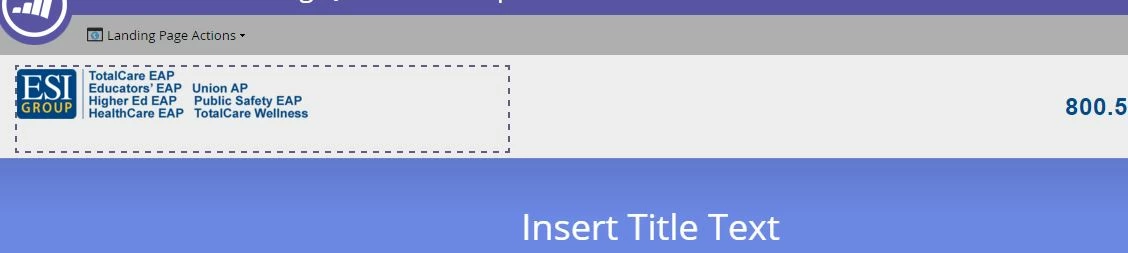
The image I am using is larger than the min height and min width so it is not a matter of the image not being large enough to fill the area.
If anyone has any ideas I would greatly appreciate it!