


Custom Objects in Marketo - Part 4 - Bulk Upload
In previous entries in this blog series, I've demonstrated how to upload custom object data into marketo using REST and SOAP.. but did you know its also possible to upload data in bulk.. from the Marketo UI, just like you'd upload Lead Data? It's true, and its really cool. The addition of this feature truly brings custom objects within reach for even non technical Marketo users.
If you recall, when we last left our hero (that's me) We'd created an Automobile object using the new Custom Objects Interface. Since then the Interface has stealthily shifted around a bit, while maintaining the same functionality.
Fig 1: The Automobile's Definition
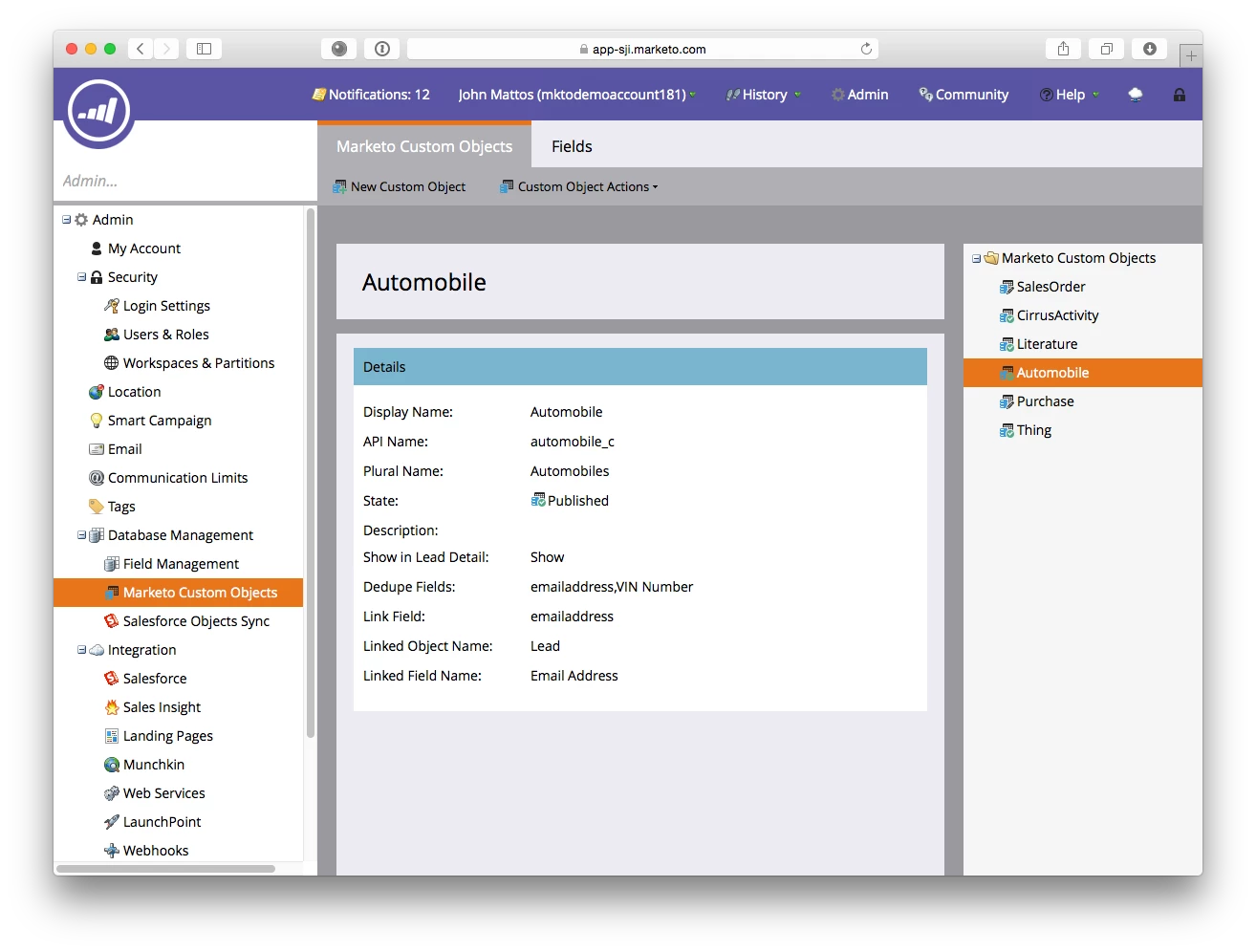
Fig 2: The Automobile's Attributes

Next up is creating an input file, and here's our sample.

Great! The process is a LOT like uploading bulk leads actually, but here's how it looks. Start out in the lead database under New-->Import Custom Object Data

Select your input file, and choose your options. My file was text, autodetected, and Ive chosen to tell Marketo to use my dedupe field and a link field of email address, which is great for inserts and updates. You can also choose the MArketo GUID as the dedupe mode.
 Then.. map the fields to the object fields...


Now you can see the objects in the lead details.

Cool, right?