


Creating Nested SPF Entries
If you're setting up Marketo you're no doubt familiar with how to set up SPF and DKIM to ensure higher deliverability rates, but did you know that there is a limit of 255 characters in an DNS entry, and you'd have to span DNS entries to have an SPF entry longer than 255?
so, if you have a TON of domains you want to include in your SPF.. how do you do that? Excellent Question. In short you're able to nest them within the top level domain. I've enclosed an example below, blurring the domains and IP's to protect the innocent.
In order to see if SPF is set up, head over to www.mxtoolbox.com and type in the domain. For example, type in "Marketo.com" and you'll see that Marketo allows MArketo to send emails on behalf of Marketo. Not surpriusing, Marketo has always been a great customer of Marketo. Again, I'm blurring everything not related to the discussion at hand.
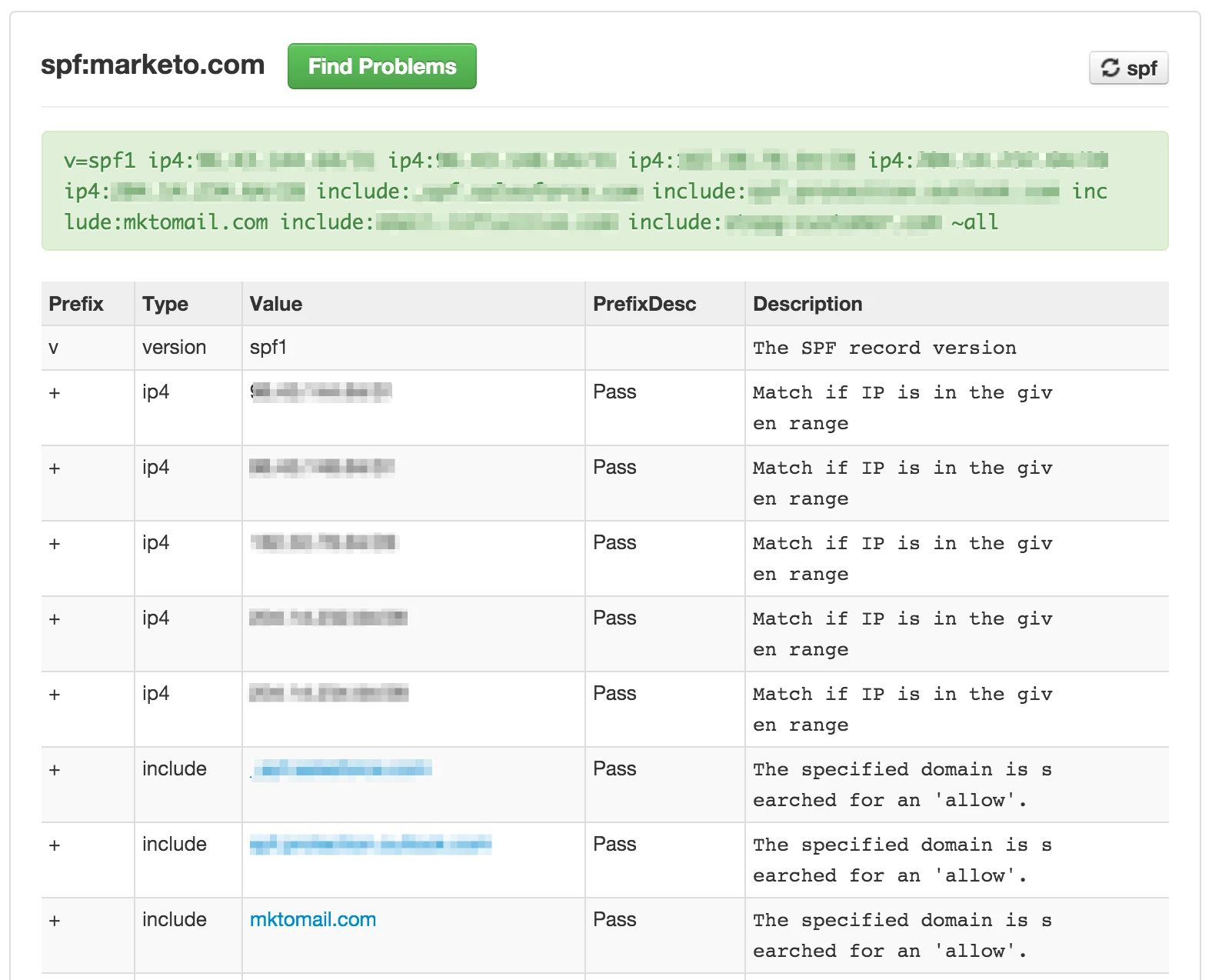
So, here's how it looks when you NEST entries.
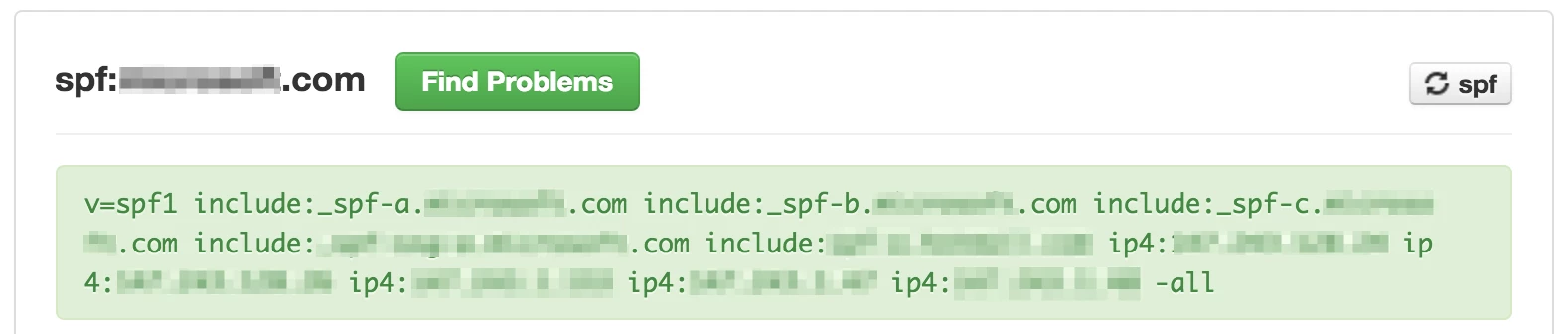
the top level SPF entry.
In this case, the mktomail.com include is in spf-c, so if we run the MXTools query on _spf-c.company.com (name redacted!) youll see this
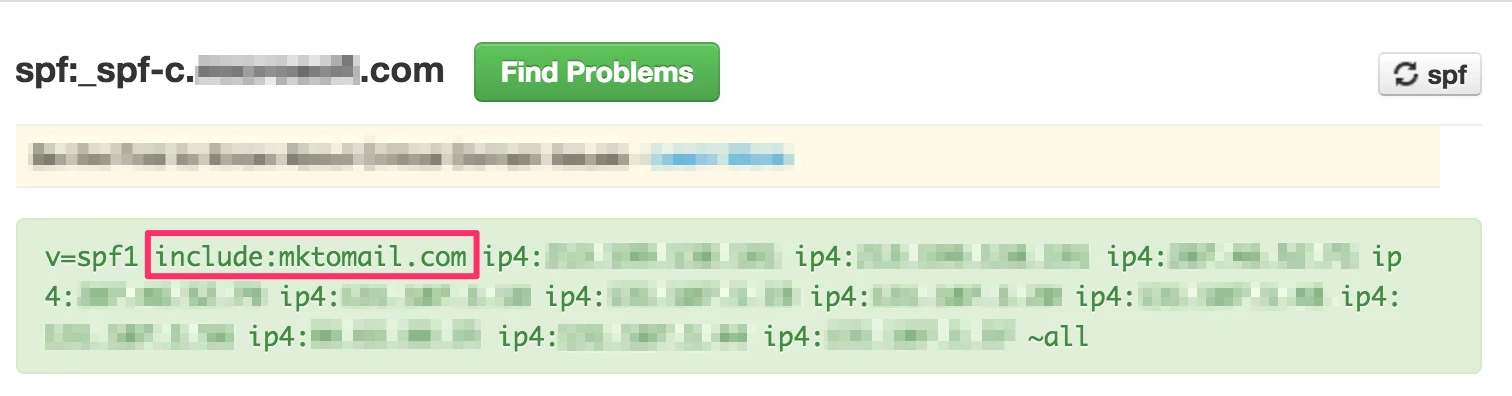
Meaning that all the sub entries will be added to the list of SPF entries.