
Creating a Microsoft Dynamics Data/Field Dictionary
A team member asked me if there was an easy way to create a data/field dictionary for a Marketo/Microsoft Dynamics native integration and unfortunately there isn't. In this article I will explain how to understand the field mapping between Microsoft Dynamics (MSD) and Marketo.
When you export all the fields using “Export Field Names” you will get an excel field with the REST API, SOAP API and Friendly Label.

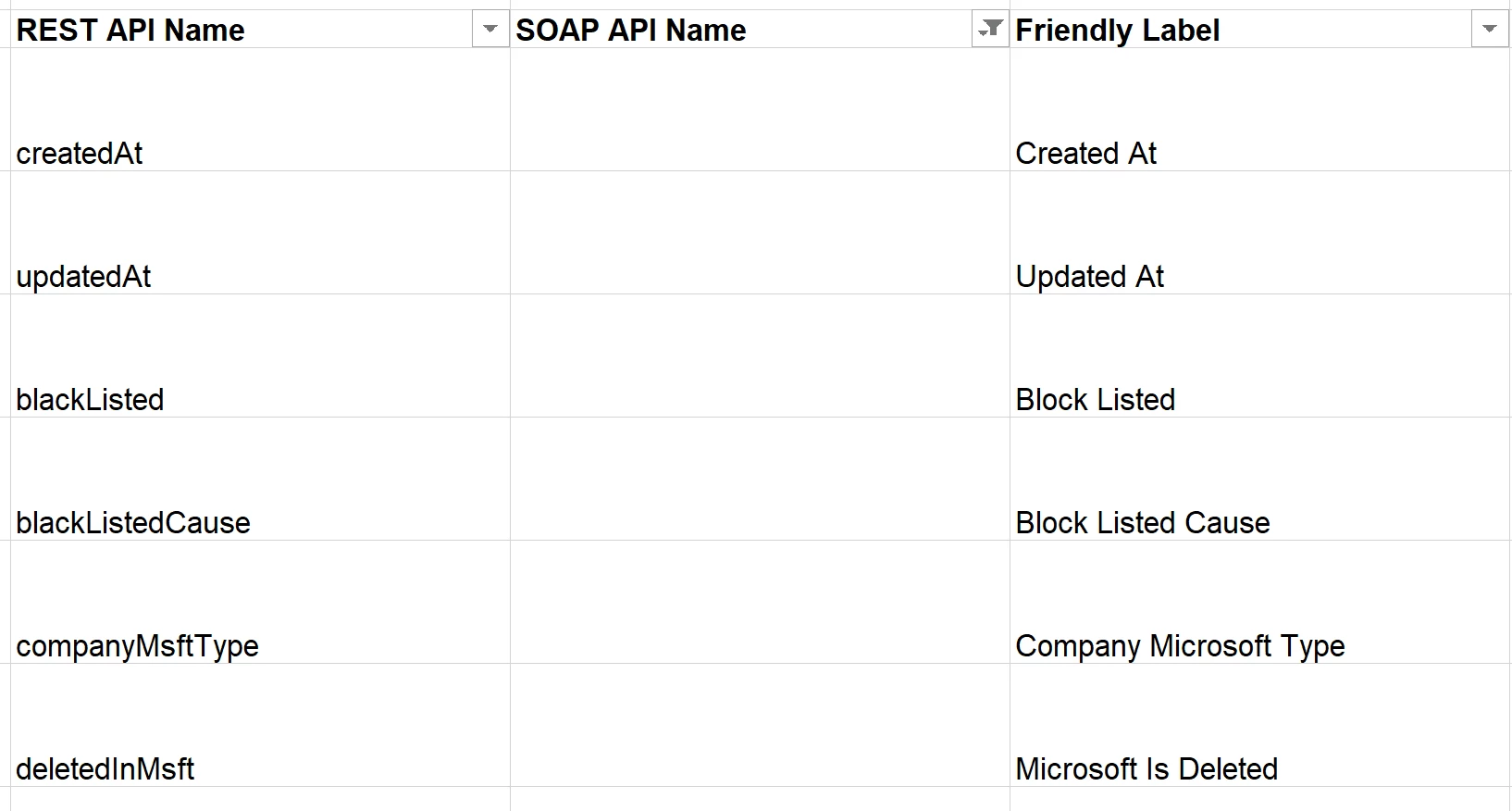
Fields with no SOAP API name are Marketo only. Many seem to be Marketo Microsoft system fields, Marketo system fields and a few which I’m unable to explain. Here's an example of some of them.
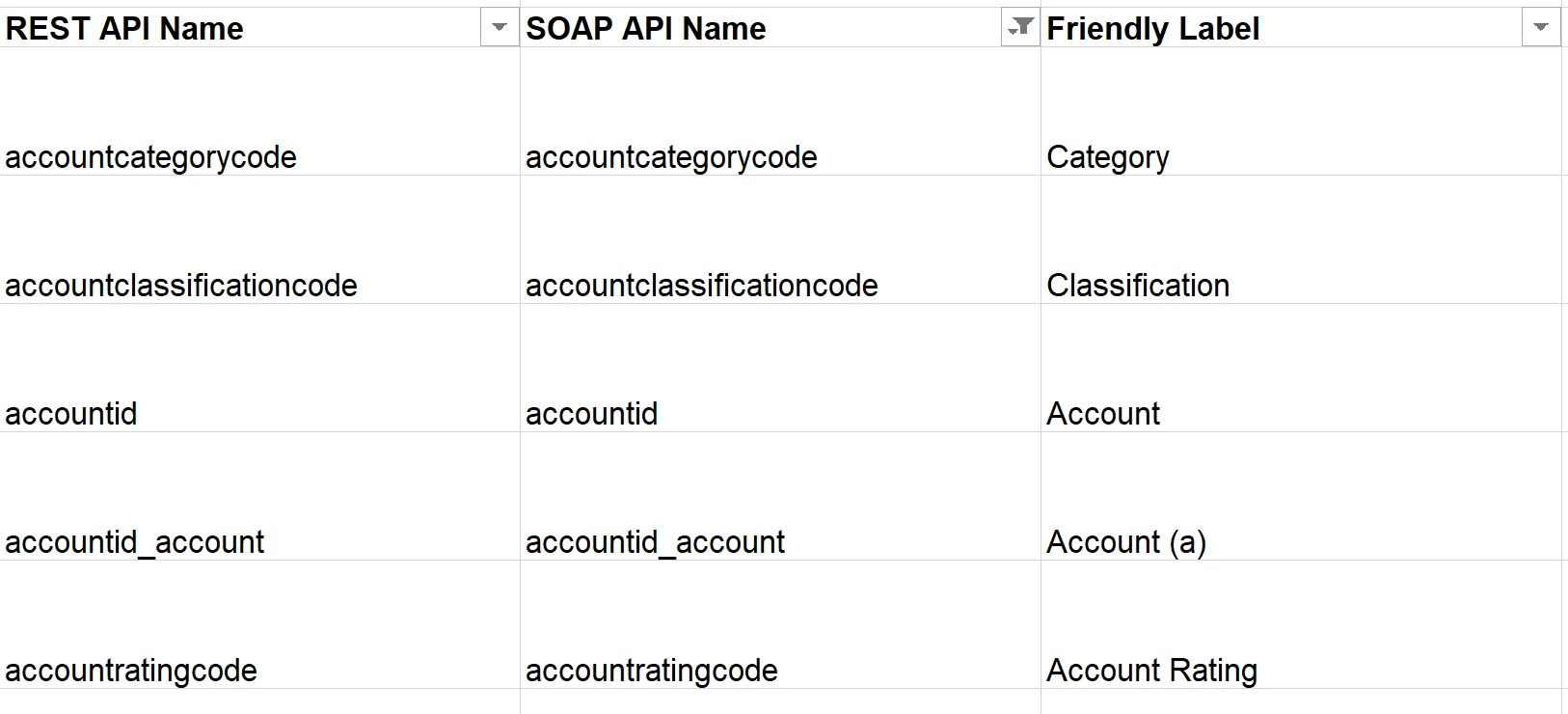
Fields which include an (a) in the Friendly Label should be account fields.
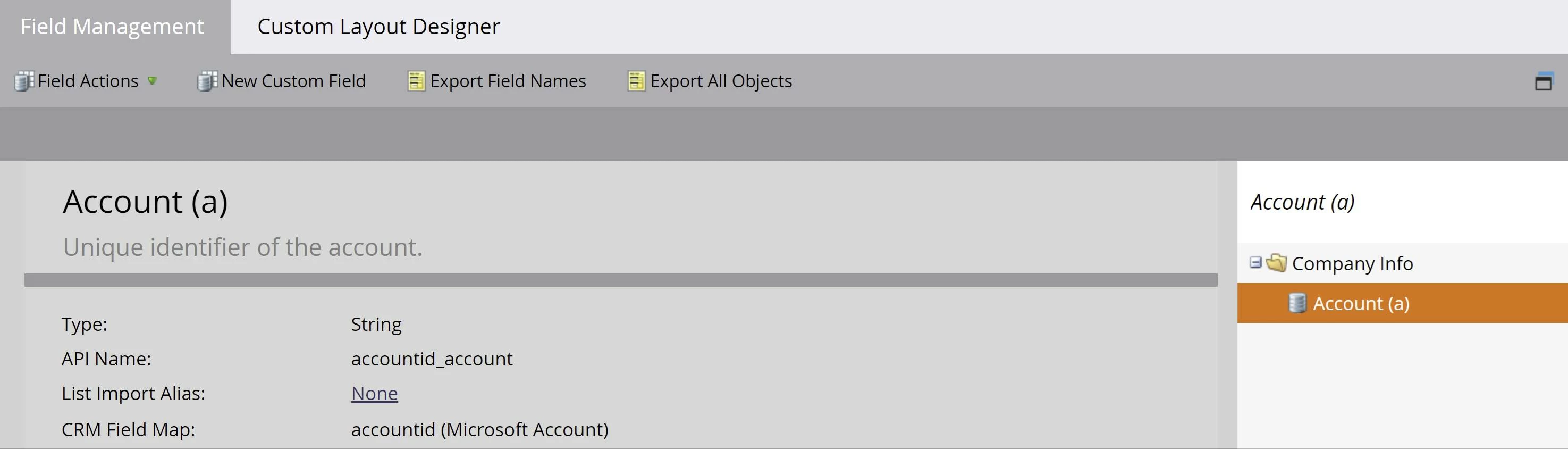
You can verify field mappings manually be looking them up in Field Management
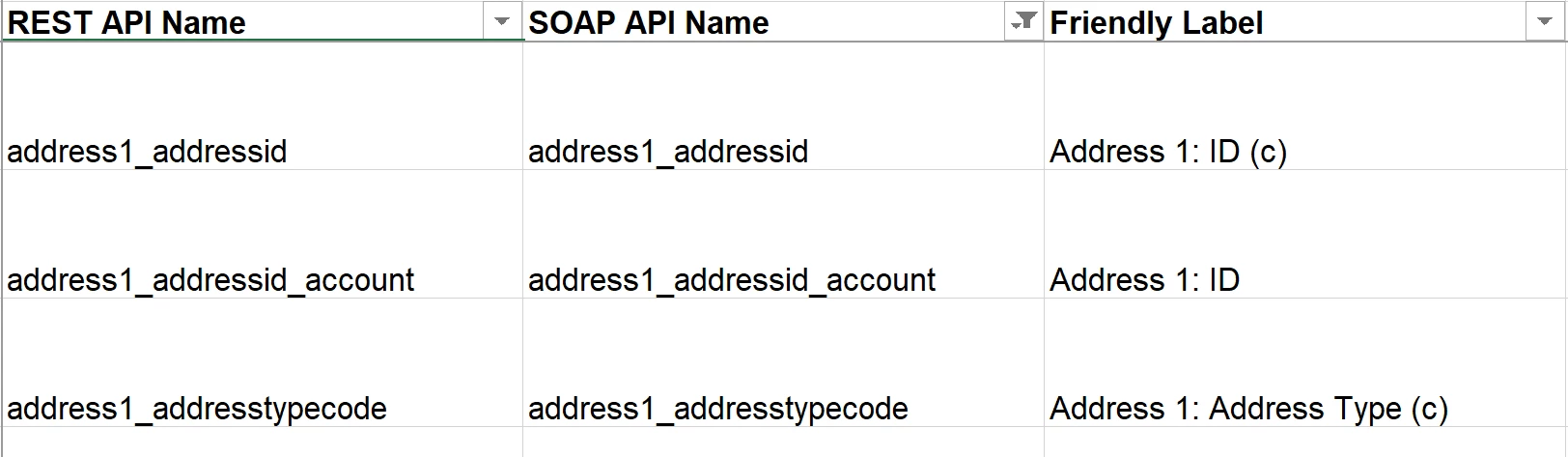
Fields with a (c) in the Friendly Label should be a contact field and may be mapped to a lead field.
The default fields (aka standard fields) which are already in Marketo before the integration should be mapped to either Lead, Contact or Account. Many will be mapped to multiple entities.
This article will explain standard field mappings.
Unfortunately you have to manually look up all the other fields in Field Management since they could be a Marketo only custom field or Microsoft custom field.