January 12, 2017
Question

'Clicked Link in Email' Smartlist filter constraint not working

  • January 12, 2017
  • 2 replies
  • 3795 views

Hi,

I have ran a few email program A/B Tests testing whole emails and subject lines with two test variants for each test. I see the opens and clicks results in the email program dashboard, but I want to create a smartlist that shows me who clicked on a certain link in each test variant. If I just use the constraint 'link' I get results in the smart list, which is what I expect.
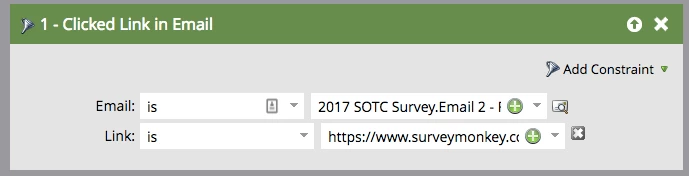
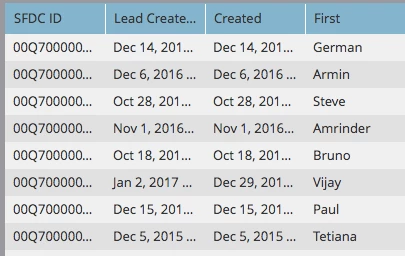
But for some reason, when I select a Test Variant in the smart list filter, the smartlist shows no people found.
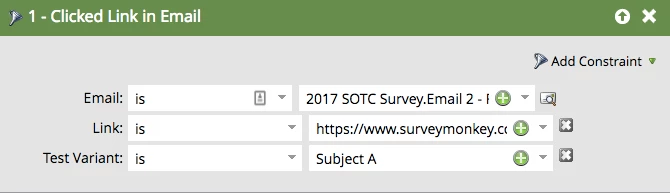
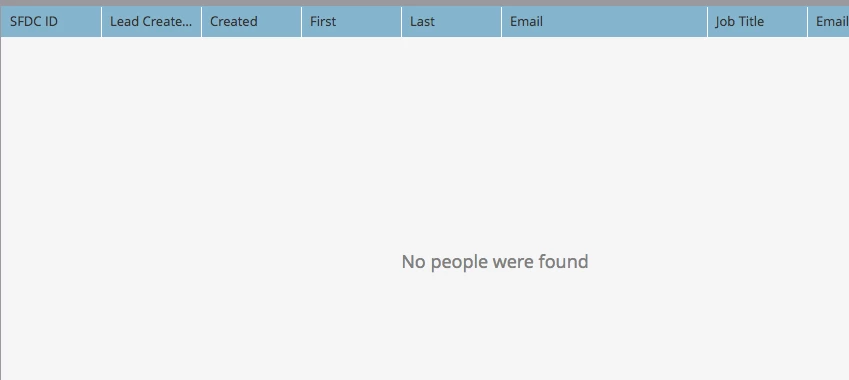
Support has not been able to figure out why the test variant constraint isn't working. Anyone else have any idea why the constraints are not working?

I tried to set a custom conversion within the A/B test, but that didn't generate any results for me either.

Thank you,

Shirleen

This post is no longer active and is closed to new replies. Need help? Start a new post to ask your question.

2 replies

January 16, 2017

Hi Shirleen Solares

I'm interested in your issue and investigated.

According to How to trigger Links Click/Open Email in AB Test Program? , your "Test Variant" is correct but it doesn't work fine.

If we set Test Variant number instead of name, it works fine.

We can know Test Variant number from Activity log.

Unfortunately I don't know how to get all Test Variant number in A/B testing.

I think it's a marketo bug.

January 17, 2017

Explainer video

pages-demo.ogis-ri.co.jp/rs/058-IBN-156/images/ABTestVariant.mov

Trish_Voskovitc
Level 5
July 20, 2018

this link doesn't work??

Trish_Voskovitc
Level 5
July 20, 2018

I have same problem when setting up a trigger campaign on AB test. I set up exactly how this article says to:

How to trigger Links Click/Open Email in AB Test Program?

but no results. And I know there were clicks because I had results when I ran a batch smart campaign against the specific emails.

And support has not been a help:(