Question
Checkbox field created via API is missing input
Hi!
I have a strange issue with API created field.
I use API call to create a checkbox field
{
"id": "Opt_In_Consent__c",
"label": "Opt-In Consent",
"dataType": "checkbox",
"defaultValue": "yes",
"validationMessage": "This field is required.",
"required": false,
"formPrefill": true,
"initiallyChecked": true
}
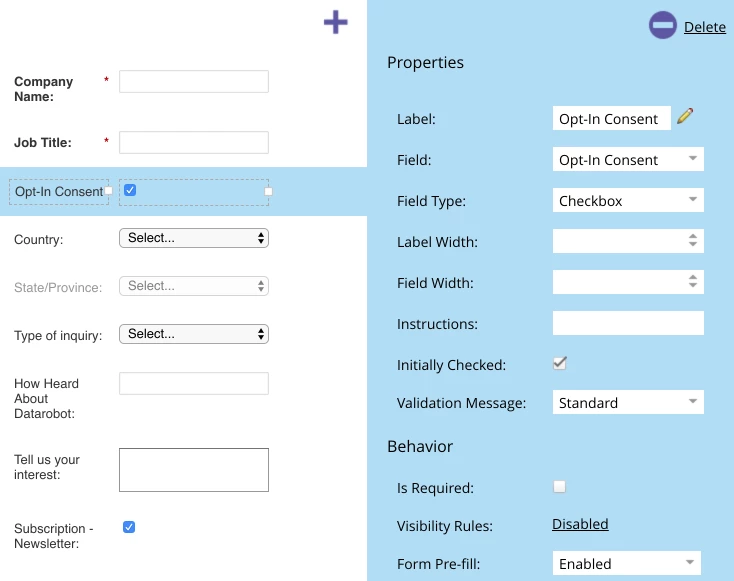
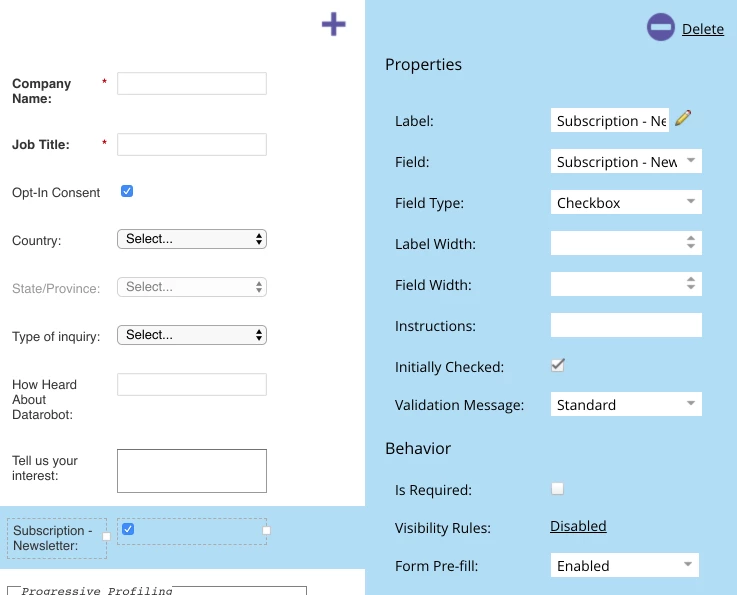
After the field is created - there is no input on the field. If I remove this field are recreate it through UI editor in the Design studio with the same parameters - everything works fine. See the second checkbox field.
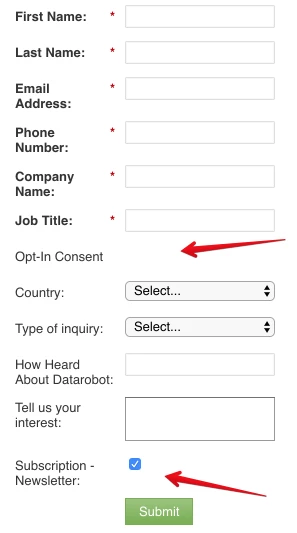
Does anyone have the same problems? All other fields are working fine
In the editor, they both looks the same