
Change forms 2.0 look/feel on external website? | Community
Skip to main content
Valerie_Armstro
Level 9
July 31, 2014
Solved

Change forms 2.0 look/feel on external website?

  • July 31, 2014
  • 1 reply
  • 739 views
My web team plans to use forms 2.0 on our website, but may want to make some adjustments to the form in order to fit within the page templates they have designed.  Would they be able to manipulate the form (size, color, etc) on the web page without having to make the changes in Marketo/the custom CSS?
 
Thank you in advance! :)
This post is no longer active and is closed to new replies. Need help? Start a new post to ask your question.
Best answer by
Hi Val,

You should be able to just put <style> tags on the page and have it apply to the various IDs or classes on the page, just like one could with the original form editor.
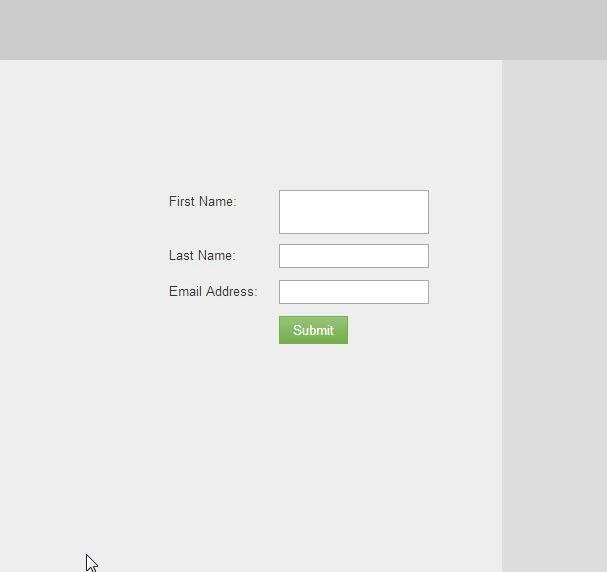
For example, when I dragged an HTML block onto a page (this should work the same with a non-marketo page as it does with a marketo page), and added the following:

#FirstName {
   font-size: 25px;
   }

It gave me this:

1 reply

Accepted solution
August 1, 2014
Hi Val,

You should be able to just put <style> tags on the page and have it apply to the various IDs or classes on the page, just like one could with the original form editor.
For example, when I dragged an HTML block onto a page (this should work the same with a non-marketo page as it does with a marketo page), and added the following:

#FirstName {
   font-size: 25px;
   }

It gave me this: