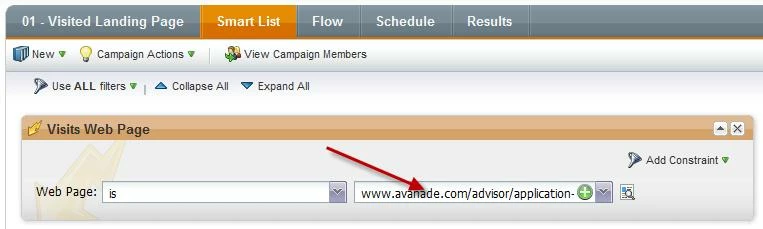
Basically, tokens cannot be used in Smart Lists in Smart Campaigns. They can only be used in the following flow steps of smart campaigns:
-
Change Data Value
-
Interesting Moments
-
Salesforce Campaign Steps (add, remove, change status)
-
Create Task
But I also found another use for tokens: as variables within javascript. This is useful since we have specific js included on a series of landing page that contains Forms 2.0 forms - and this page is used within an iframe on our website. In order for the confirmation to open in the entire window (and not just the iframe), the javascript references the form ID. I created a local token (FormID) at the program level, which then populates the variable/token used in the javascript. Big time saver.