
Calendar File Issue | Community
Skip to main content
Kimi_Heskett1
Level 9
April 23, 2013
Solved

Calendar File Issue

  • April 23, 2013
  • 3 replies
  • 1415 views
We've been using the calendar file token feature for webinars with zero issues. Today I'm trying to use it for just a regular ole save the date calendar file (it contains no tokens or anything fancy) in a Marketo email. When I click the link to add the event to my calendar I get this:
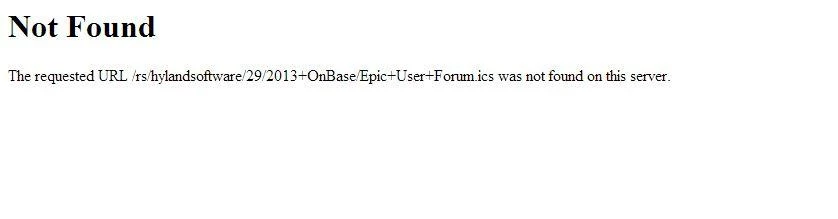


Anyone else seen this? 

I tested an ics for a webinar today that does contain tokens, etc and have had zero issues. Odd.
This post is no longer active and is closed to new replies. Need help? Start a new post to ask your question.
Best answer by Kimi_Heskett1
Mystery solved! It's because the token contained a / which messed it up. 

Lesson of this story is not to use a / in your calendar token subject line. 

3 replies

Kimi_Heskett1
Kimi_Heskett1AuthorAccepted solution
Level 9
April 23, 2013
Mystery solved! It's because the token contained a / which messed it up. 

Lesson of this story is not to use a / in your calendar token subject line. 
April 23, 2013
Yes, a couple weeks ago, experienced token not working correctly. Created event in Outlook and uploaded to Design Studio but it was and .msg extension.

Marketo support gave me a work around: Go to this web site to create an .ics file and then upload it to Design Studio and link to it from your "Add to Calendar"

pratie.com/lab/icalendar/

Hope this helps!
June 27, 2013
I've had a similar issue, my company is in the Fashion industry and commonly use F/W (Fall/Winter) or S/S (Spring/Summer) for season webinars and we've had to omit the "/" from everything.