
Alt text for images not showing up in emails on Mac | Community
Skip to main content
Evelina_F
Level 2
May 23, 2023
Question

Alt text for images not showing up in emails on Mac

  • May 23, 2023
  • 3 replies
  • 3593 views

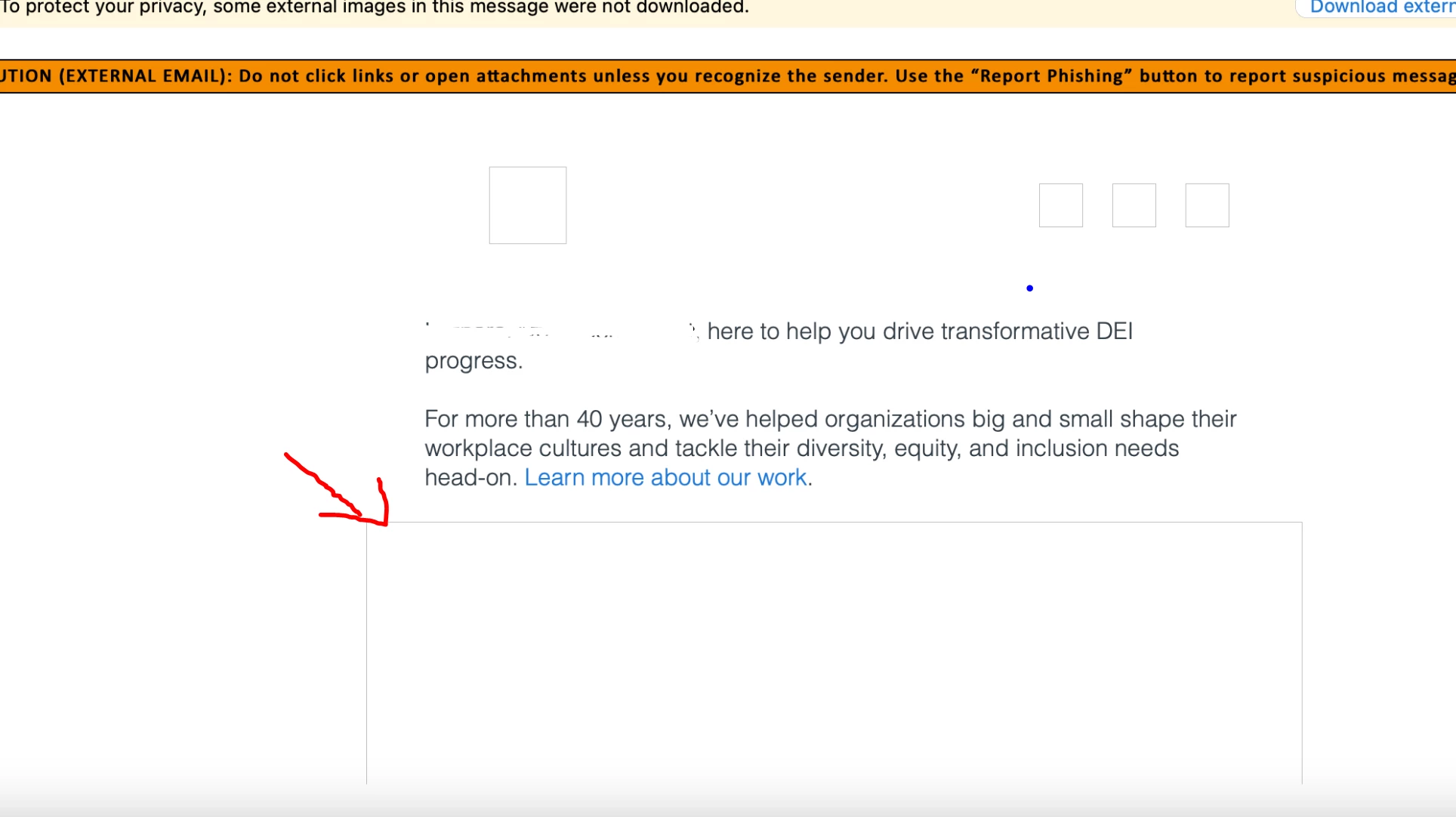
I created an email that uses a full-width image. The alt text does not appear when I send a sample, and the images do not download. There's also a huge space where the image would be. Examples below- As you can see, the alt text doesn't appear. What can be causing this to happen? How can I fix it?
 

This post is no longer active and is closed to new replies. Need help? Start a new post to ask your question.

3 replies

Darshil_Shah1
Community Advisor and Adobe Champion
May 23, 2023

Looking at the warning message at the top, I have a strong feeling that your email client is blocking images from downloading. Can you make sure that the images are allowed to download and aren't blocked? Regarding the alt text and gaps, do you see that in other clients too? If you share the code, we can look at it and help you troubleshoot.


Evelina_F
Evelina_FAuthor
Level 2
May 30, 2023

Hi Darshil,


I appreciate your help. Here is the code:

<tr class="mktoModule" id="marketoFullWidthImageModulefe752d53-879e-4485-a9f3-cacc887772ce" mktoname="Full-width Image">
<td>
<table width="100%" border="0" cellspacing="0" cellpadding="0" bgcolor="#ffffff" role="presentation">
<tbody>
<tr>
<td style="padding: 0px 0px;">
<table width="100%" border="0" cellspacing="0" cellpadding="0" role="presentation">
<tbody>
<tr>
<td class="fluid-img" style="font-size:0pt; line-height:0pt; text-align:left;"><a href="https://seramount.com/meet-seramount/?utm_source=prospect&amp;utm_medium=email&amp;utm_campaign=seramount-welcome&amp;utm_term=&amp;utm_content=video"><img class="mktoImg" id="FullWidthImageModulepic662881c8-7265-4f34-a1c2-9e6c4f6ff3ca" src="https://pages.eab.com/rs/732-GKV-655/images/Screenshot 2023-03-28 at 12.12.51 PM.png" width="640" border="0" style="-ms-interpolation-mode: bicubic; margin: 0 auto; border: none; clear: both; display: block; width: 640px; float: none;" mktoname="Image" alt="Ready to get started?" mktolockimgsize="true" /></a></td>
</tr>
</tbody>
</table> </td>
</tr>
</tbody>
</table> </td>
</tr>

Darshil_Shah1
Community Advisor and Adobe Champion
May 31, 2023

@evelina_f, thank you! Do you at least see the images when you allow them to download in your email client?


Dayna_Wellman3
Level 2
May 23, 2023

I agree with Darshil, the warning messages at the top lead me to believe that the email client is blocking images. I had a client where their company's spam filter was blocking images and they looked very similar to yours - no alt text would appear, just white blocks where the images should be.


You could try whitelisting the email address and adding it to your contacts. You could also reach out to your IT team to get the email address whitelisted by them.


Providing the HTML of the email would be helpful to see if there's anything in the email code preventing the images or alt text from rendering.


Dayna WellmanCampaign Operations Consultant &#64; Etumos
Darshil_Shah1
Community Advisor and Adobe Champion
May 23, 2023

In reference to my previous comment, if you're using Outlook, check out this link on how to block or unblock automatic picture downloads in email messages.