A/B Test in Nurture Program Email Not Accepting Challenger
We have a Nurture program being updated and for one of the emails, we would like to test the email for click rates based on design/layout. I have created two versions of the same email - the difference is that one looks like a marketing email (Email A), the other looks like a sales rep sent it (Email B).
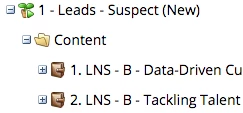
Here is how the Engagement Program is set up visually and the test emails are contained within the second program as assets:
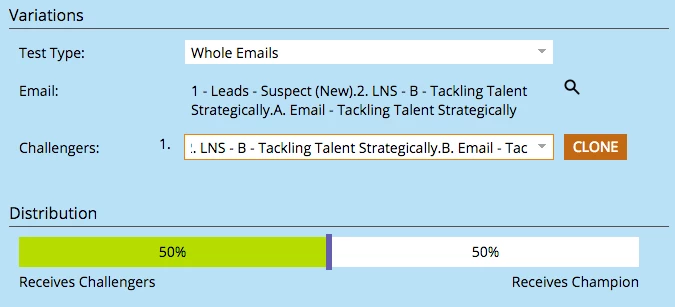
When I set up the testing items, I am not having success with the Challenger email saving. This is how I am selecting the Challenger (I am doing this right from Email A so that's why the Email is already chosen):
After I select the final items, I come to the summary page before clicking finish and get this:
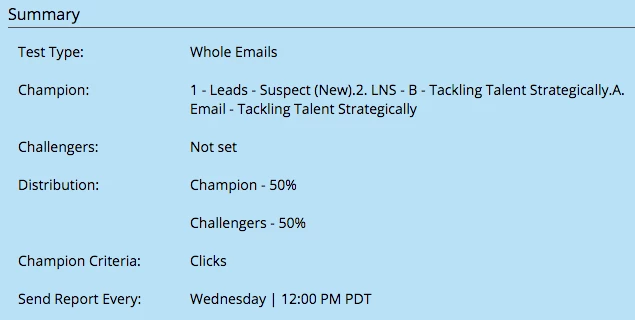
Is there a setting I am missing? Or is this not saving because Nurture Emails can't really be set up with A/B testing?
Any help/direction is appreciated!
Thanks in advance,
Michelle 