Solved
No save option in email action
Hey Community,
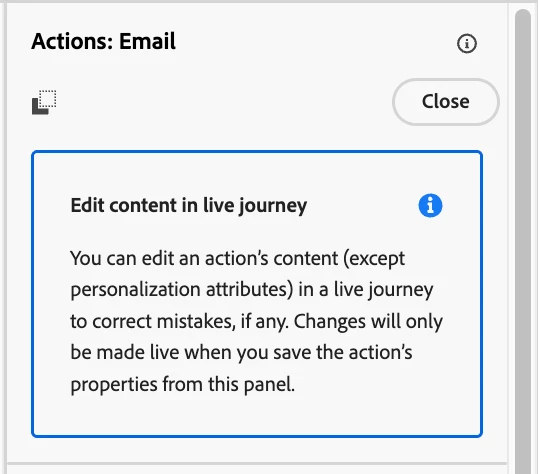
I’m trying to edit an email content and save the changes of a live journey. However the issue is that I can’t find the save option even though there is a tip-tool box mentioning that option. This save button used to be present before the generic Action activity update and that used to republish the journey. And my updated content logic is not being rendered in the new subsequent emails. Note: I can see the modified changes within the email designer.
Even in the documentation the save button is not present (in screenshot) and doesn’t provide clear & helpful steps to proceed. I’d not want to create new versions just for every frequent & small updates.
Appreciate any help on this!
Thanks,
Ganesh Kumar