Mastering Wave Sending in Adobe Journey Optimizer: A Practical Guide | Community
Skip to main content
Adobe Employee
March 25, 2026
New

Mastering Wave Sending in Adobe Journey Optimizer: A Practical Guide
  • March 25, 2026
  • 0 replies
  • 23 views
If you've ever launched a large-scale campaign and watched your call center buckle under a flood of responses — or worse, seen your email deliverability tank because ISPs flagged you for sending too much too fast — wave sending in Adobe Journey Optimizer (AJO) is the feature you need to know about.
In this post, I'll walk through what wave sending is, when to use it, and how to configure it effectively for real-world scenarios.

What Is Wave Sending?

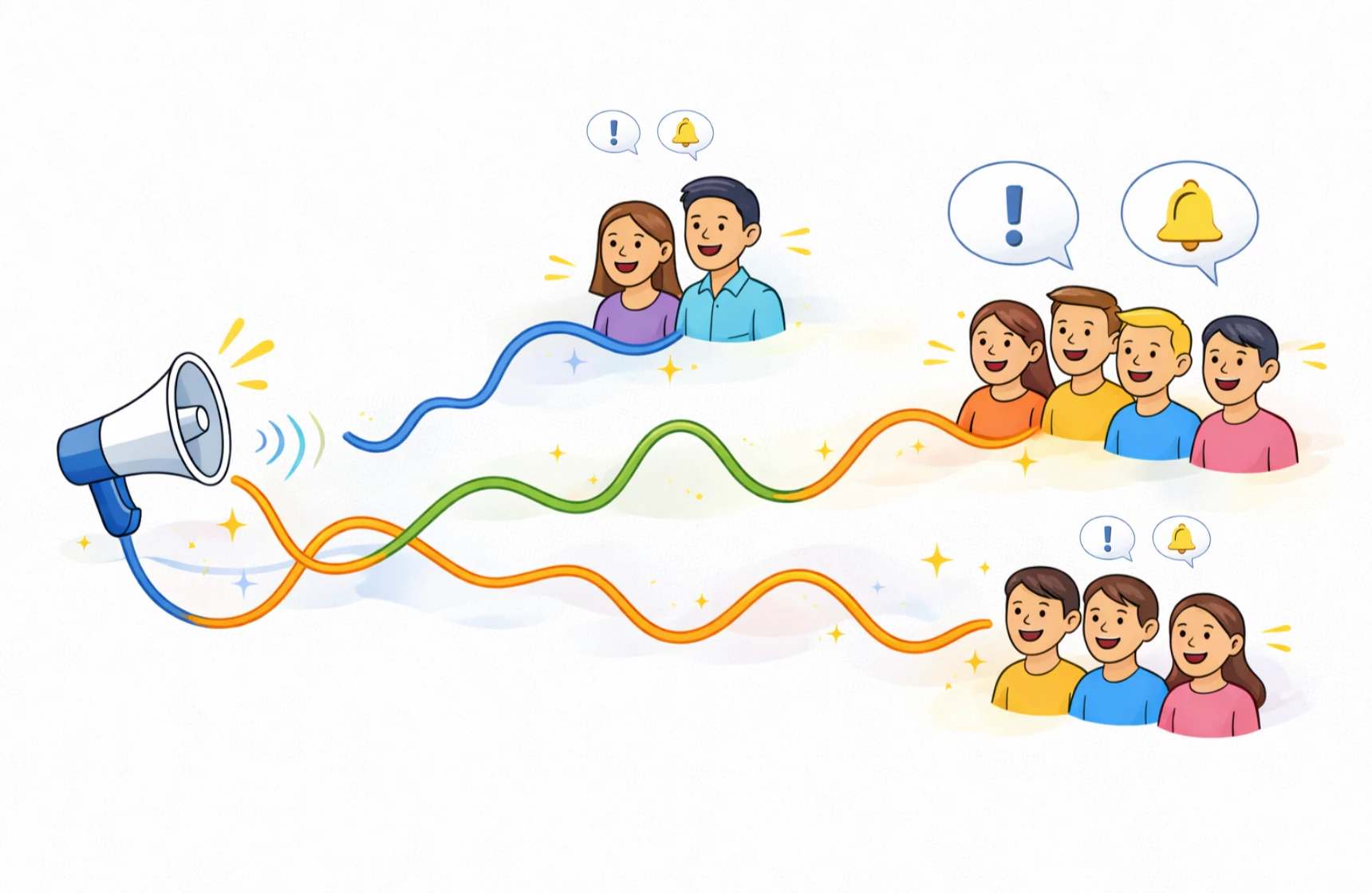
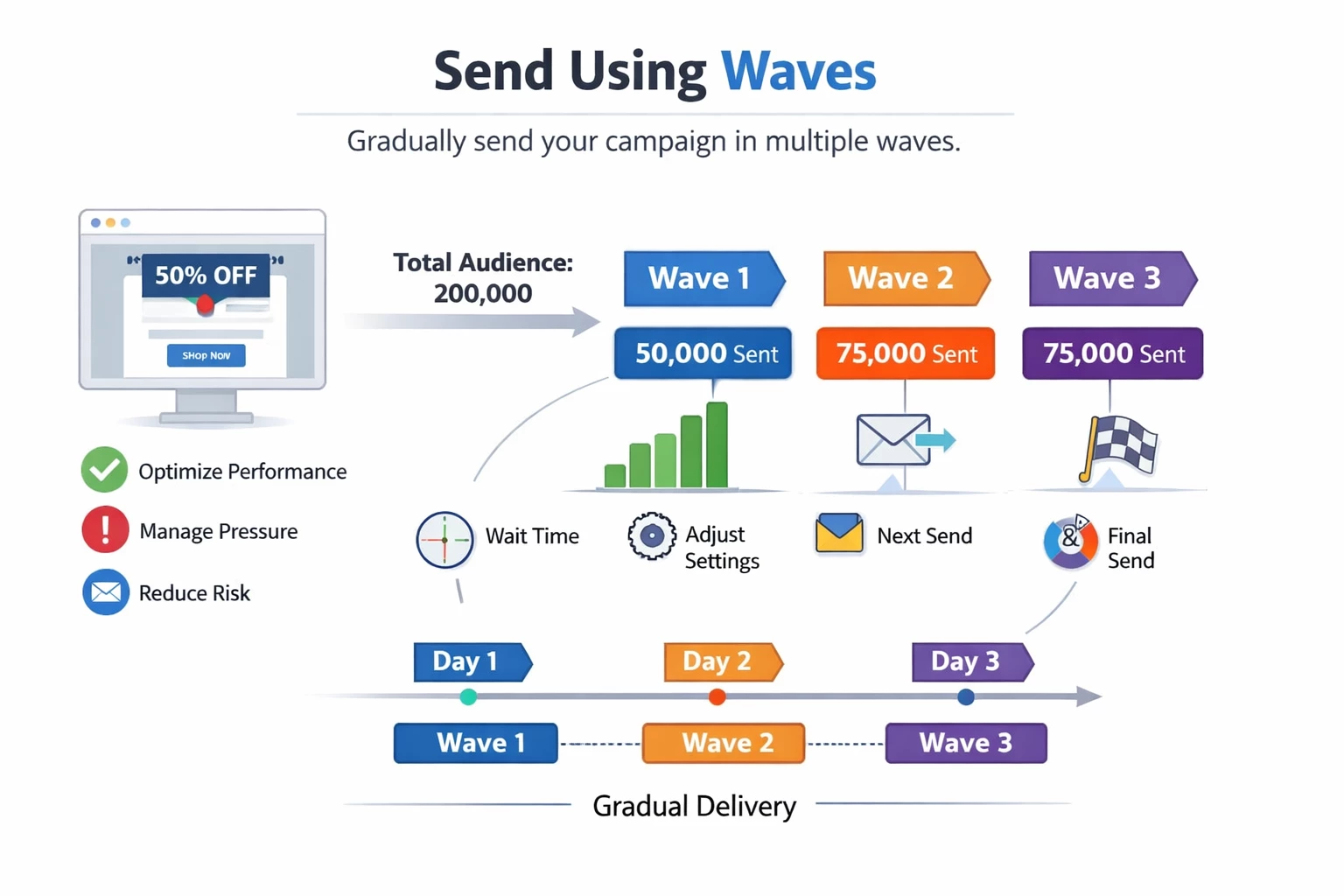
Wave sending lets you split a single campaign's audience into multiple batches (called "waves") and deliver them on a staggered schedule. Instead of blasting your entire audience at once, you control the pace — sending in 2 to 10 waves, each with its own size and timing.

This applies to all outbound actions in AJO: Email, SMS, Push, and Direct Mail.


Why Should You Care?

Three words: control, reputation, and capacity.

1. Protect Your Sender Reputation

ISPs watch your sending patterns closely. A sudden spike in volume from a domain or IP can trigger spam filters. Wave sending lets you spread delivery over hours or even days, keeping your sending profile consistent and trustworthy.

2. Manage Downstream Capacity

Marketing doesn't exist in a vacuum. If your SMS campaign drives calls to a support center, flooding 500,000 messages at once means thousands of simultaneous calls your team can't handle. Waves let you match outbound volume to your operational capacity.

3. Ramp Up Safely on New Infrastructure

Migrating to a new sending platform or warming up a new IP? Gradual volume increases are essential. Wave sending makes this easy — start with 10% of your audience, then 15%, then 25%, and scale up as your reputation builds.
 

How to Configure It

Setting up wave sending takes just a few steps:
  1. Create or open an Action campaign with an outbound action (Email, SMS, Push, or Direct Mail).
  2. Navigate to the Schedule tab and enable "Deliver campaign actions in waves".
  3. Choose the number of waves (minimum 2, maximum 10).
  4. Pick your distribution strategy.
     

Option A: Equal Waves

The simplest approach. AJO splits your audience into equal-sized groups. You set the first wave's start time and a fixed interval (e.g., 2 hours), and the system handles the rest.
Example: 4 waves, 2-hour intervals, starting at 9:00 AM → waves fire at 9:00 AM, 11:00 AM, 1:00 PM, 3:00 PM.

Option B: Custom Distribution

Need unequal splits? Define each wave's size as a percentage (must total 100%) or as absolute numbers (e.g., 10,000 per wave).
This is ideal for ramp-up scenarios:
 
Wave Size
1 10%
2 15%
3 25%
4 50%


Option C: Custom Schedule

Full control — set a specific date and time for each wave independently. Waves don't need to be evenly spaced. The only constraint is a minimum 30-minute gap between wave starts.

Example: Wave 1 at 9:00 AM, Wave 2 at 11:00 AM, Wave 3 at 5:00 PM, Wave 4 at 8:30 PM — useful when you want to align sends with different time zones or peak engagement hours.


Real-World Scenarios
 

Scenario 1: Call Center Alignment

A financial services company sends appointment reminder SMS messages. Their call center can handle 200 inbound calls per hour. They configure 5 waves of 1,000 messages each, spaced 1 hour apart, keeping response volume manageable.

Scenario 2: Product Launch Email

A retail brand is launching a new product to 2 million subscribers. Instead of one massive send, they split into 4 equal waves over 8 hours. This protects deliverability and lets the marketing team monitor open rates and adjust subject lines between waves if needed.

Scenario 3: IP Warm-Up

After migrating to AJO, a media company uses custom distribution to gradually increase volume over their first week of sends:
  • Day 1: 5,000 emails
  • Day 2: 15,000 emails
  • Day 3: 50,000 emails
  • Day 4: 150,000 emails

Each day's campaign uses wave sending to further spread the daily volume across morning and afternoon sends.


Final Thoughts

Wave sending is one of those features that separates a good campaign operation from a great one. It's not flashy, but it directly impacts deliverability, customer experience, and operational resilience. If you're running campaigns at any meaningful scale in AJO, this should be part of your standard playbook.
Have questions or want to share how you're using wave sending? Drop a comment below — I'd love to hear your use cases.

References: Adobe Journey Optimizer Documentation — Send Using Waves