How to change exported file encoding format to PC-Ansi from current Unix-Ansi by DM Channel from AJO | Community
Skip to main content
Level 4
March 7, 2025
Solved

How to change exported file encoding format to PC-Ansi from current Unix-Ansi by DM Channel from AJO

  • March 7, 2025
  • 2 replies
  • 697 views

Hi, Team,


I am exporting a file through the campaign using the DM channel. After generating the file, it is saved as Unix-ANSI instead of PC-ANSI, which is the required format for our system. Is there a setting or option where I can select the desired file format (PC-ANSI) before generating the file? Please advise
Best answer by SatheeskannaK

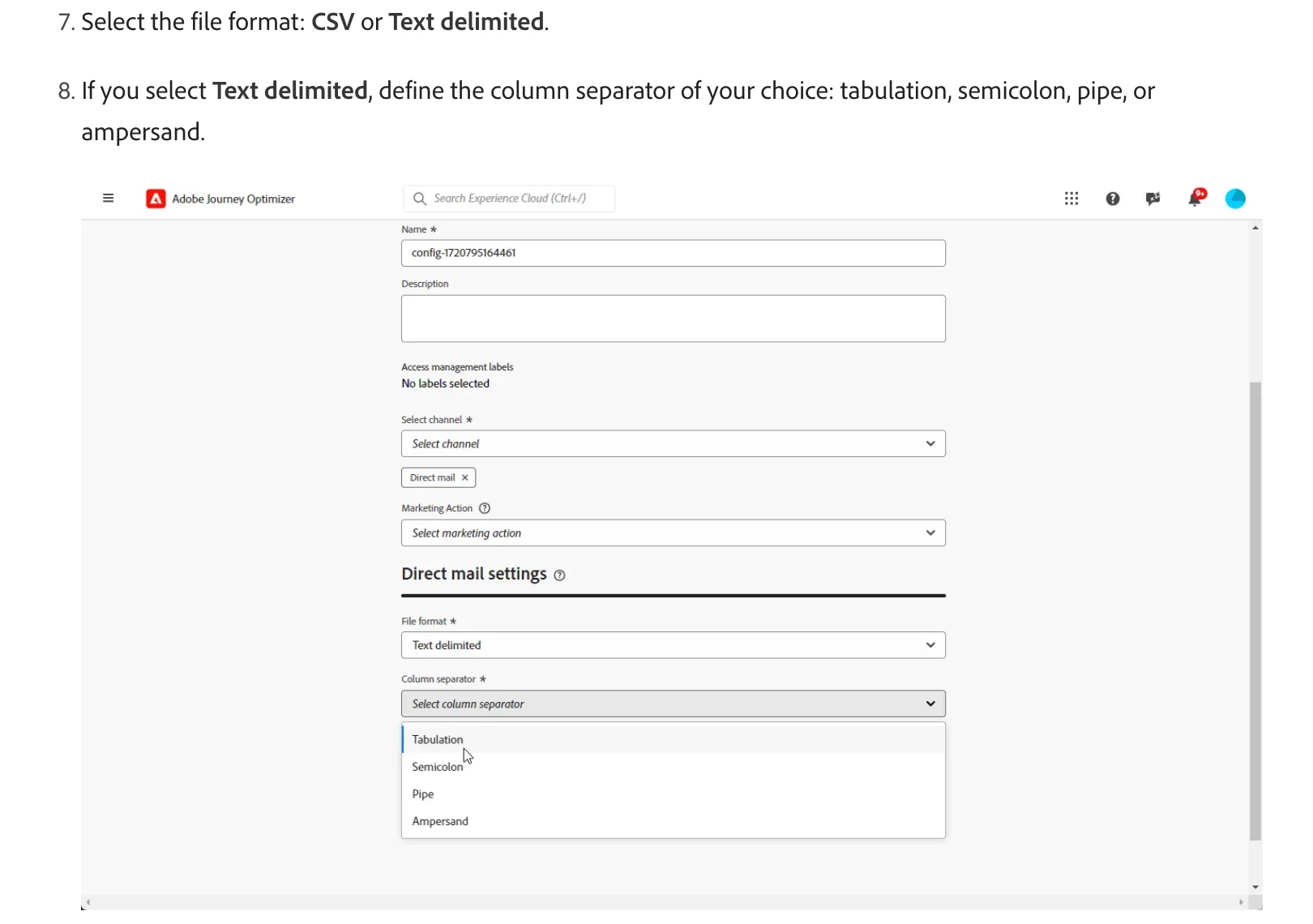
@chrisyan Currently, AJO supports only CSV or text delimited. It has an option to choose either of these.

2 replies

SatheeskannaK
Community Advisor
Community Advisor
March 7, 2025
chrisyanAuthor
Level 4
March 7, 2025

file format is to choose what delimiter you would export comma or else. Not relating to file type and do not think on the channel configuration having such option.

SatheeskannaK
Community Advisor
SatheeskannaKCommunity AdvisorAccepted solution
Community Advisor
March 9, 2025

@chrisyan Currently, AJO supports only CSV or text delimited. It has an option to choose either of these.

Thanks, Sathees
somen-sarkar
Community Advisor
Community Advisor
March 7, 2025

Hi @chrisyan ,

"Unix-ANSI" and "PC-ANSI" typically refer to different conventions for file encoding and line endings, which are important for ensuring compatibility across different operating systems. One option can be to run  command like 'unix2dos filename' in destination system to convert it to a compatible one. Check that out. Haven't seen any OOTB option to set it by default.

Thanks,

Somen