Level 4
août 12, 2024 9:50 PM UTC
Question

HELP! AJO Email - Loading an ICS File

All, 

 I 

How do I load an .ics file into AJO or Experience Manager Assets so I can get the link for it. Based on the documentation is a previous post,  they say load to my ESP (AJO) and get the link. I've tried a few methods and the closest I get is a shared link that doesn't work. 


If AJO has the capability to load .ics files, can someone let me know how. 


Ce sujet a été fermé aux réponses.

7 commentaires

SatheeskannaK
Adobe Champion, Community Advisor, UG Leader
août 13, 2024 3:16 AM UTC

@montezh2001 Have a look at this thread and see if that helps.

Traduire
Thanks, Sathees
Level 2
août 13, 2024 10:38 AM UTC

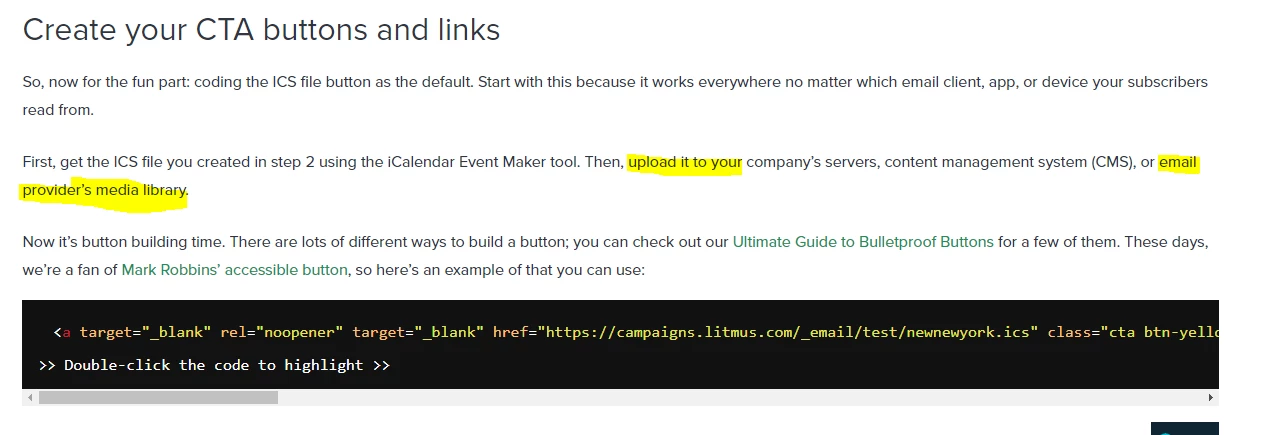
@satheeskannak thank you for your response. Your post is what I have linked in my question, also where the screenshot I supplied. The post speaks to Litmus and not Adobe. 

I tried loading the .ics files into AEM Asset Manager to get the link I need for HTML coding, but it does not seem to work. Asset Manager is not recognizing it; I can't even load it into an email when using Email Designer. 


I just need to know how I can load this into AJO or AEM Asset Manager so that I can get the https link as described in the post. 

Traduire
SatheeskannaK
Adobe Champion, Community Advisor, UG Leader
août 13, 2024 5:24 PM UTC

@montexho Copy the HTML code given in the litmus site and setup an HTML fragment in AJO to create the ICS file. Once you have a fragment setup, it can be included in the email templates to include it in journeys/campaigns.

Traduire
Thanks, Sathees