Investigating
Filtering options of the customized email fragments
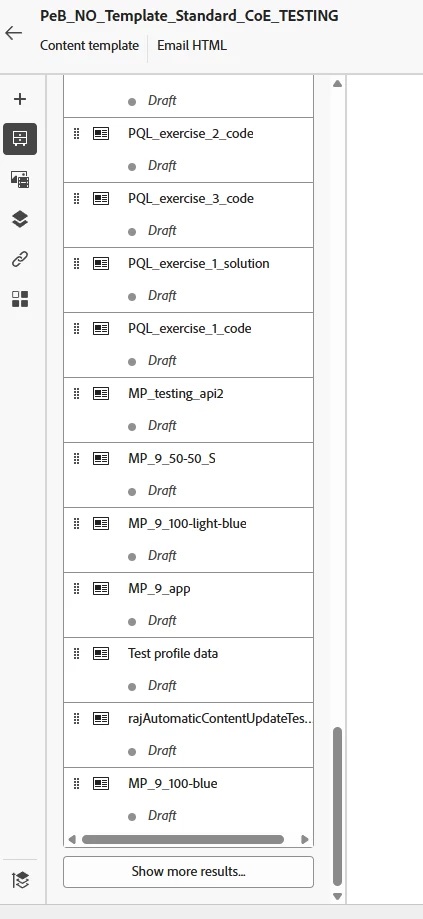
As we are working ahead with the AJO platform, we are also creating more and more email fragments. Today there is only a "Show more" option when the fragment list becomes longer than the screen size. The length of the list becomes that long because it shows all fragments, even those in draft status.
When you are creating a new email, or a new template, it would be great if we could have more filtering options. Like just showing the Published once or just the one in draft f ex. It could be done by using check boxes like jo do other placed where you could filter tings in AJO..
And buy the way: when you have used todays "show more" it is not any "show less" to go back if you want to.