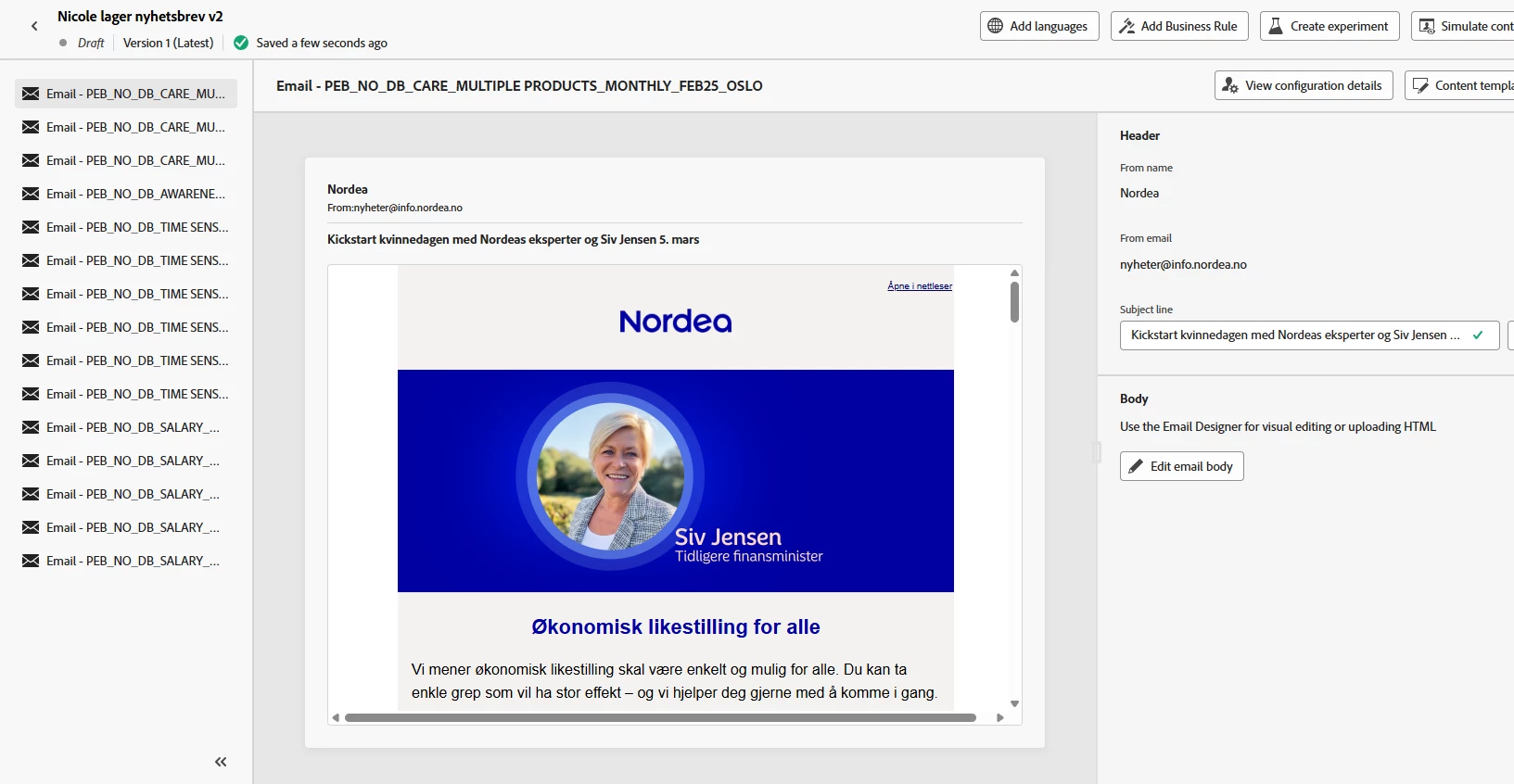
Configure your email variables from the email preview window
We have started to use variables in Fragments in a advanced way to control links on head logo, language differences, design possibilities like background color, choice between CTA txt link or a button etc. This variables can be set in each Fragment when dragging them into the email. To optimize we she that is would be nice if this can be done for the whole email from the email "preview" window where you define the subject. If we here could reflect the defined variables that is possible to use, they could be set in this page as a default when you start editing. And you could change the variable setting locally in one fragment if you want to afterwards. You could f ex choose to enable or disable the variables you need in this unique email. The variables with name and value possibilities might be stored in a own page - or you as a admin can add this so it fits the logic that is build into each fragment.