
using data preparation function in order to exclude or fill in empty crmID values | Community
Skip to main content
Michael_Soprano
Level 10
February 23, 2024
Solved

using data preparation function in order to exclude or fill in empty crmID values

  • February 23, 2024
  • 2 replies
  • 871 views

Hi, 


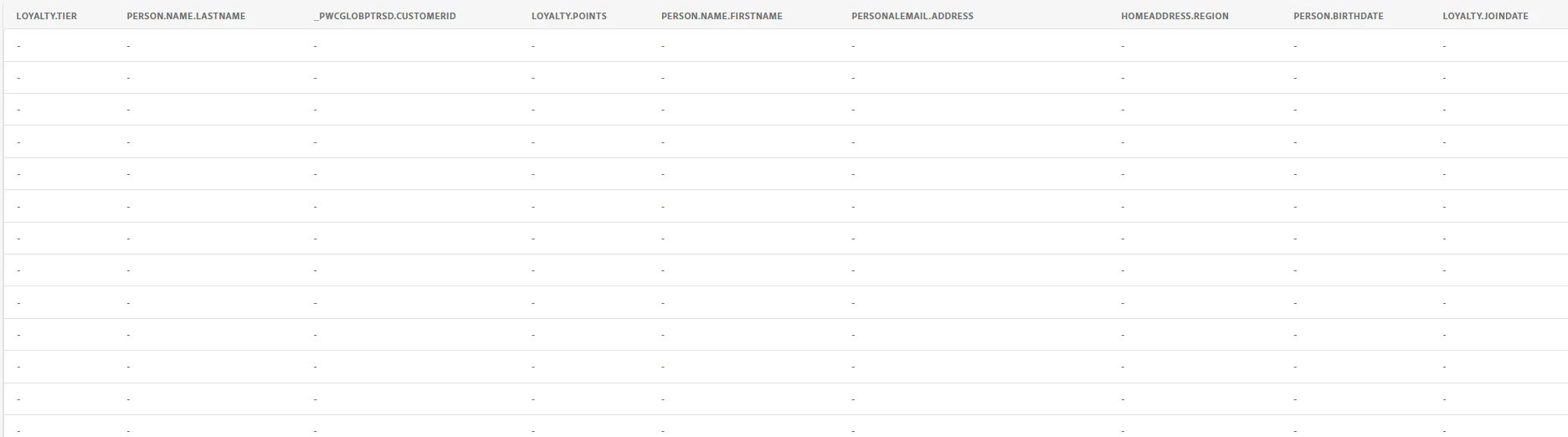
I would like to import some data from Salesforce to dataset which is enabled to a profile. However some records (4 out of 10000) are empty. CrmId which is primaryId cannot be empty. Is there any way to debug this at the Adobe site. I see there options:

a) put some dummy data into my crmId - I am okay with this. However which data prep functions to use? 

b) delete these rows at Adobe's side - I didnt not see any functionality for this

c) debug this at Salesforce side - it may take some time (I would not be responsible for this)

Empty records:
 

Thanks 

Mike 

 

This post is no longer active and is closed to new replies. Need help? Start a new post to ask your question.
Best answer by Tof_Jossic

@michael_soprano regarding point (a), this post may be of interest to you.


2 replies

Tof_Jossic
Adobe Employee
Tof_JossicAdobe EmployeeAccepted solution
Adobe Employee
February 23, 2024

@michael_soprano regarding point (a), this post may be of interest to you.


abhinavbalooni
Community Advisor
Community Advisor
February 24, 2024

Hey @michael_soprano 


Did you try to enable partial ingestion with the default 5 percent error threshold ? Since there are a very small number of such rows, I think you should be able to address the issue with the partial ingestion enabled.


I have assumed here that you are using batch upload.


Cheers,

Abhinav

Michael_Soprano
Level 10
February 24, 2024

I enabled but it still did not allow me to proceed. I used iif(crm==null, 'dummy', crmId) built in function. Hope that it will help somebody in the future with similar problem 🙂