Solved
Upgrading Adobe Analytics Extension Causes Build to Fail
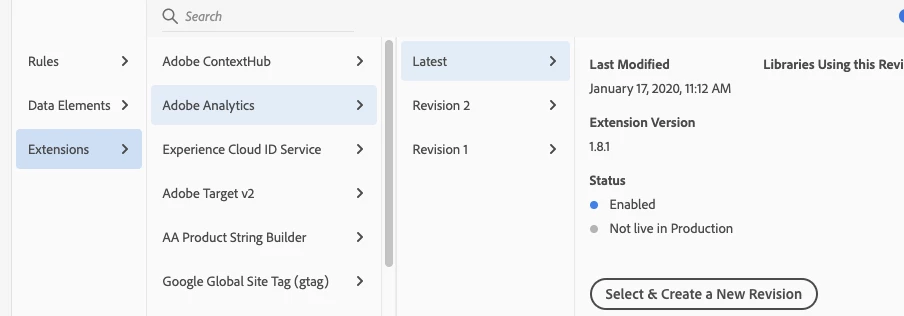
I just upgraded to Adobe Analytics Extension v1.8.1 and now I'm seeing an error when trying to build. All I did was click the Upgrade button in the Extensions section and changed an existing rule.
ERROR:
The "Adobe Analytics" extension has been upgraded on this property. The upgraded version must be included in this library by selecting the "latest" revision. Add it to your library, then rebuild.
SOLUTION:
After upgrading Adobe Analytics, and after you make a change to a rule, you must go to Publishing > Resource Changes > Expand the rule that you changed > Select the Revision with the word "Latest" in parenthesis > Click "Select this Revision" and follow the prompts. You should be able to build successfully.