Unable to Disable an Extension | Community
Skip to main content
June 4, 2024
Solved

Unable to Disable an Extension

  • June 4, 2024
  • 1 reply
  • 965 views

Hello,


I'm attempting to disable our Meta Pixel extension. When I do so, and add the change to a library, it fails to build with the following error:
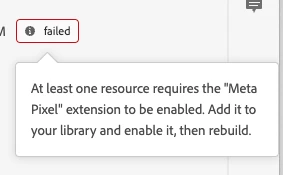
 

I've gone through every enabled rule and data element and cannot find anything referencing this extension. Is there an easy way to see what is referencing the extension, or a brute force way to remove? (I also hit the same error when I try to delete the extension). Thanks!

This post is no longer active and is closed to new replies. Need help? Start a new post to ask your question.
Best answer by bjoern__koth

Hi @roser11 

unfortunately, not really in Launch.


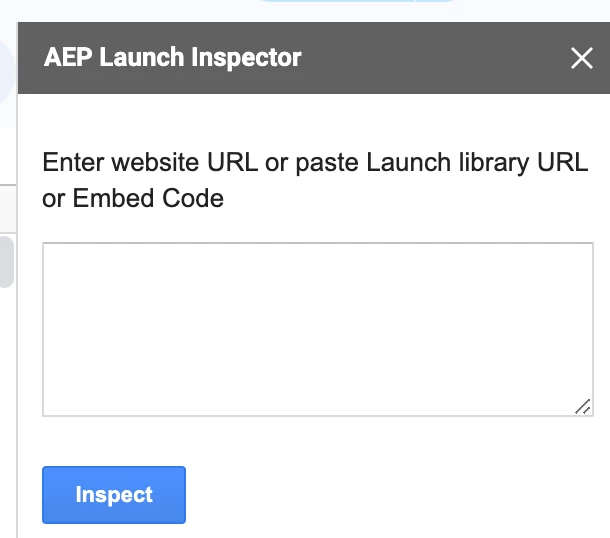
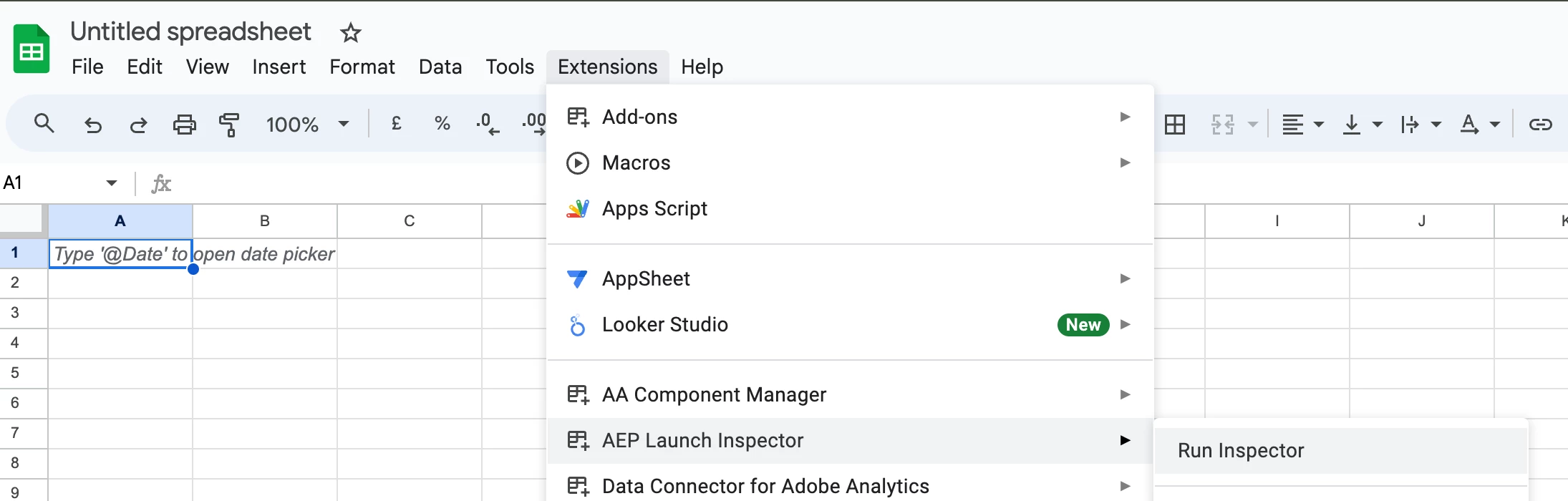
But you can check out this Google Sheets extension

https://workspace.google.com/marketplace/app/aep_launch_inspector/444323512075


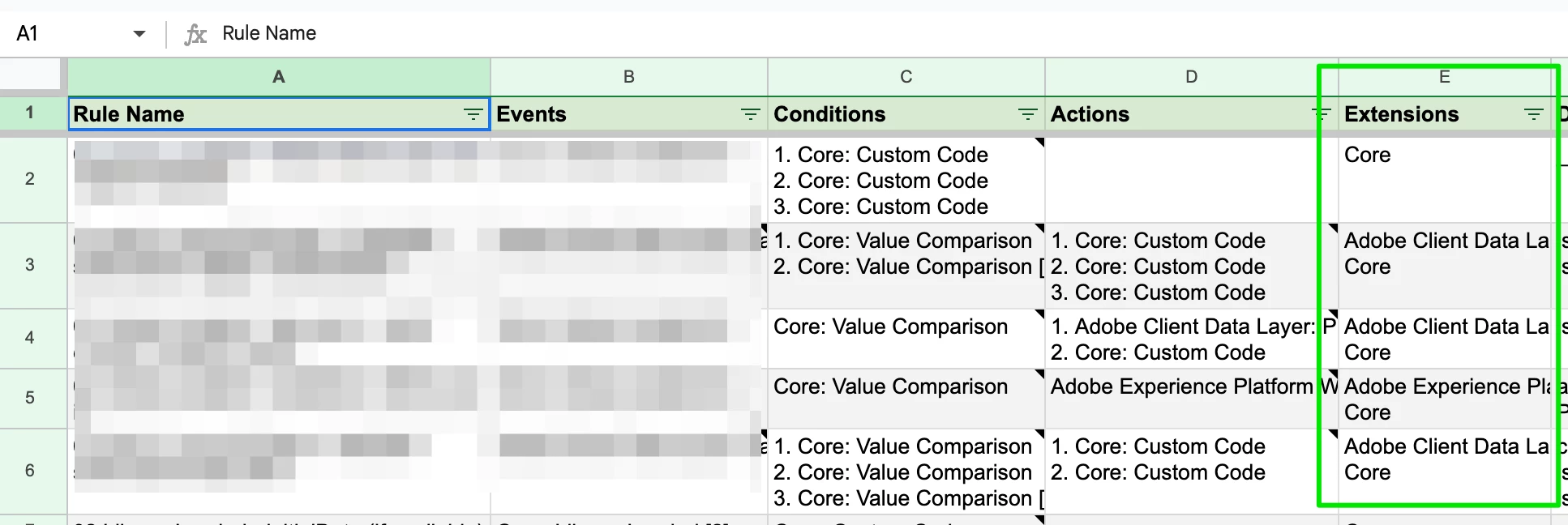
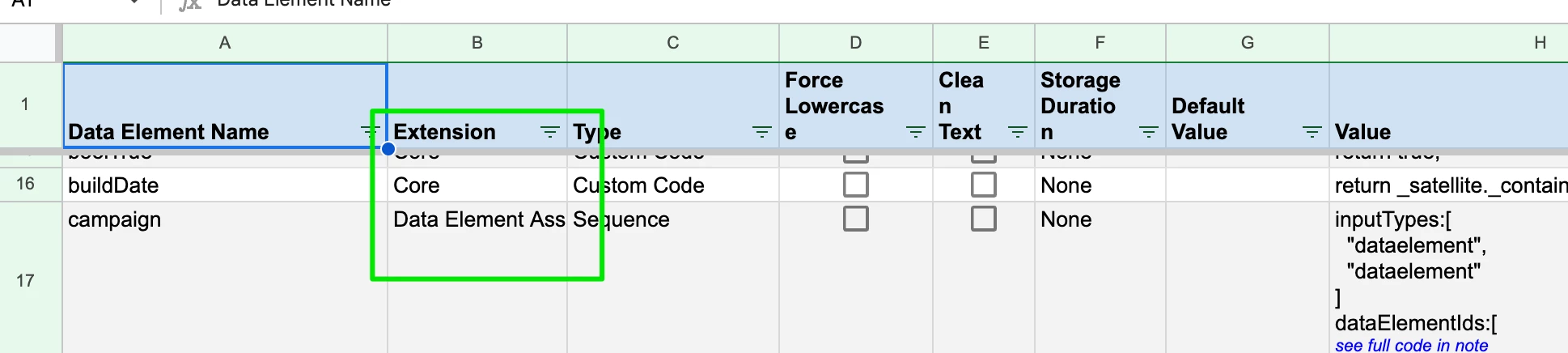
Which generates you a perfect summary of your Launch property.


where you can just drop in a Launch library URL or embed code and it will generate you a perfect overview of which data elements and rules use which extension.


Hope that helps.


Björn


1 reply

bjoern__koth
Community Advisor and Adobe Champion
bjoern__kothCommunity Advisor and Adobe ChampionAccepted solution
Community Advisor and Adobe Champion
June 5, 2024

Hi @roser11 

unfortunately, not really in Launch.


But you can check out this Google Sheets extension

https://workspace.google.com/marketplace/app/aep_launch_inspector/444323512075


Which generates you a perfect summary of your Launch property.


where you can just drop in a Launch library URL or embed code and it will generate you a perfect overview of which data elements and rules use which extension.


Hope that helps.


Björn


Cheers from Switzerland!
bjoern__koth
Community Advisor and Adobe Champion
June 5, 2024

Cannot update my reply from above,

the extensions is called "AEP Launch Inspector" by Andrey Osadchuk (@andreyosadchuk if that is you, massive kudos for that one!)

Cheers from Switzerland!
bjoern__koth
Community Advisor and Adobe Champion
June 14, 2024

@roser11 is this issue solved?

Cheers from Switzerland!