Level 2
July 23, 2025
Solved

Total Profile Count Not Showing on Home or Profile Overview Page

Hi all,

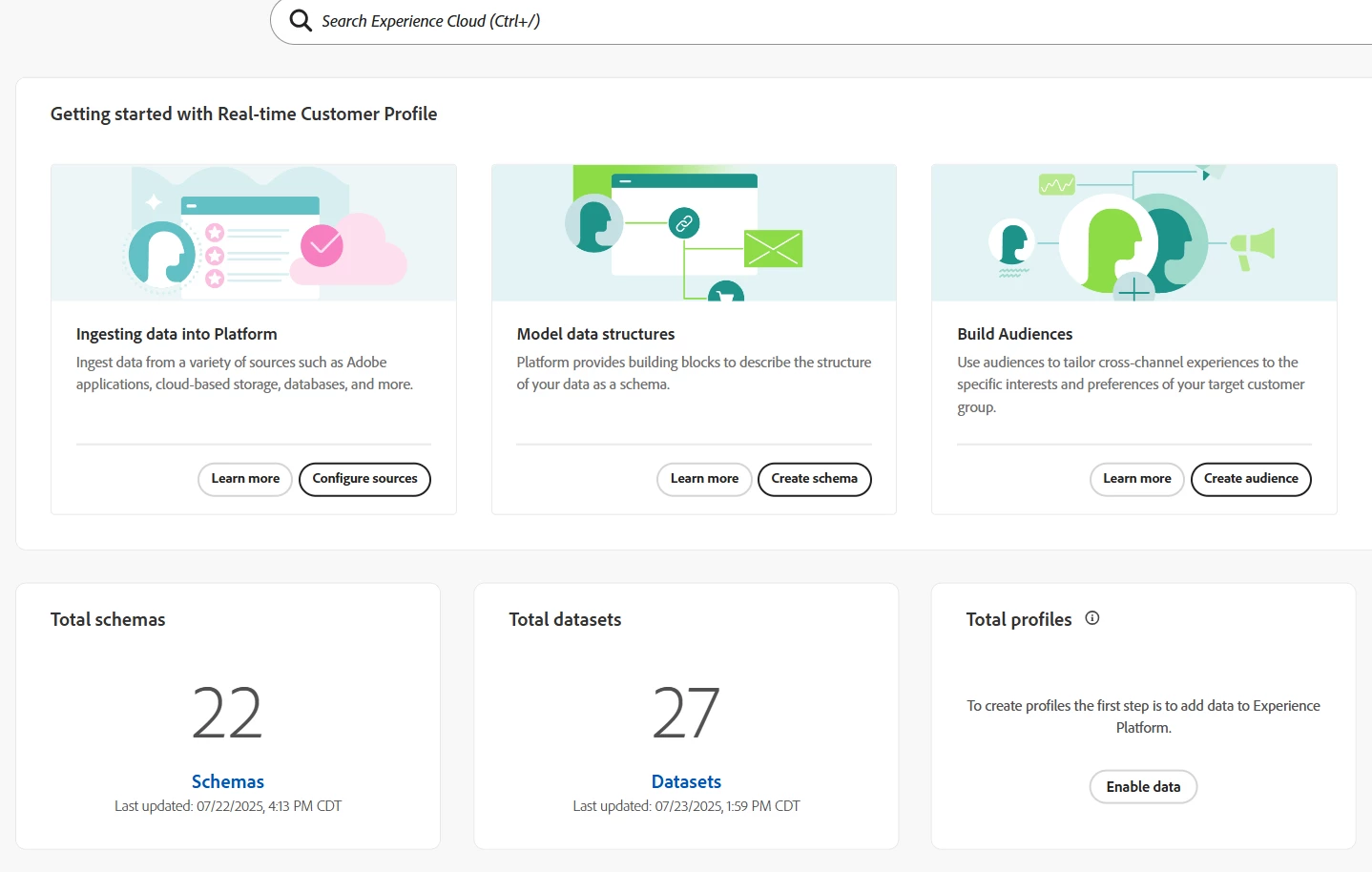
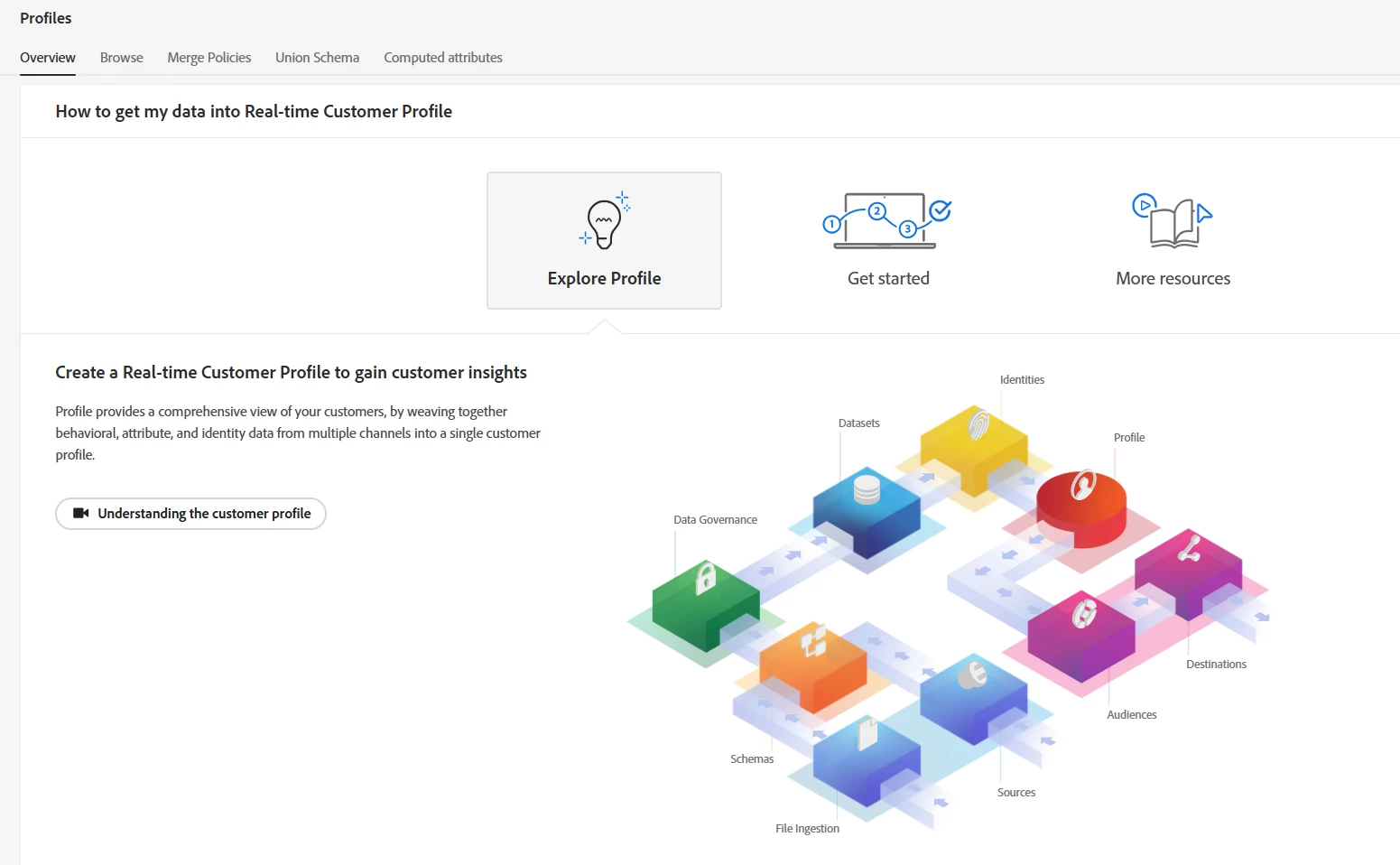
I’m working in AEP and noticed that the total profile count is not showing on the Home dashboard or the Profiles > Overview page, even though:

  • I’ve ingested data into a Profile-enabled schema and dataset

  • Identity fields are mapped properly and populated

  • Both schema and dataset have the Profile toggle enabled

  • The dataset ingestion shows success with no errors

Has anyone run into this before where the dashboard doesn’t reflect the profile count even after successful ingestion? Any steps I should take to verify or refresh the count?

Thanks in advance!
(Attaching screenshots of Home and Profile Overview for context.)
 

Asheesh_Pandey
Asheesh_PandeyAccepted solution
Adobe Champion and Community Advisor
July 23, 2025

@rs195 These dash normally gets update once in 24 hours. It problem persist, contact client care. Alternatively visit Customer > Profiles > Profile count trend line chart.  

- Asheesh

2 replies

Asheesh_Pandey
Adobe Champion and Community Advisor
Asheesh_PandeyAdobe Champion and Community AdvisorAccepted solution
Adobe Champion and Community Advisor
July 23, 2025

@rs195 These dash normally gets update once in 24 hours. It problem persist, contact client care. Alternatively visit Customer > Profiles > Profile count trend line chart.  

Translate
- Asheesh
KumarRishii
Level 5
July 24, 2025

If the profile count isn't showing on the AEP dashboard despite successful ingestion, try the following steps:

- Refresh the profile data.
- Wait for any processing delays as there may be a time lag.
- Check the Profile Store and ensure it's syncing properly.
- Verify identity fields and mappings are correct.
- Revalidate the schema and dataset for profile enablement.
- Check for any filters or permissions affecting visibility.
- Review ingestion logs for potential issues.
- Clear your cache or refresh the UI to rule out display bugs.

If the issue persists, consider reaching out to Adobe support.

Translate