I am in Approvers group in DTM but can not approve rules | Community
Skip to main content
Anatoly_Khomen1
April 20, 2018
Solved

I am in Approvers group in DTM but can not approve rules

  • April 20, 2018
  • 3 replies
  • 1314 views

Hello,

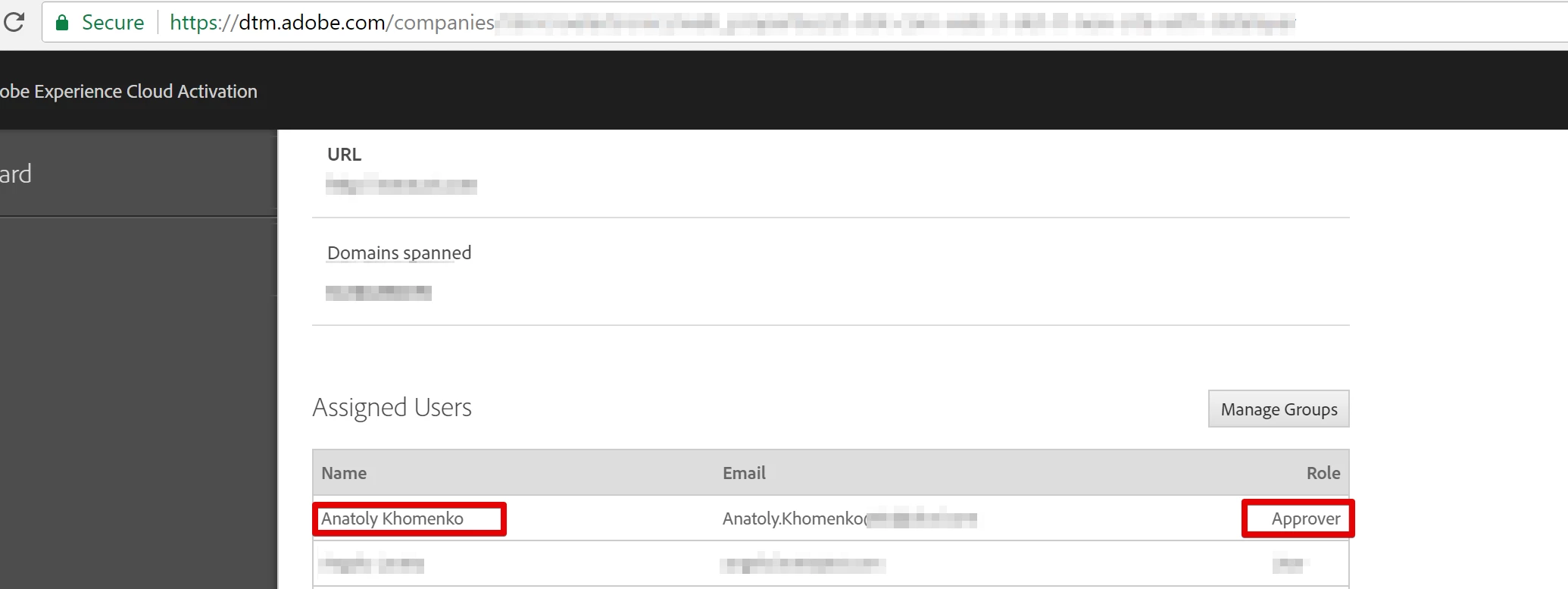
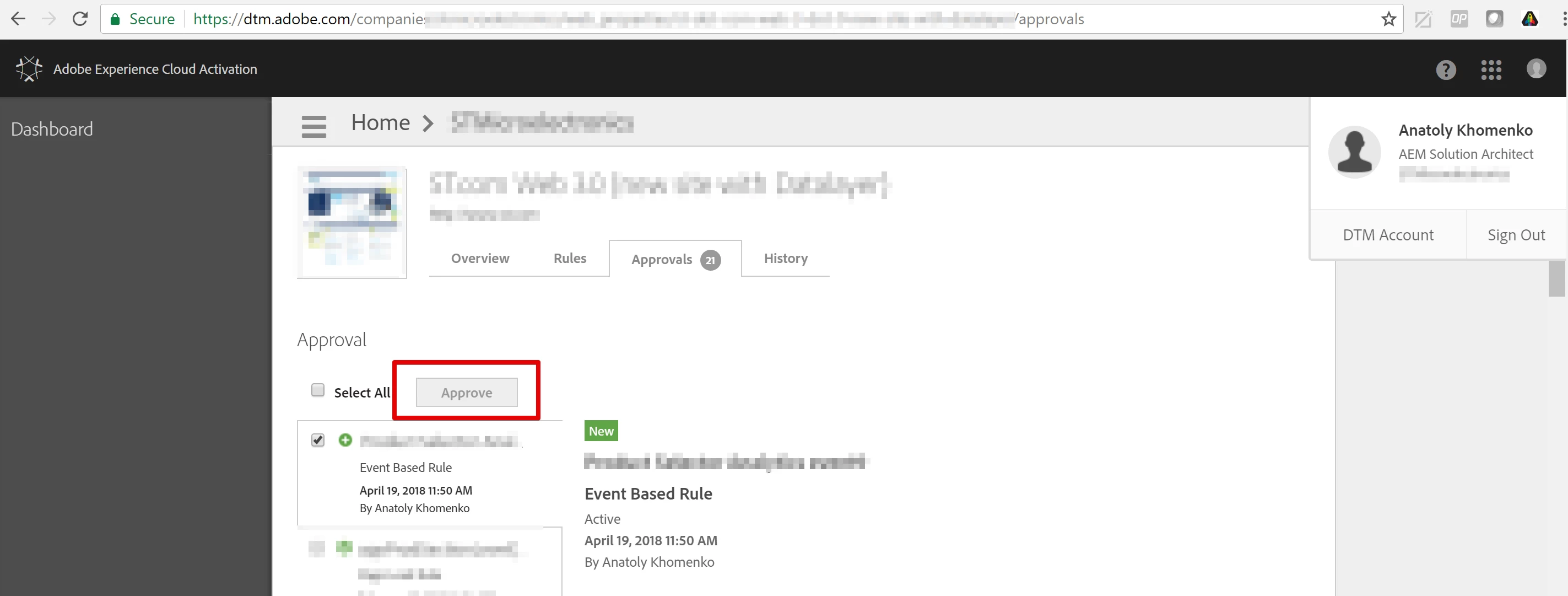
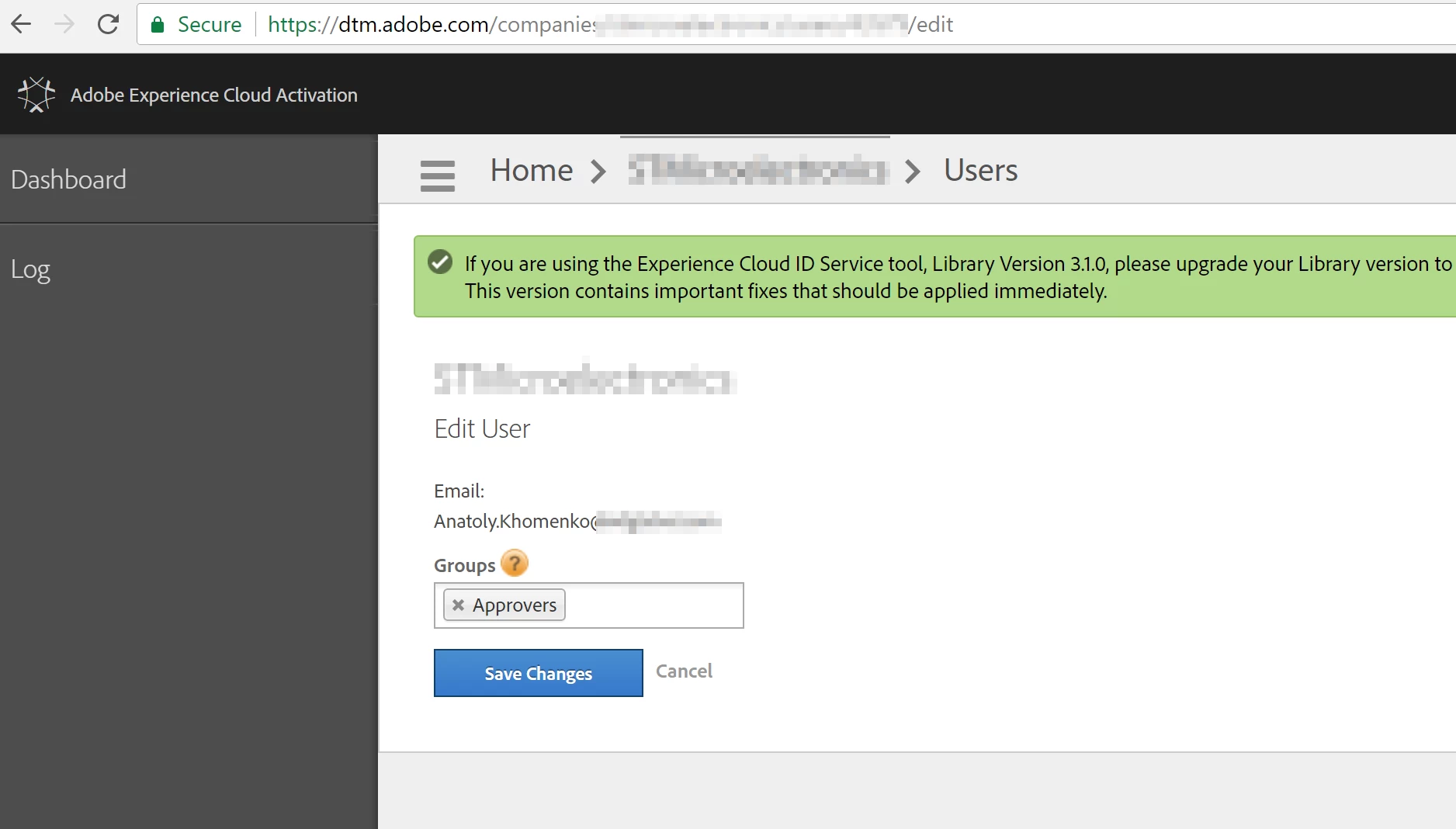
I'm experiencing a strange issue in DTM. I am a member of Approvers group as shown below, but I can not Approve rules. The Approve button at the top is grayed out for me and the one an the bottom does not exist.

I have read all the answers from Jantzen.Belliston​ but the do not seem to apply to my case, as I do have access to DTM and can create and edit rules.

Has anyone met similar situation before? Is there any solution possible?
This post is no longer active and is closed to new replies. Need help? Start a new post to ask your question.
Best answer by jantzen_b

I looked through your permissions and everything looked correct.

I did a bit of internal digging and was referred to a bug where another user was experience the same issue. Is is possible to have your permissions upgraded to Approver + Publisher by chance? In the bug I referenced, the problem only occurred when the user was a approver only.

3 replies

jantzen_b
Adobe Employee
jantzen_bAdobe EmployeeAccepted solution
Adobe Employee
April 20, 2018

I looked through your permissions and everything looked correct.

I did a bit of internal digging and was referred to a bug where another user was experience the same issue. Is is possible to have your permissions upgraded to Approver + Publisher by chance? In the bug I referenced, the problem only occurred when the user was a approver only.

Anatoly_Khomen1
April 23, 2018

Hi Jantzen,

Thank you for prompt reply.

We were able to experiment with this last week, but without success.

I did not experiment with Approver + Publisher permissions exactly, but I did receive Admin permissions (which according to the documentation here( Create and Manage Groups in DTM ) should have Approver permissions, but no luck. The same system behavior.

As an additional information, I have found out that this happens when I login either using Adobe ID linked to DTM account or using DTM login/password directly.

Could you point to the right direction on resolving this?

Thank you!

Anatoly

jantzen_b
Adobe Employee
Adobe Employee
April 23, 2018

It sounds like there may be something deeper with your user account. You'll need to contact customer care and open a ticket to push this further. They can open a bug with our engineering team assuming they don't spot anything out of the ordinary. You can contact them via clientcare@adobe.com.