Solved
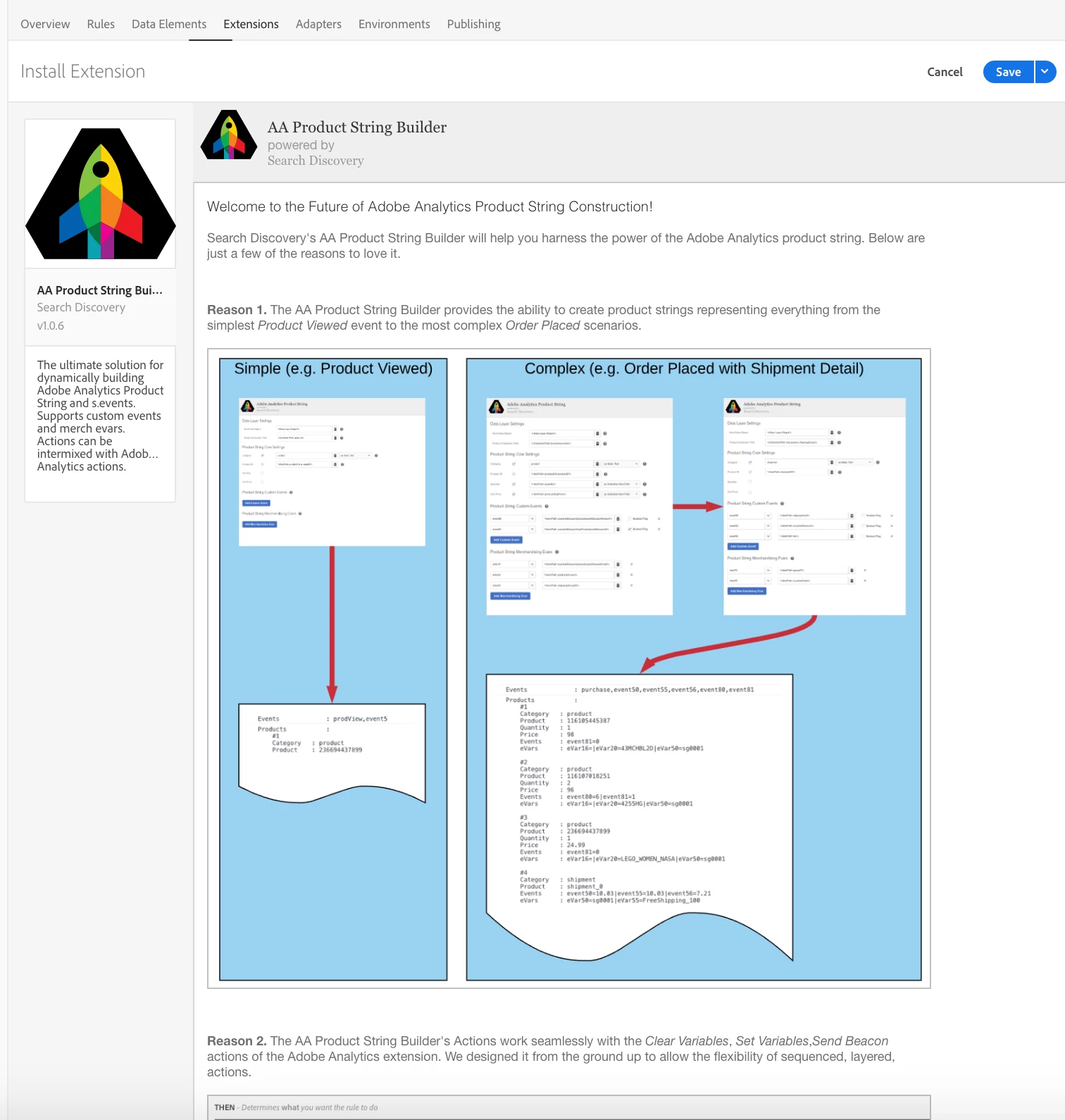
Help with Product String Launch Extension
Hi Masters!
I'm trying to figure out how the Product String Launch Extension works.
I'm tagging a checkout page, and I would like to set the product ids (array) using this extension. The documentation is not very clear (Use bracket notation to denote any object in the variable that is an array ( i.e. myDataLayer.thisIsAnArray[n].productID))
To store the product ids, I tried with a Data Element and with a custom JS with _satellite.setVar(). But it doesn't work. Is there any example out there?
For example, my specific questions about the documentation example (myDataLayer.thisIsAnArray[n].productID):
- Is myDataLayer a Launch Data Element?
- Should I include the '%' symbols in the configuration field, inside the Product String Launch Extension, like any other field in Launch?
- If I set a Data Element, let's say 'CheckoutPage_SKUs' with an array of product ids, should it work if I set '%CheckoutPage_SKUs%'? Or '%CheckoutPage_SKUs[]%'? Or '%CheckoutPage_SKUs%[]'. (These doesn't work for me)
Any help would be appreciated!
Kind regards,