

Data Distiller | Accelerators
Overview
Data Distiller Accelerators help users move faster from raw data to repeatable analysis by providing Adobe-authored SQL templates for common business, industry, and technical use cases.
Accelerators are available in the Queries workspace and can be used to analyze areas such as customer segmentation, campaign performance, commerce behavior, audience overlap, fraud detection, retention, product reviews, attribution, and more.
Access and Permissions
Accelerators are available to organizations with Data Distiller entitlements. Users can access them from the Accelerators tab in the Queries workspace.
Viewing Available Accelerators
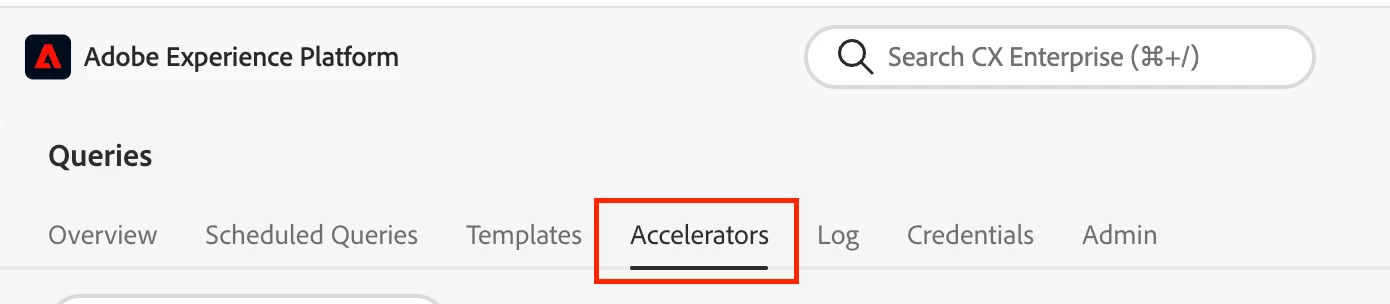
Go to Queries in the left navigation, then open the Accelerators tab.
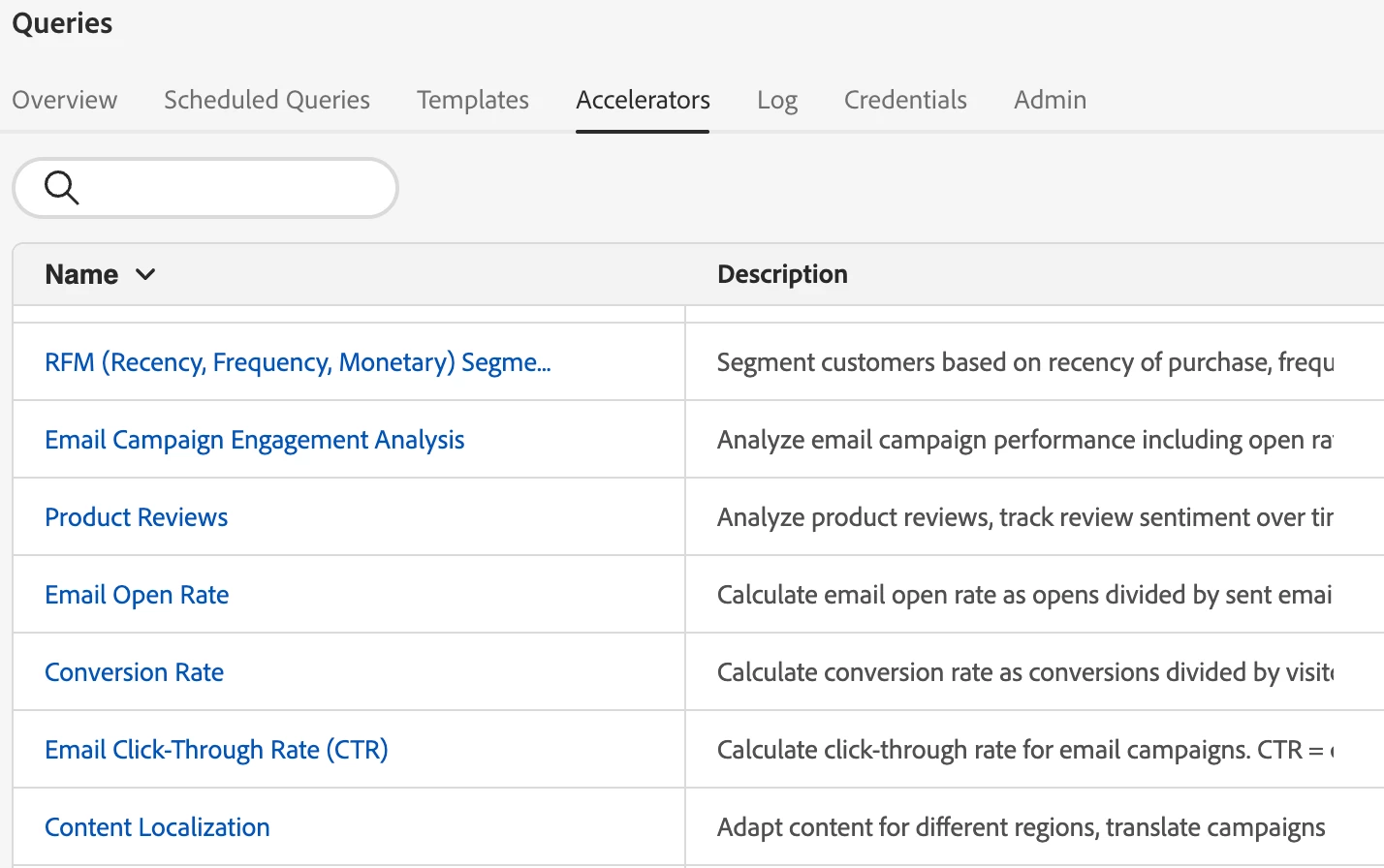
The accelerator catalog displays available templates with a name and description, making it easy to identify the right starting point for your use case.
Using an Accelerator
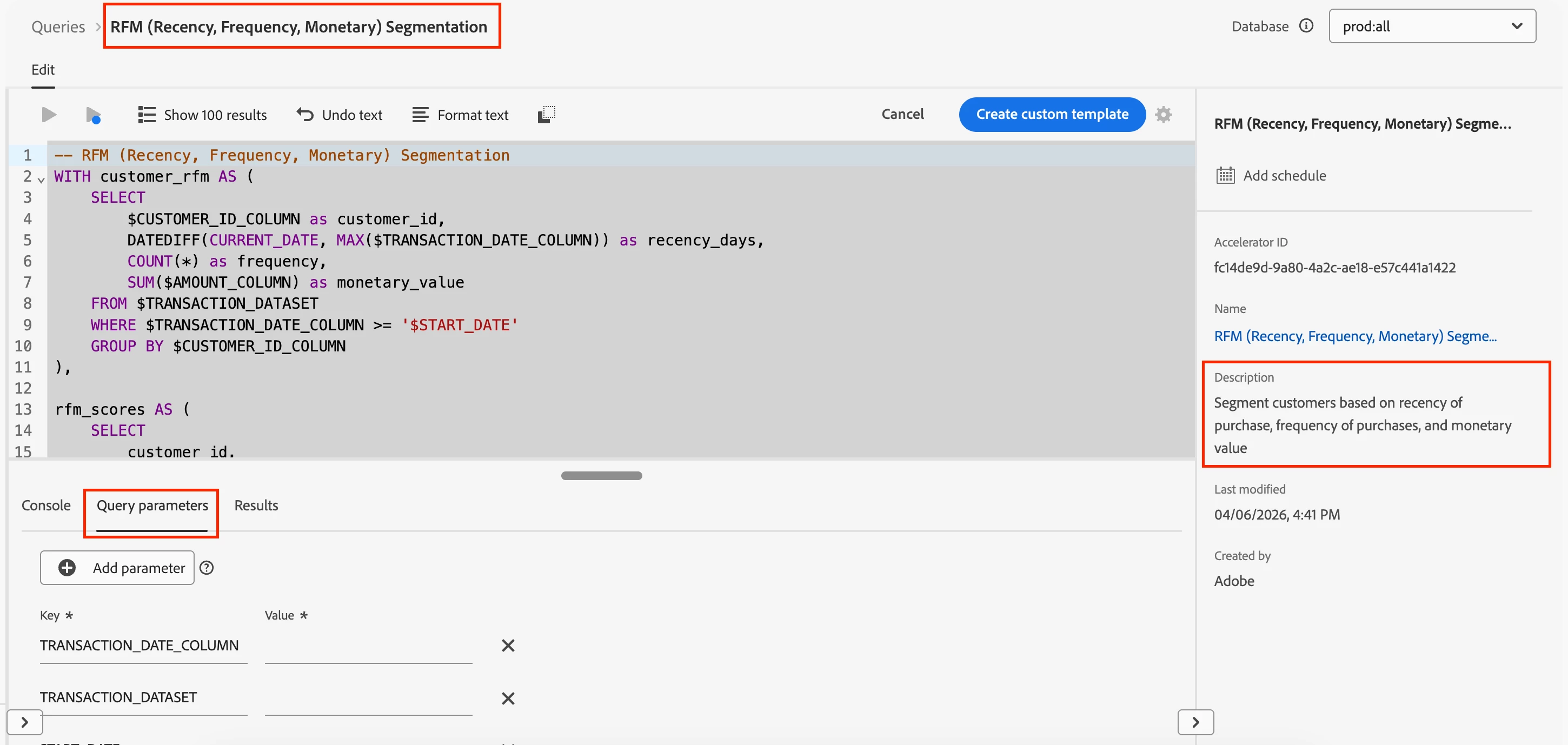
Select an accelerator to open it in Query Editor.
The SQL is preloaded and read-only by default. Users can provide the required parameters, run the query, and review the results directly in the Results tab.
Saving or Scheduling Results
After validating the output, users can persist results into a dataset using CTAS or schedule the accelerator to run on a recurring basis with fixed parameter values.
This helps teams turn one-time analysis into repeatable workflows.
Customizing Accelerators
Accelerators are maintained by Adobe and cannot be edited directly.
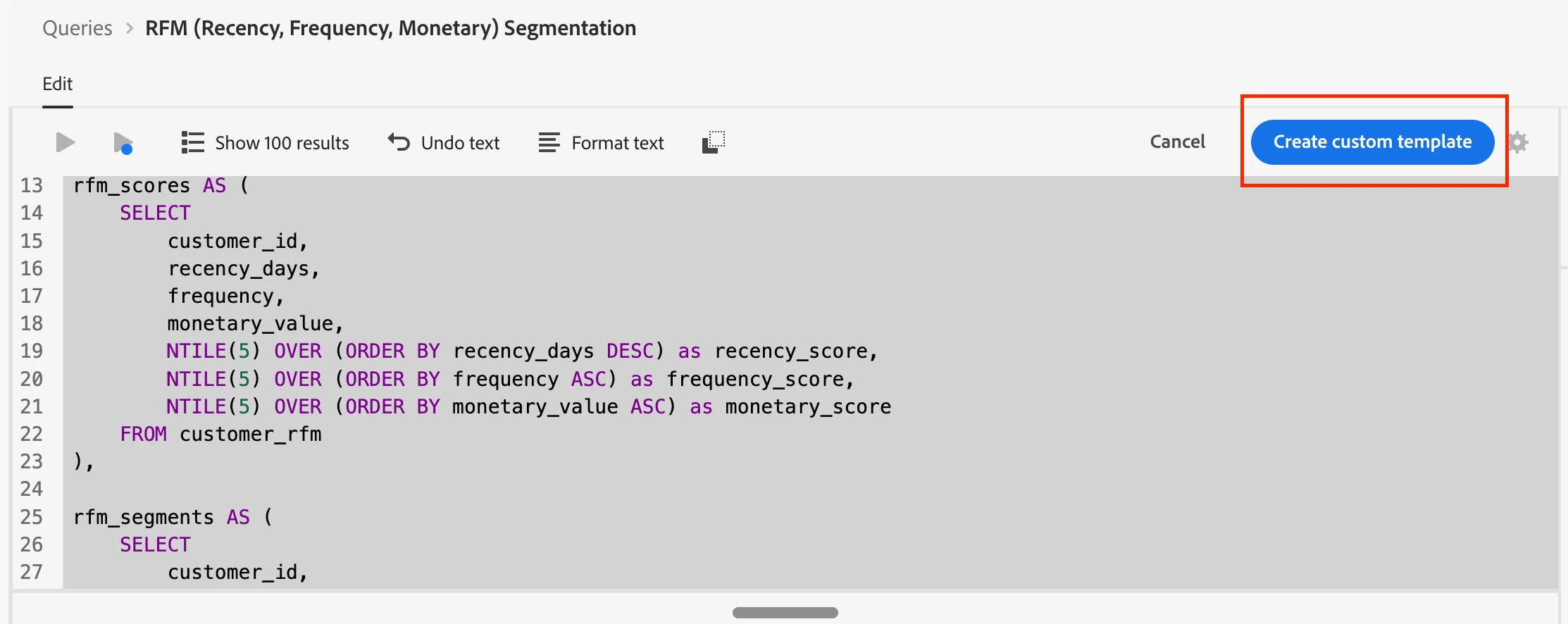
To modify the SQL, users can create a custom template from an accelerator. The cloned version becomes editable and can be saved, scheduled, or adapted to fit organization-specific business logic.
Summary
Data Distiller Accelerators provide trusted SQL starting points across a broad range of use cases. They reduce manual SQL authoring, help standardize repeatable analysis, and give teams the flexibility to operationalize or customize workflows as needed.
Author: