Create data element error with variable selection
- 5 replies
- 1552 views
- Translate All
I am following the documentation https://experienceleague.adobe.com/en/docs/platform-learn/implement-web-sdk/tags-configuration/create-data-elements to create data element.
In the section Create Variable data elements for XDM and data objects when I select variable at step 4, I get error message
An error occurred.
Failed to load schema metadata. The resource was not found.
when I debugged it using chrome developer tools I found
http://ns.adobe.com/aep/errors/XDM-2012-404
A sandbox with the name undefined is not found. Error from Sandbox Management API: The sandbox was not found.
I get the same issue when looked at the network call I see
{"type":"http://ns.adobe.com/aep/errors/XDM-2012-404","title":"Sandbox not found","status":404,"report":{"registryRequestId":"8147b086-1e1d-41be-8ddf-9975a3b27825","timestamp":"09-27-2024 11:41:32","detailed-message":"A sandbox with the name undefined is not found. Error from Sandbox Management API: The sandbox was not found. Refresh the page and try again.","sub-errors":[]},"detail":"A sandbox with the name undefined is not found. Error from Sandbox Management API: The sandbox was not found. Refresh the page and try again."}
I tried in incognito and different browsers, problem remains same in all browsers.
http://ns.adobe.com/aep/errors/XDM-2012-404 is something adobe internal url not accessible to public. Not sure what this means, if anyone experienced this pls let me know how to resolve this.
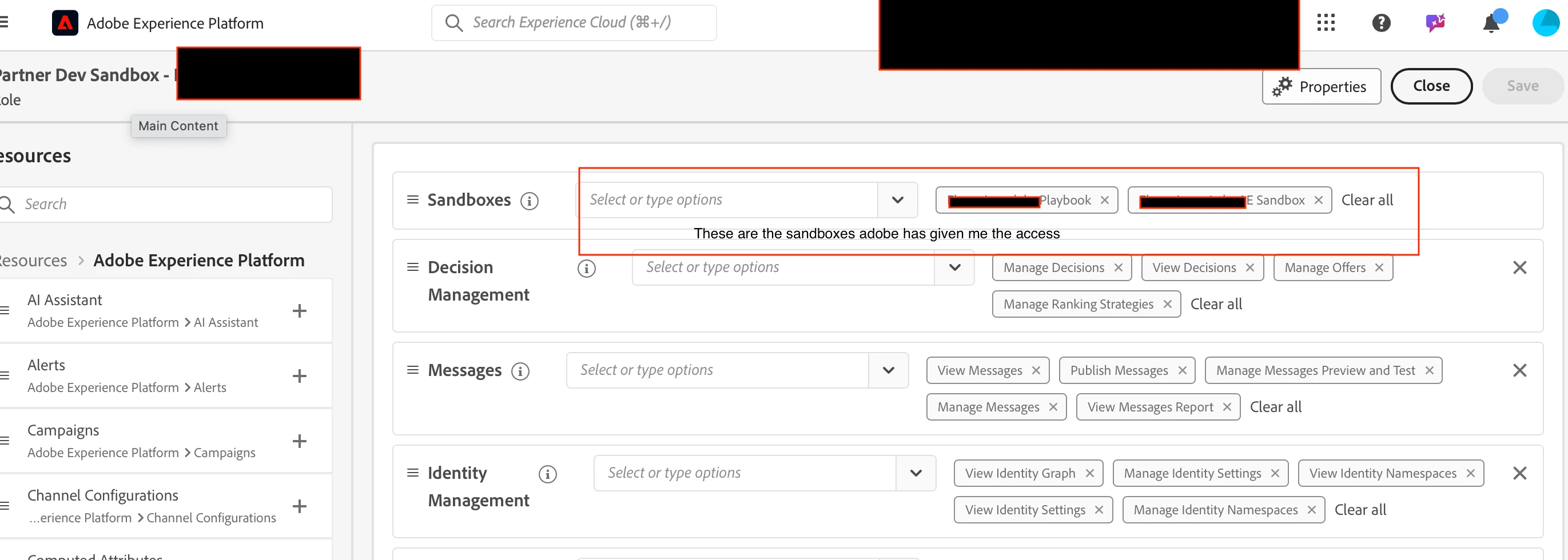
Attaching screenshot and video