
Solved
Connection error while testing AEP Api in Postman
I created a project in AEP and wanted to test the connection through postman.
I undertook following steps:
- Go to Postman
- Under "Authorization" tab, selected "OAuth 2.0" as the "Type".
- Token Name: "XYZ Test"
- Grant Type: Authorization Code
- Callback URL: https://www.getpostman.com/oauth2/callback
- Auth URL: https://ims-na1.adobelogin.com/ims/authorize/v1
- Access Token URL: https://ims-na1.adobelogin.com/ims/token/v1
- Client ID: Entered the Client ID as generated
- Client Secret: Entered the Client Secret as generated.
- Scope: openid AdobeID read_organizations additional_info.projectedProductContext additional_info.job_function
- State: left blank
- Client Authentication: Send client credentials in body
- Click "Request Token".
Now, I am getting a prompt like this:
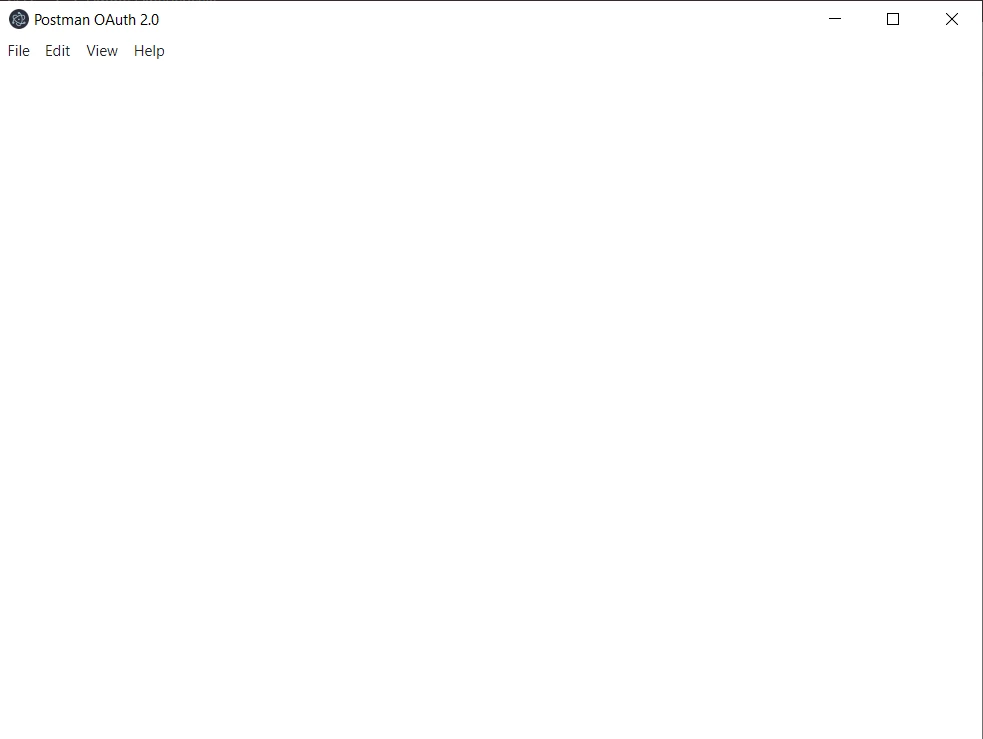
And in postman I am getting :
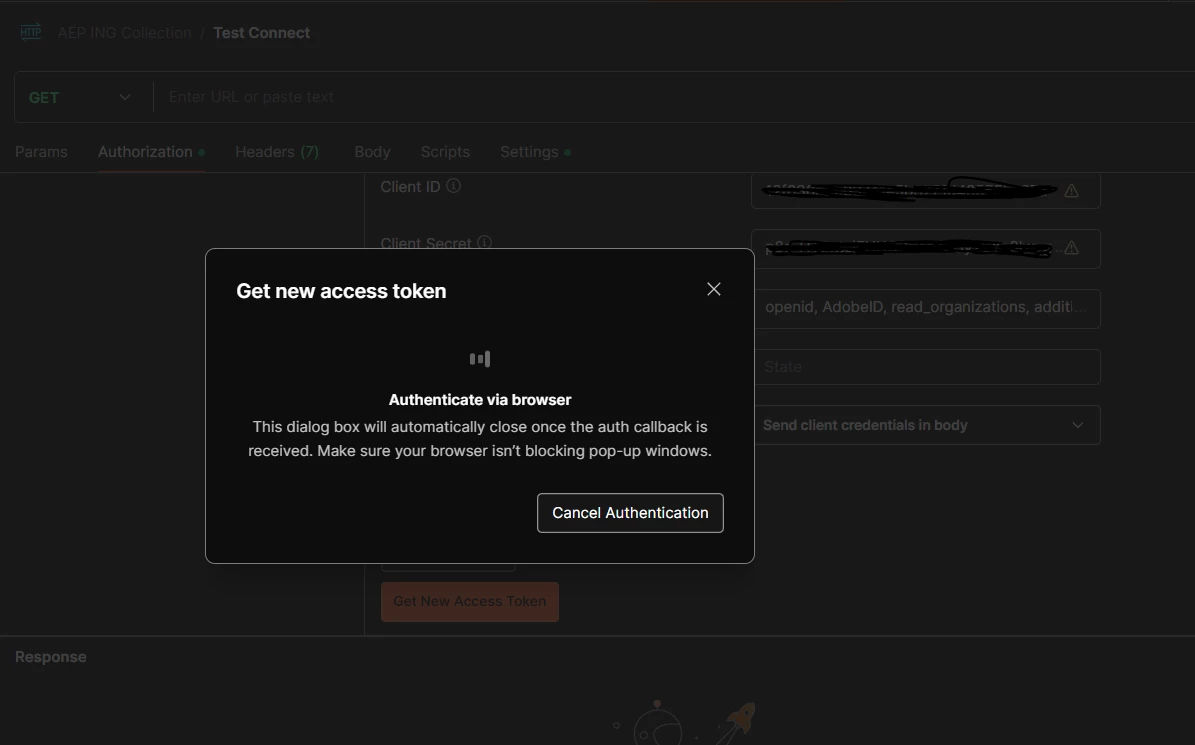
In log I get this:
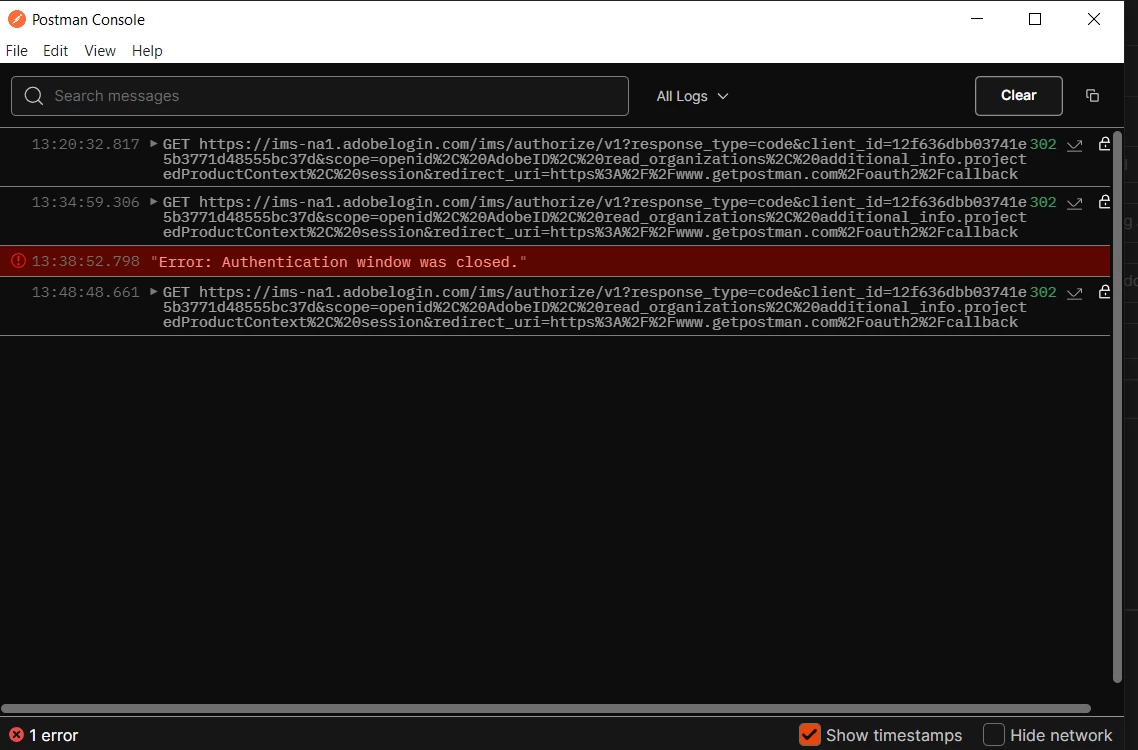
And then it goes to time out, please help me to fix this issue.
Thanks.