WKND tutorial - loading blank page | Community
Skip to main content
October 30, 2020
Solved

WKND tutorial - loading blank page

  • October 30, 2020
  • 3 replies
  • 6964 views

Hi!

After creating the WKND tutorial project I am facing issues.

In http://localhost:4502/sites.html/content/wknd by selecting edit - page opens empty in the editor.

I am working with AEM 6.5

Apache Maven 3.6.3

Java version: 11.0.8

I would be really happy about every suggestion on how to fix this problem. 🙂
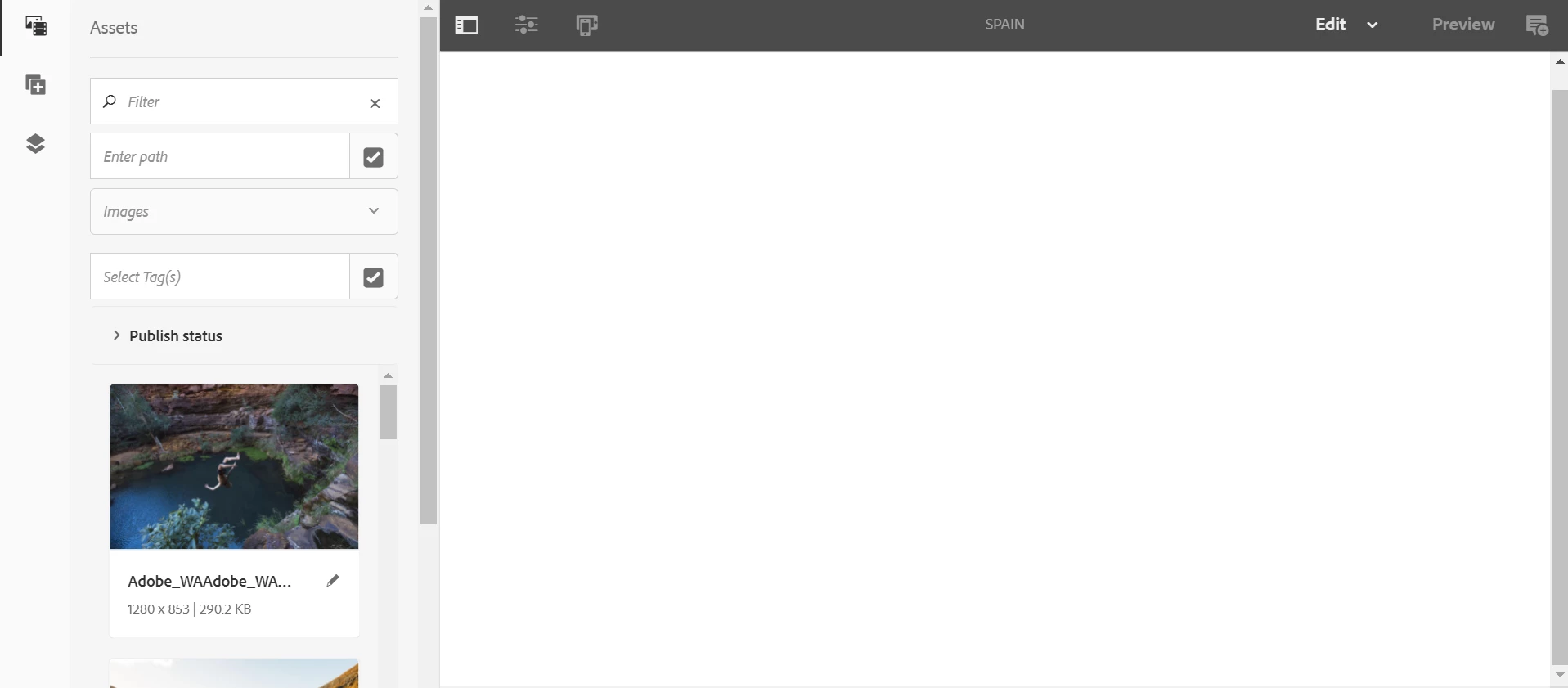
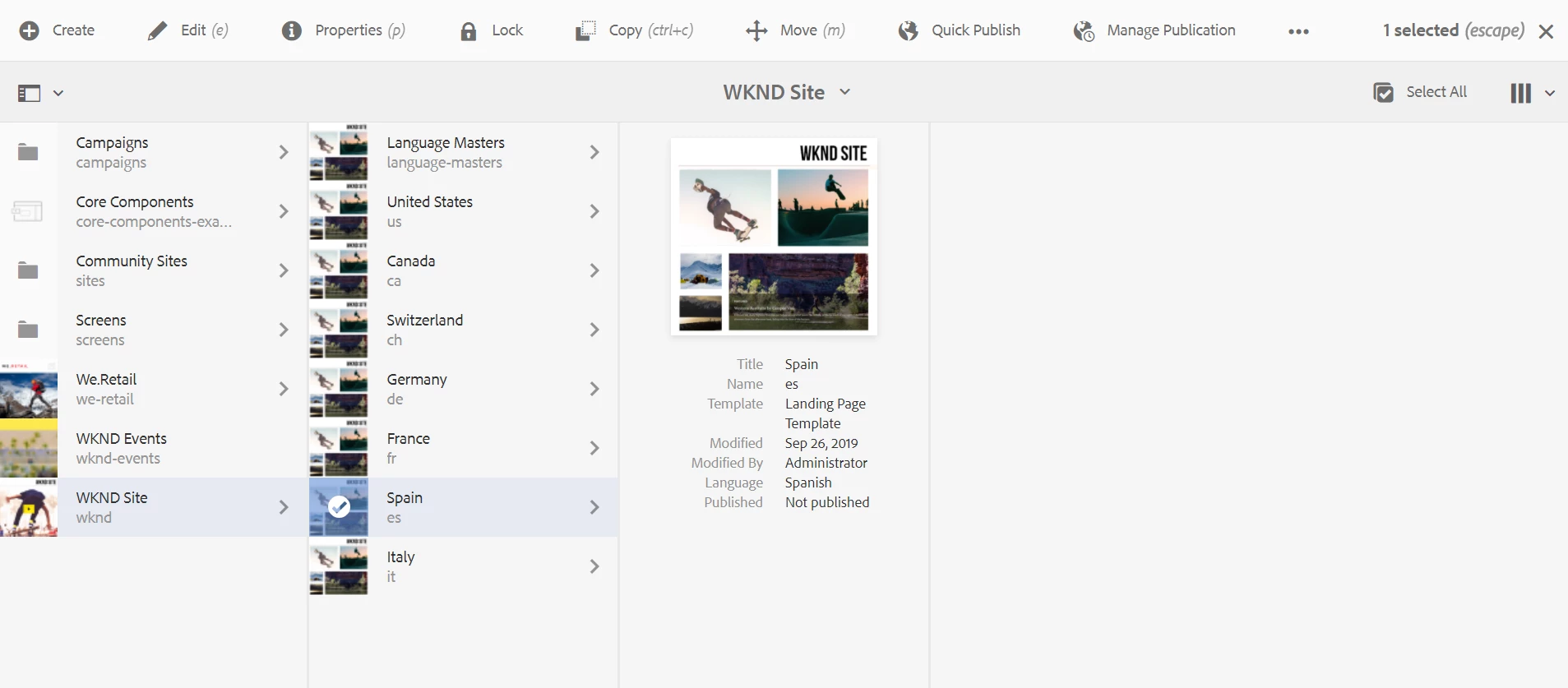
Thank you!

This post is no longer active and is closed to new replies. Need help? Start a new post to ask your question.
Best answer by Manjunath_K

Hi @hello-liana2 

Have you deployed WKND project?


if not please deploy code by cloning the project from here https://github.com/adobe/aem-guides-wknd

If yes, please check "WKND Sites Project - Core" bundle status whether its in active status or not. if its not active check if there is any dependency error.


Hope this helps!

3 replies

Manjunath_K
Manjunath_KAccepted solution
Level 7
October 30, 2020

Hi @hello-liana2 

Have you deployed WKND project?


if not please deploy code by cloning the project from here https://github.com/adobe/aem-guides-wknd

If yes, please check "WKND Sites Project - Core" bundle status whether its in active status or not. if its not active check if there is any dependency error.


Hope this helps!

February 8, 2024

Hi, I'm trying to follow the AEM WKND sites tutorial, I successfully generate the project using archetypeVersion=35 and aemVersion="6.5.0", but after creating the Basic Components page, the page has no content and no component available. I'm using AEM 6.5 for my jar file.


I also check my WKND Site Project - Core in console bundles and the status is already "ACTIVATE":


This is my command:


mvn -B org.apache.maven.plugins:maven-archetype-plugin:3.2.1:generate -D archetypeGroupId=com.adobe.aem -D archetypeArtifactId=aem-project-archetype -D archetypeVersion=35 -D appTitle="WKND Sites Project" -D appId="wknd" -D groupId="com.adobe.aem.guides" -D artifactId="aem-guides-wknd" -D package="com.adobe.aem.guides.wknd" -D version="0.0.1-SNAPSHOT" -D aemVersion="6.5.0"


This is my AEM version:


This is the page I created for WKND page (Component Basics)


Can someone help me on this please? Thank you.

santhosh_kumark
Level 6
October 30, 2020

Hi @hello-liana2 ,


  1. If you are using JDK 11 with AEM 6.5 instance, some of the pages might display as blank after deploying some packages. The following error message displays in the log file:
*ERROR* [OsgiInstallerImpl] org.apache.sling.scripting.sightly bundle org.apache.sling.scripting.sightly:1.1.2.1_4_0 (558)[org.apache.sling.scripting.sightly.impl.engine.extension.use.JavaUseProvider(3345)] : Error during instantiation of the implementation object (java.lang.NoClassDefFoundError: jdk/internal/reflect/ConstructorAccessorImpl)
java.lang.NoClassDefFoundError: jdk/internal/reflect/ConstructorAccessorImpl

To resolve this error:
  • Stop the AEM instance. Go to <aem_server_path_on_server>crx-quickstart\conf and open the sling.properties file. Adobe recommends taking a backup of this file.
  • Search for org.osgi.framework.bootdelegation= . Add jdk.internal.reflect,jdk.internal.reflect.* properties to display the result as.
org.osgi.framework.bootdelegation=sun.*,com.sun.*,jdk.internal.reflect,jdk.internal.reflect.*

  • Save the file and restart the AEM instance.

     2. When you create the page component you need to include the Resource super type                 as wcm/foundation/components/page which is pointing to Page component otherwise you will see balnk.


     3. Alternatively, you can setup wknd code using this helpx article :https://helpx.adobe.com/in/experience-manager/kt/sites/using/getting-started-wknd-tutorial-develop/part4.html


Hope this helps!


Regards,

Santosh

kautuk_sahni
Community Manager
Community Manager
November 9, 2020
Very verbose reply.
Kautuk Sahni
October 30, 2020

Hello @manjunath_k 

Thank you for your answer, it seems that it could be my problem reason.

Do you have any suggestions on what to do with this kind of error?

January 21, 2022

Hello!
Can you resolved? I'm new in AEM and have a similar problem


mirkomanga
Level 3
February 15, 2022

perhaps I can suggest something I learned: 

1) Your first errors are about lacking of core-wcm-components package; you can build it by your own or install through package manager. You can find 'em at: https://github.com/adobe/aem-core-wcm-components/releases/ . Paying attemption to install version matching your main pom.xml 

2) for other errors (for ex. com.aem.search.version ) follow these steps:

* copy the FQN of class (for ex. com.day.cq.search)

* paste it in http://localhost:4502/system/console/depfinder to locate the available version in your build

* add it as dependency for your maven build goal (in this example, is in my core/pom.xml  at 

bnd-maven-plugin configuration, to use it in WKND you have to add this plugin

Then in configuration:


Then launch from base pom.xml with

mvn clean install -PautoInstallSinglePackage -Pclassic ... I don't know why but today I had to perform these changes...)

After you rebuilt, you'll see redlines disappear at check for bundles.

Hope can help, bye!
