Level 2
Jun 21, 2023 7:46 PM UTC

WKND Content Blank

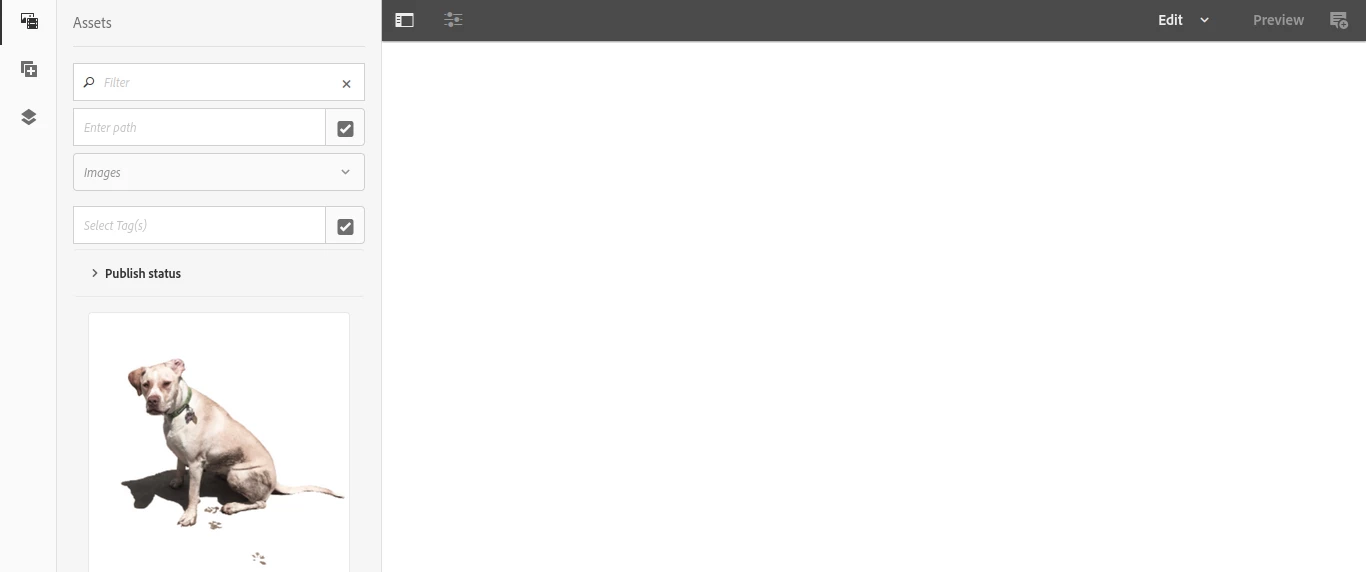
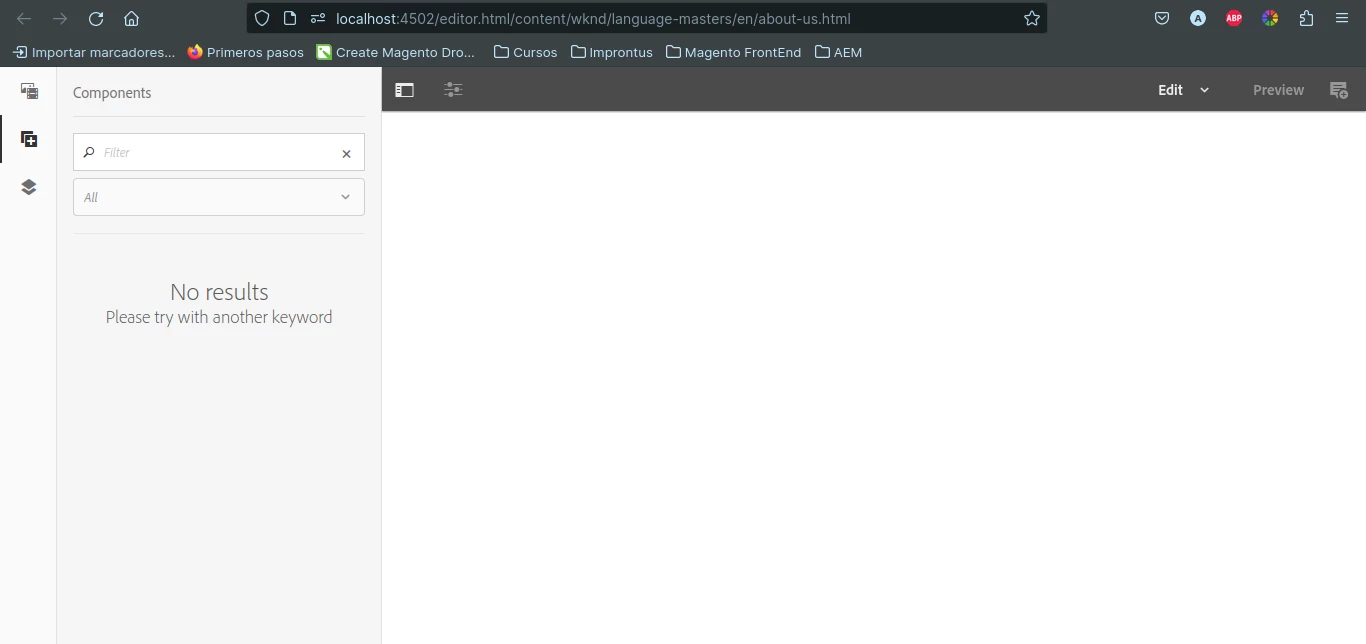
Hi i installed de WKND project in my computer and whenever i try to create or edit a page of this template, there is nothig there to change, no new components to add into the page. I installed de WKND, following these steps:


//For AEM as a Cloud Service SDK:

$ cd aem-guides-wknd/

$ mvn clean install -PautoInstallSinglePackage


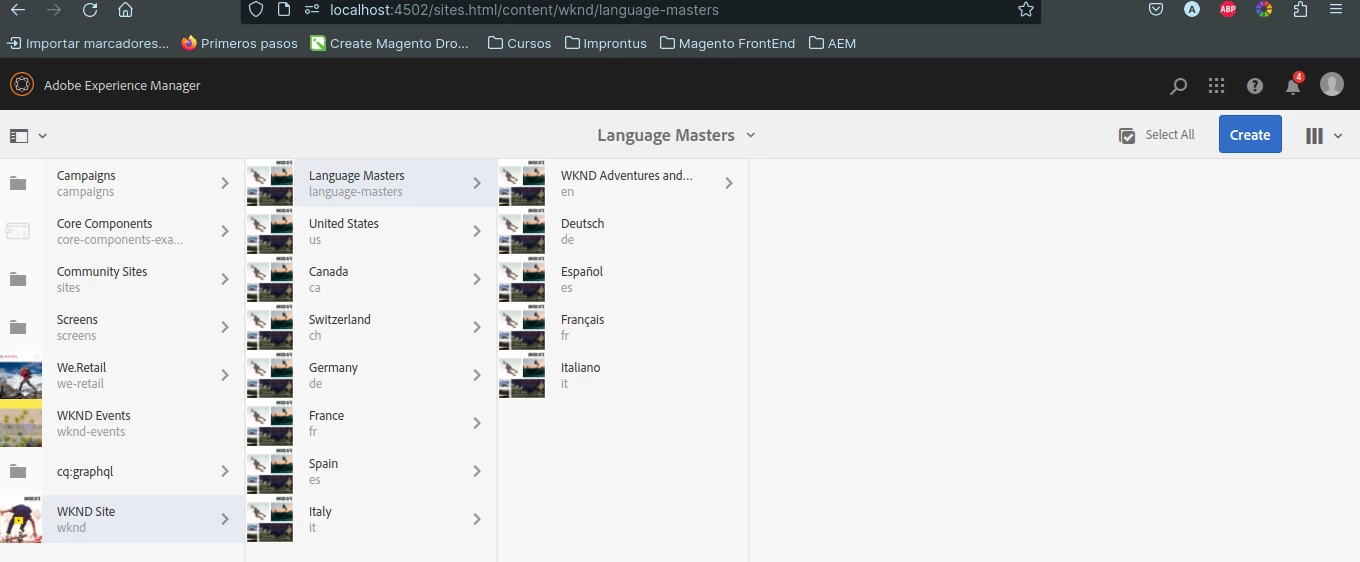
and the AEM appeared correctly. Can you guide me in what i can do to make it work?
Thanks

This post is no longer active and is closed to new replies. Need help? Start a new post to ask your question.

23 replies

EstebanBustamante
Adobe Champion and Community Advisor
Jun 21, 2023 8:27 PM UTC

Can you check if the bundles are active? Did you find any ERROR statements in the log? I would recommend restarting the instance and checking once more: 1) the bundles, and 2) the logs. Then post back what are you seeing in the logs.

Translate
Esteban Bustamante
Level 2
Jun 22, 2023 2:21 PM UTC

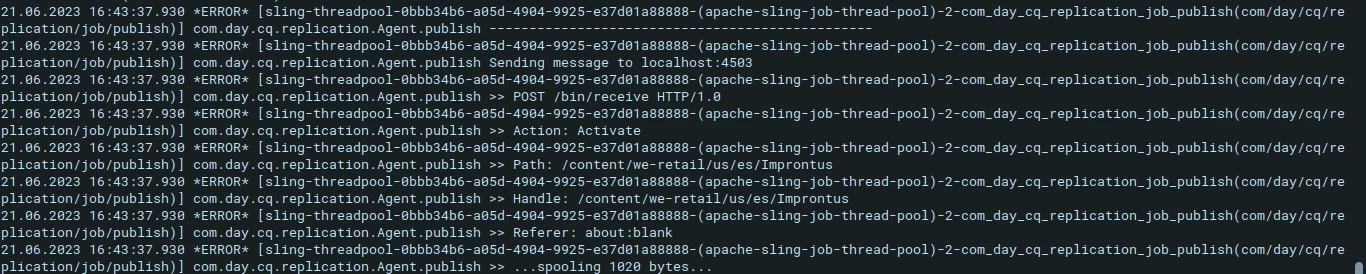
Hi esteban here are some screens of what i found but still not sure where is the error

Translate
EstebanBustamante
Adobe Champion and Community Advisor
Jun 22, 2023 3:41 PM UTC

Your "WKND Site Core" bundle is not active but it shows in the "installed" state. Click the "play" button to activate it. That should fix it

Translate
Esteban Bustamante
aanchal-sikka
Community Advisor
Community Advisor
Jun 22, 2023 3:59 AM UTC

Hello @agustinafernandez 


The logs in the description are related to replication only.

Please remove all the statements from error.log file, try loading a page and notice if any error-specific logs appear in error.log

Translate
Aanchal Sikka
Level 2
Jun 22, 2023 2:22 PM UTC

hi aanchal

here are some logs but i am not sure if this could be the error

Translate
aanchal-sikka
Community Advisor
Community Advisor
Jun 22, 2023 5:26 PM UTC

Hello @agustinafernandez 


That seems like an issue. Please check if a component exists under "/apps/wknd/components/page".


If not, please download and install "aem-guides-wknd.all-2.1.4.zip" from 

https://github.com/adobe/aem-guides-wknd/releases/tag/aem-guides-wknd-2.1.4 via Package manager


Please note that 2.1.4 is the latest release. Anything greater than this would be work-in-progress.


Also, can you please share the command that you are using to deploy the code?


Translate
Aanchal Sikka
SivakumarKanoori
Community Advisor
Community Advisor
Jun 22, 2023 4:03 AM UTC

Hi @agustinafernandez : Go to http://loalhost:4502/system/console and check all the bundles are active or not.

2) Check in the error.log file if you can see any errors.

3) Better try to restart the AEM instance .


Thanks

Siva

Translate
Thanks,Siva
Rajarshi306278674zn4
Adobe Employee
Adobe Employee
Jun 22, 2023 4:42 AM UTC

Hi @agustinafernandez , please check according to the following order :

1. Go to the developer moder from edit mode and check if there's any error due to any component.

2. Check page resourceType and templates

3. check all bundles are active

4. check the error logs.


Translate
Level 2
Jun 22, 2023 1:29 PM UTC

I will check these points and see what happens

Translate