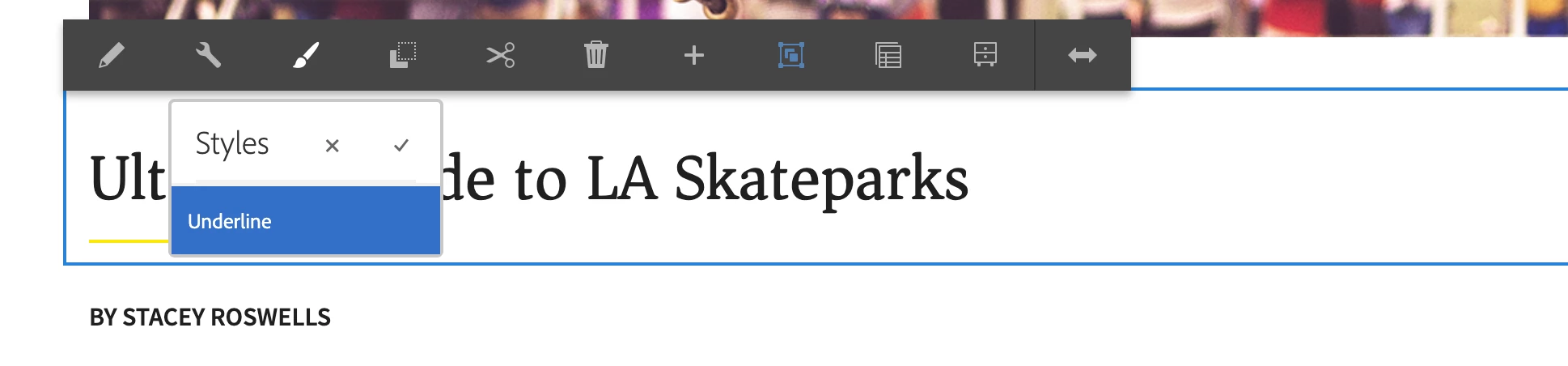
WKND Chapter 5 Style System - Style Icon (Paintbrush) not showing up for Title Component
Hi, I was wondering if anybody has ran into a similar issue or knows how to solve the following issue:
****Background****
I've following the instructions in WKND Tutorial Chapter 5 Style System. My local author instance is at version 6.5.0 (jar file, not the cloud version), and coming from the resolution to this issue https://github.com/adobe/aem-guides-wknd/issues/283, I downloaded service pack 6.5.10 from distribution center and uploaded it to my local instance successfully. Things all worked as expected in the tutorial until I tried to Add a Title Policy
****Problem Description****
With Title Policy set and saved following the steps below:
Policy Title *: WKND Title
Properties > Styles Tab > Add a new style
Underline : cmp-title--underline
The expected underline did show up in localhost:8082 (because 8080 and 8081 are preoccupied)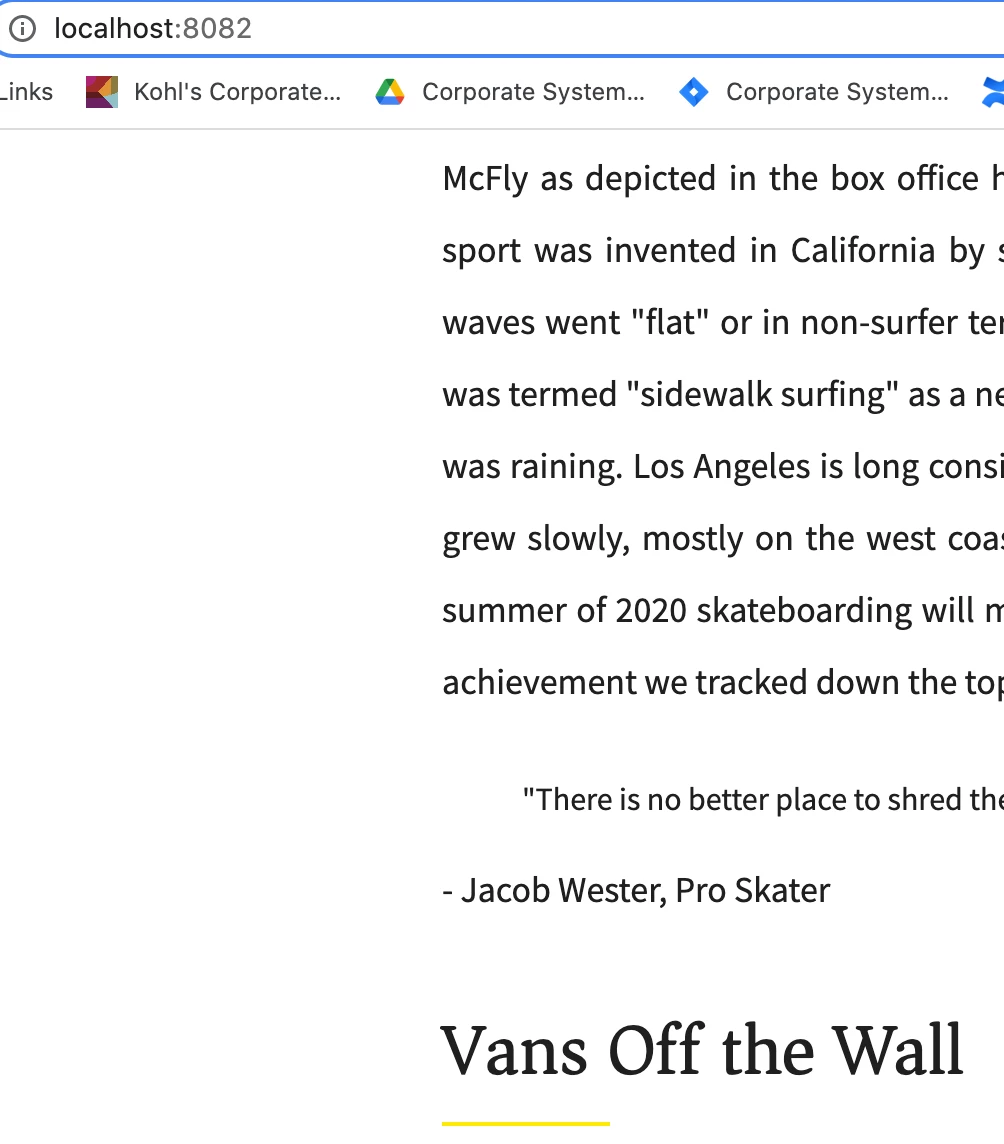
but it can't be displayed in http://localhost:4502/editor.html/content/wknd/us/en/magazine/guide-la-skateparks.html
because I don't have the style icon (paintbrush  ) available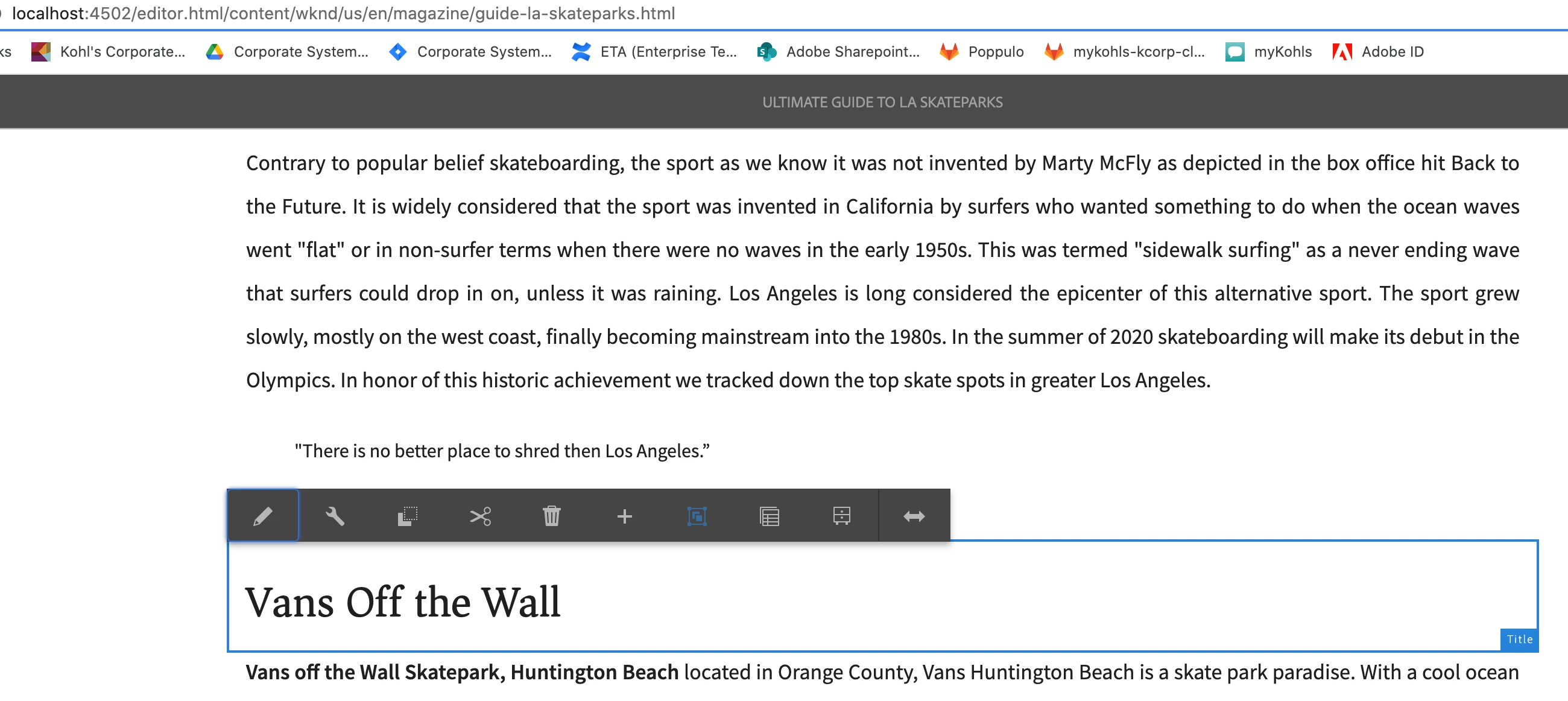
****What I've tried/ Other information****
1. I examined the model in CRX/DE as shown below in the screenshot, things look fine?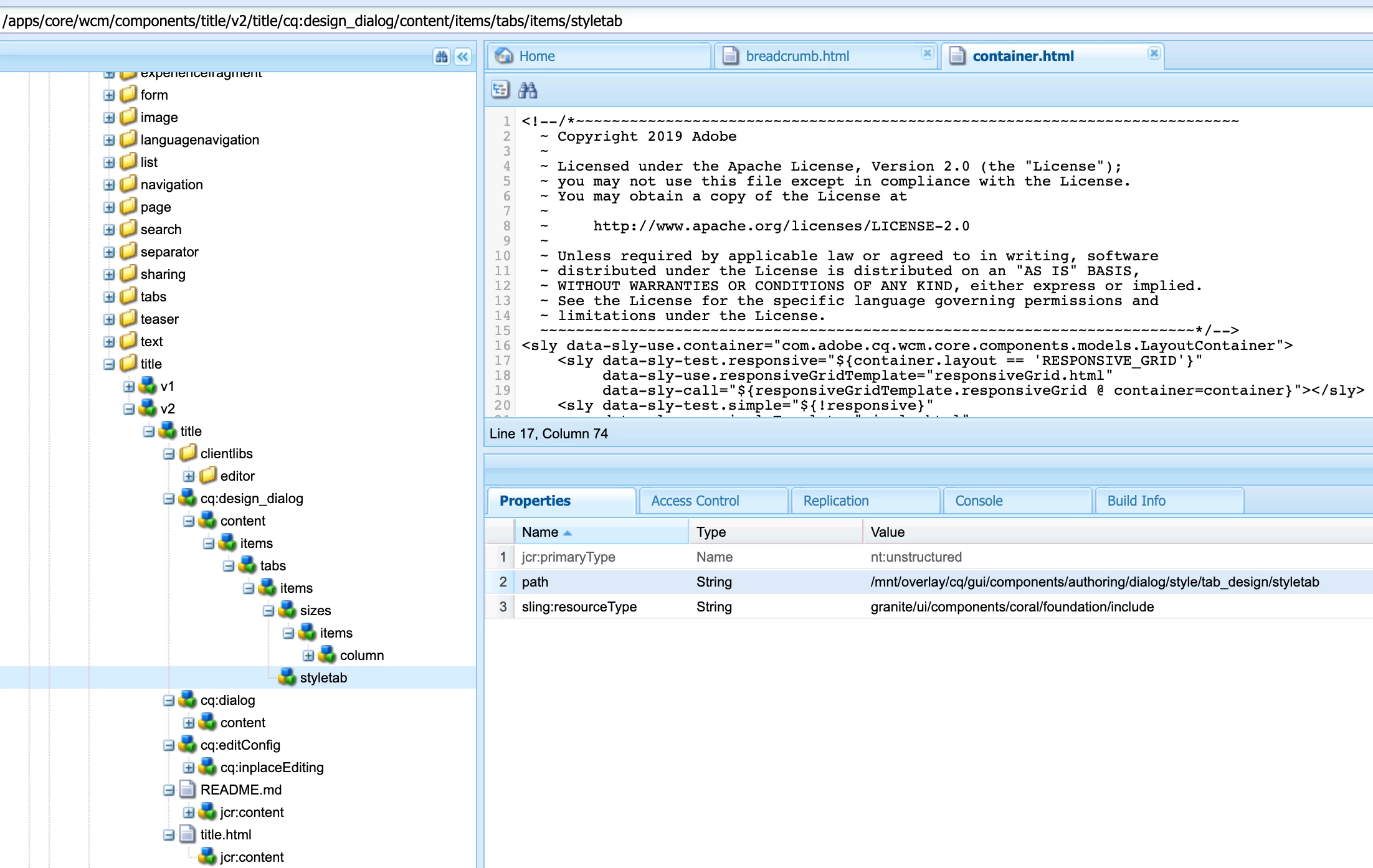
2. I confirmed that the page uses "Article Page Template"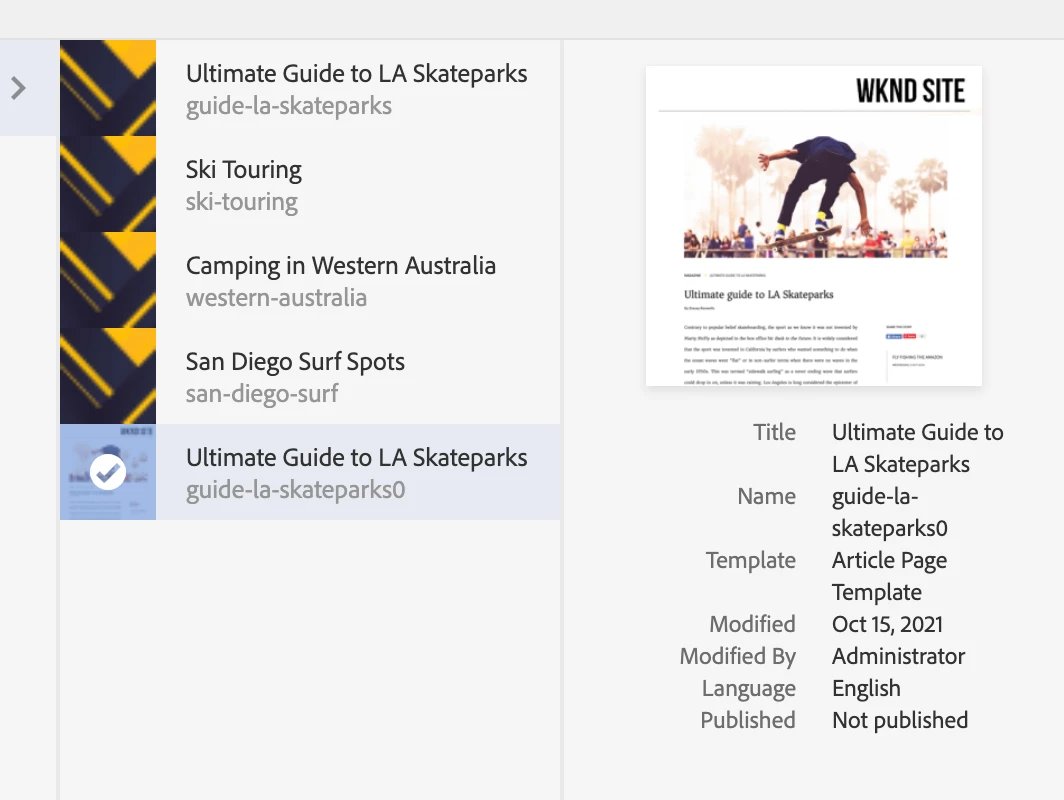
Because I've tried creating "WKND Title" policy so many times, you'll notice below that each of them has the style tab set (i.e cmp-title-underline) added). Theoretically at least one should do its job. 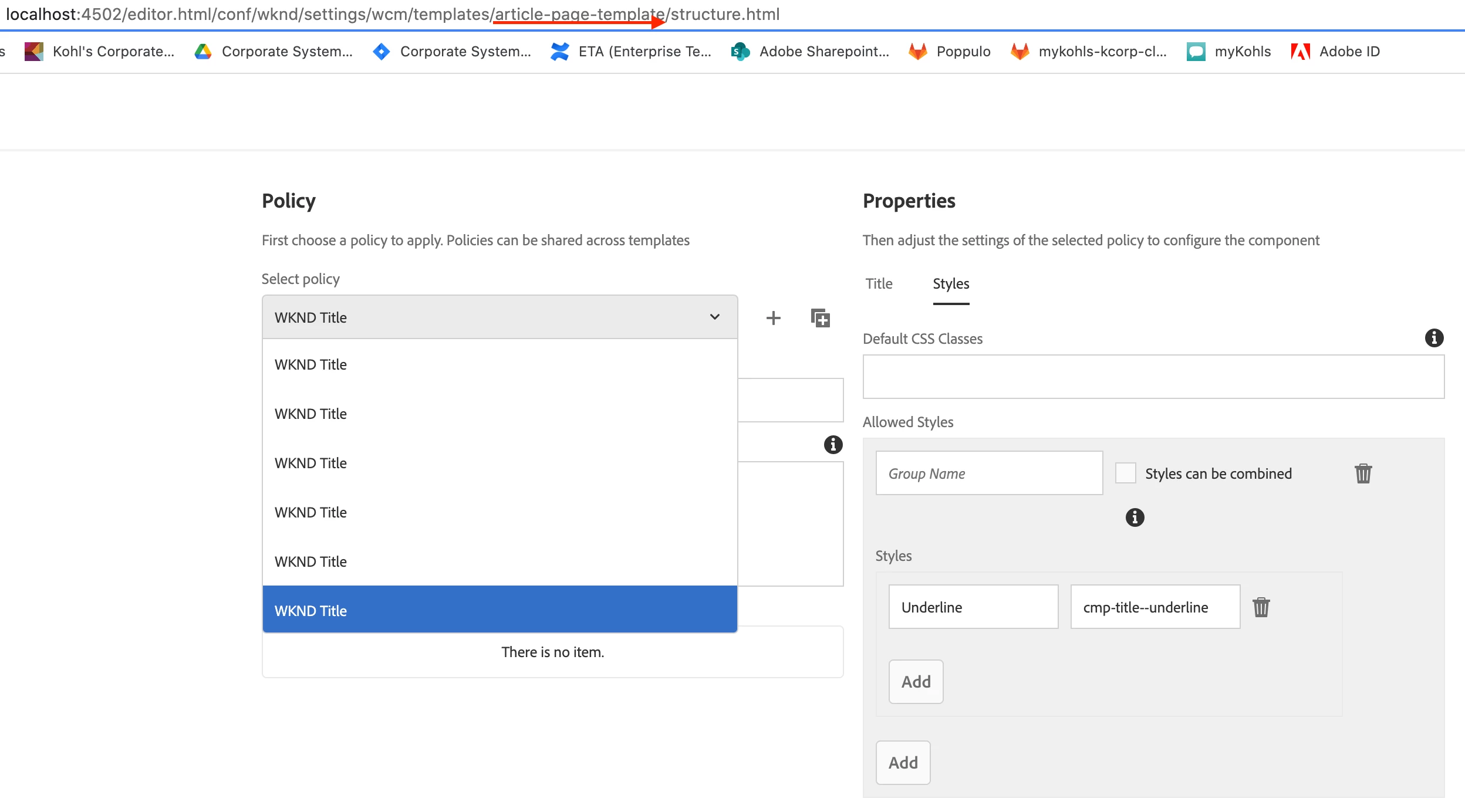
3. Even before I created my own title policy named "WKND Title", I notice a policy called "WKND Title - Global Styles" came out of the box (I'm on chapter 5 tutorial/style-system-start branch by the way) wherein all the settings I need are already in place. Despite this I still don't see the style icon/paintbrush showing up above the title component.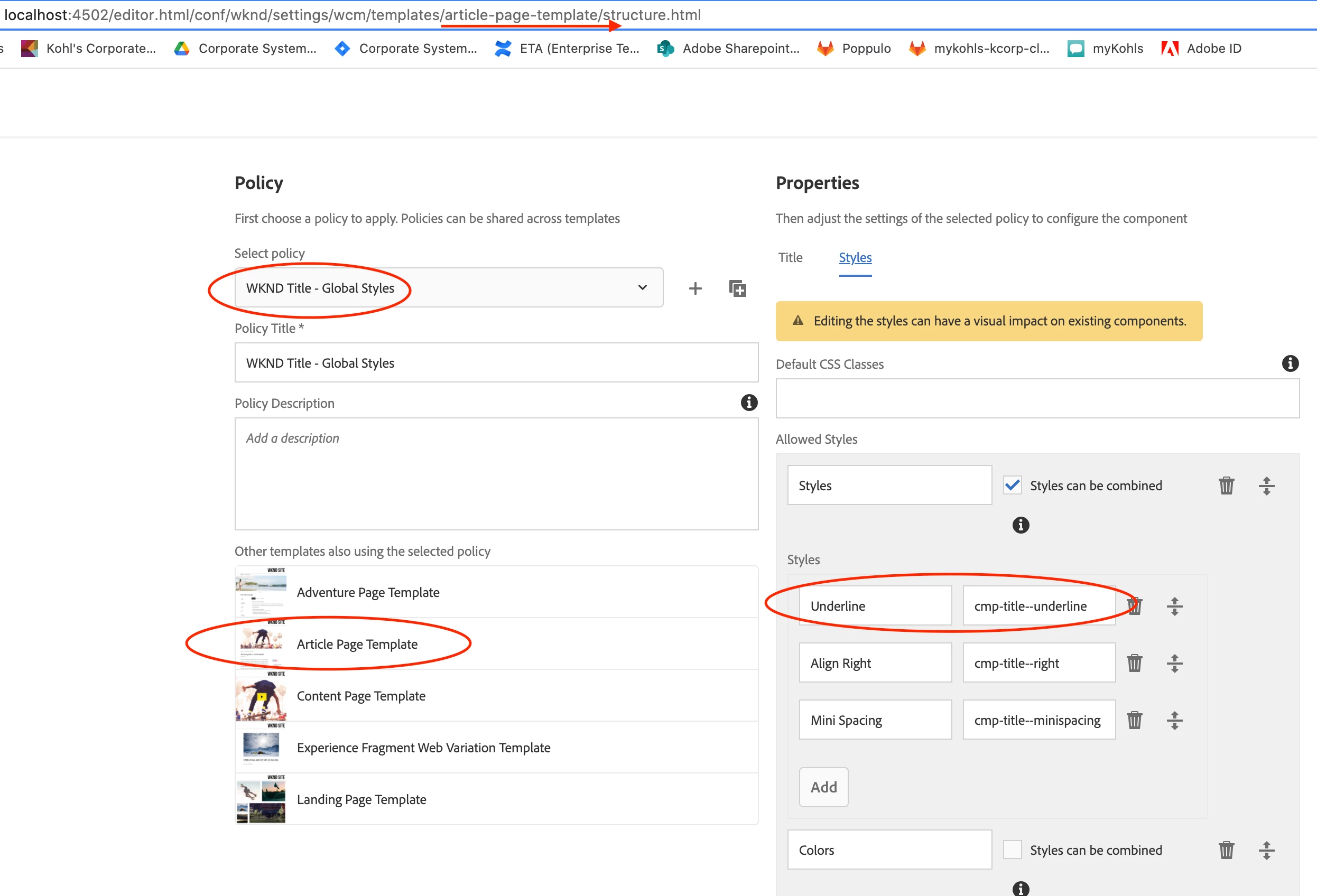

Can anybody please help?