what is the recommended way to customize workflow instances screen.(AEM 6.5) | Community
Skip to main content
This post is no longer active and is closed to new replies. Need help? Start a new post to ask your question.
Best answer by nidhip010816

Hello Nagaraju,


It seems you are trying to customize below screen - 
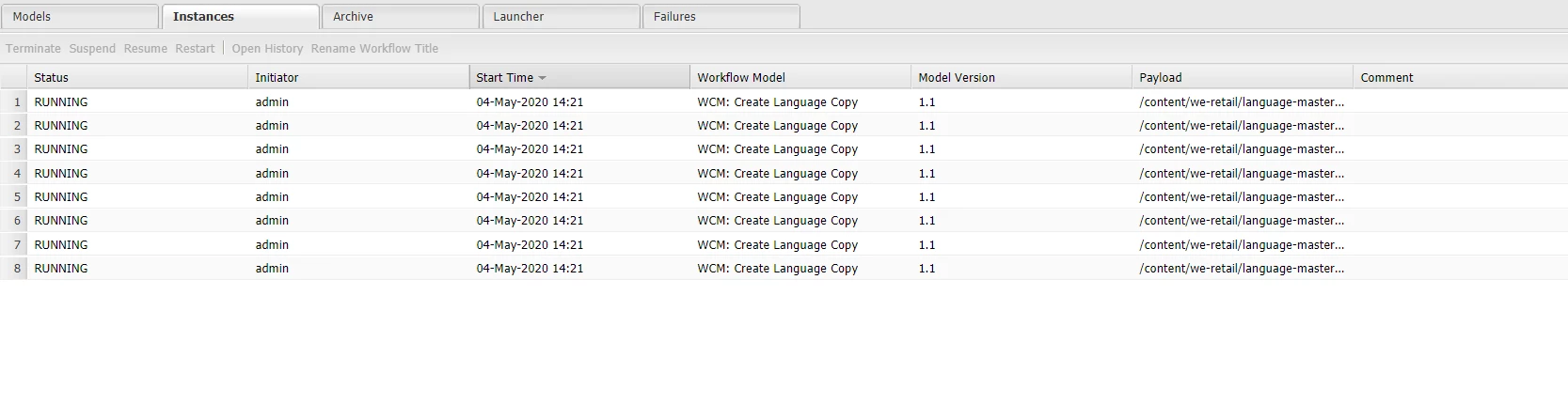
 

If you follow the path in crx/de it's marked as Protected - 
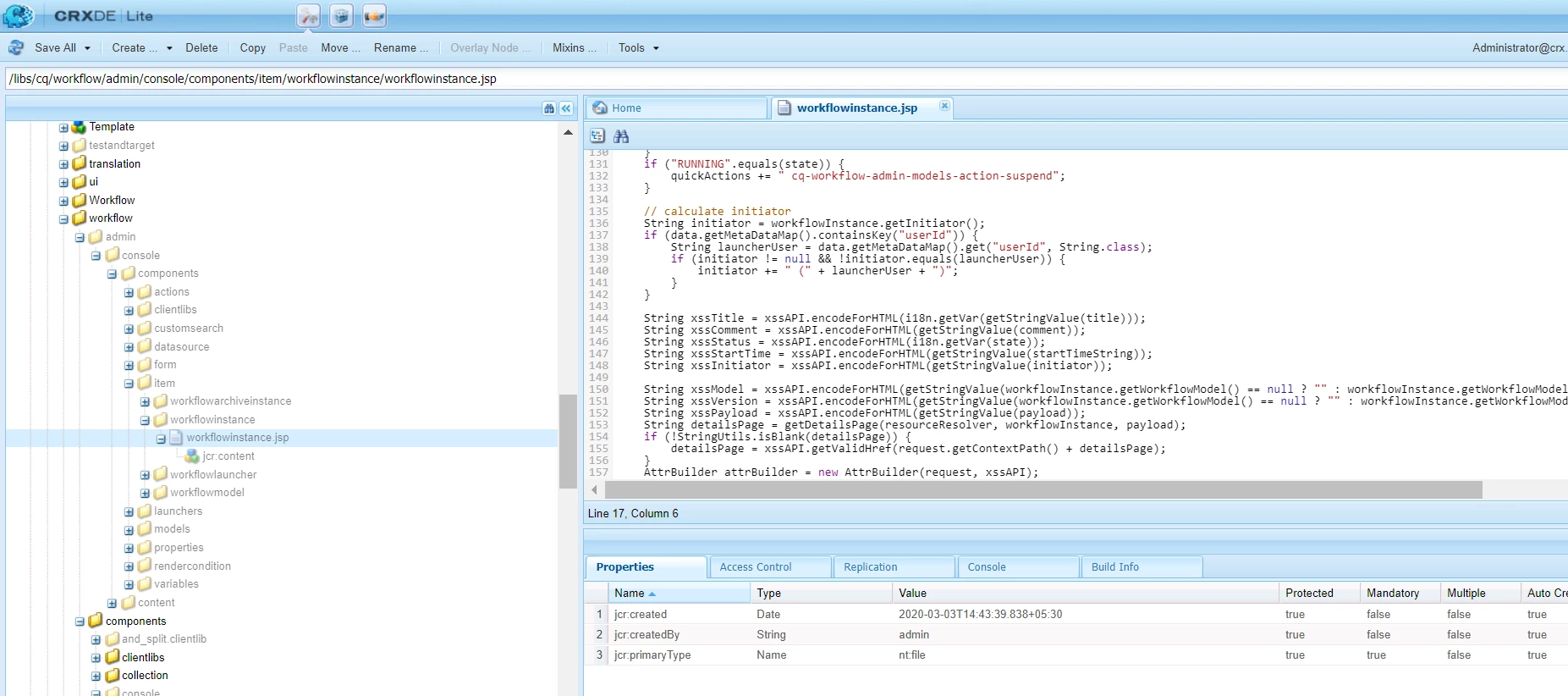


It's highly recommended not to make any changes to the areas declared as 'Protected'. If done, any issue arising from the same that might not be supported further by Adobe. 


You may do a custom implementation however.


Warm Regards,

Nidz

2 replies

Nirmal_Jose
Adobe Employee
Adobe Employee
May 31, 2020

Workflow instances screen is rendered by [1]. But, as you can see, /libs/cq/workflow/admin node has granite:InternalArea property. As part of sustainable upgrade process, this classification means they cannot be overlaid, inherited, or used directly. These nodes are meant only for internal functionality of AEM. Refer to [2]


If you want a custom functionality, may be you can create a custom tool rather than an overlay.


[1] - /libs/cq/workflow/admin/console/components/item/workflowinstance/workflowinstance.jsp

[2] - https://docs.adobe.com/content/help/en/experience-manager-64/deploying/upgrading/sustainable-upgrades.html

nidhip010816
Adobe Employee
nidhip010816Adobe EmployeeAccepted solution
Adobe Employee
June 1, 2020

Hello Nagaraju,


It seems you are trying to customize below screen - 


If you follow the path in crx/de it's marked as Protected - 


It's highly recommended not to make any changes to the areas declared as 'Protected'. If done, any issue arising from the same that might not be supported further by Adobe. 


You may do a custom implementation however.


Warm Regards,

Nidz