What can be the reason for this | Community
Skip to main content
DuttAbhishek
Level 2
September 24, 2021

What can be the reason for this

  • September 24, 2021
  • 2 replies
  • 1732 views

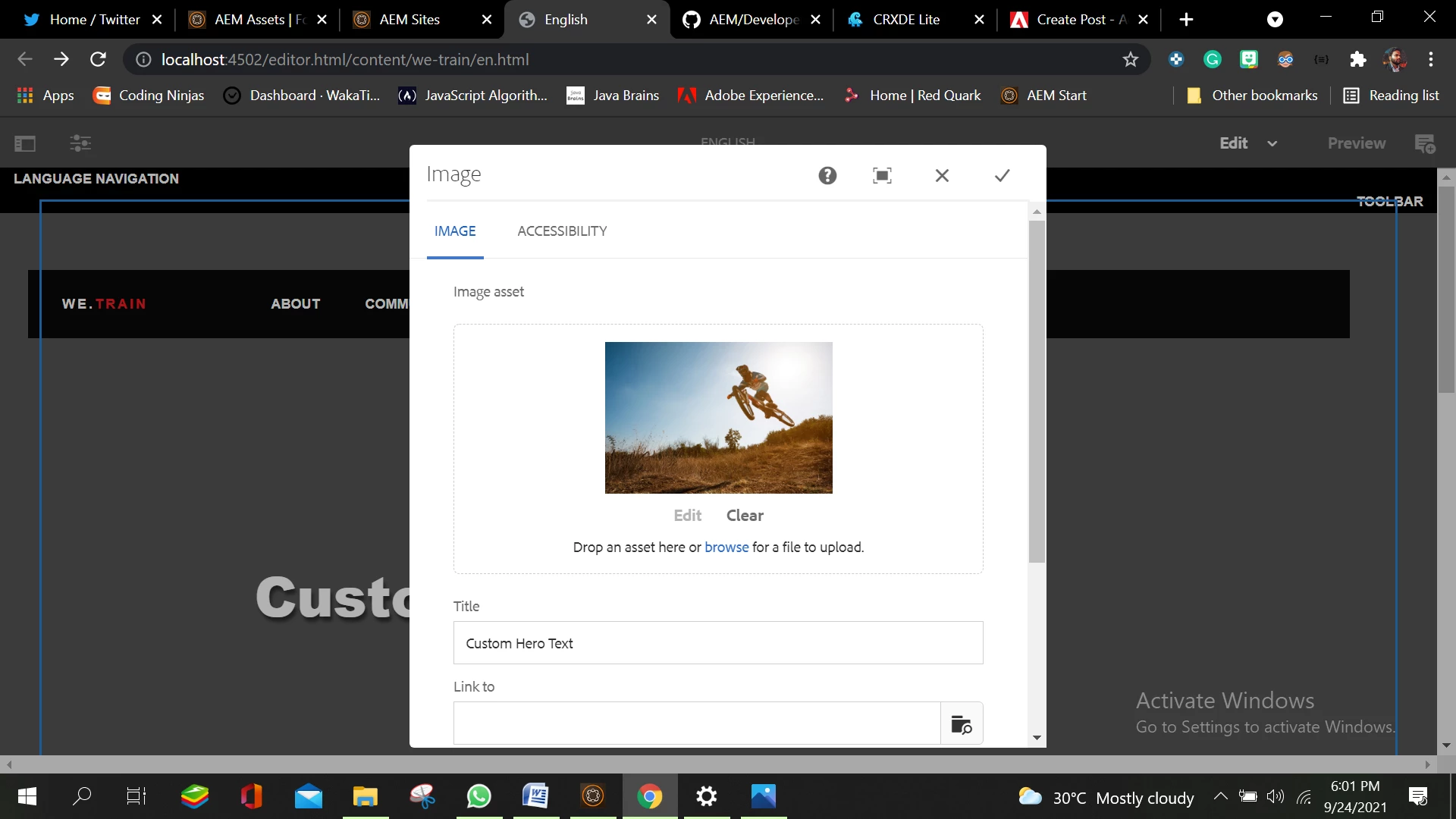
I have trying to add the hero imagecomponent 

We have two options for this 

1 - We can upload it from our system like this ;
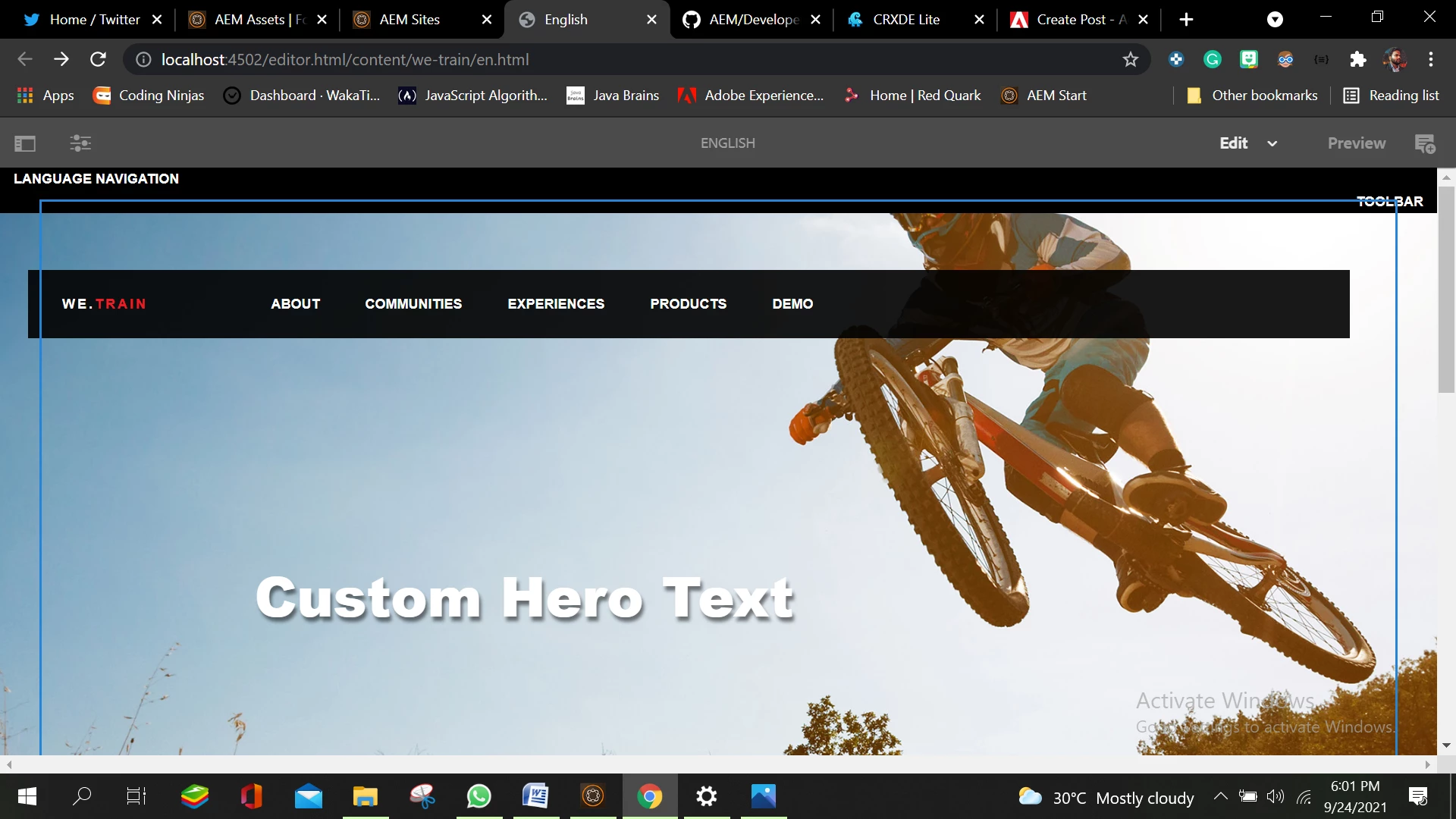
2 . we can drag and drop from Assets under Site Console like this:
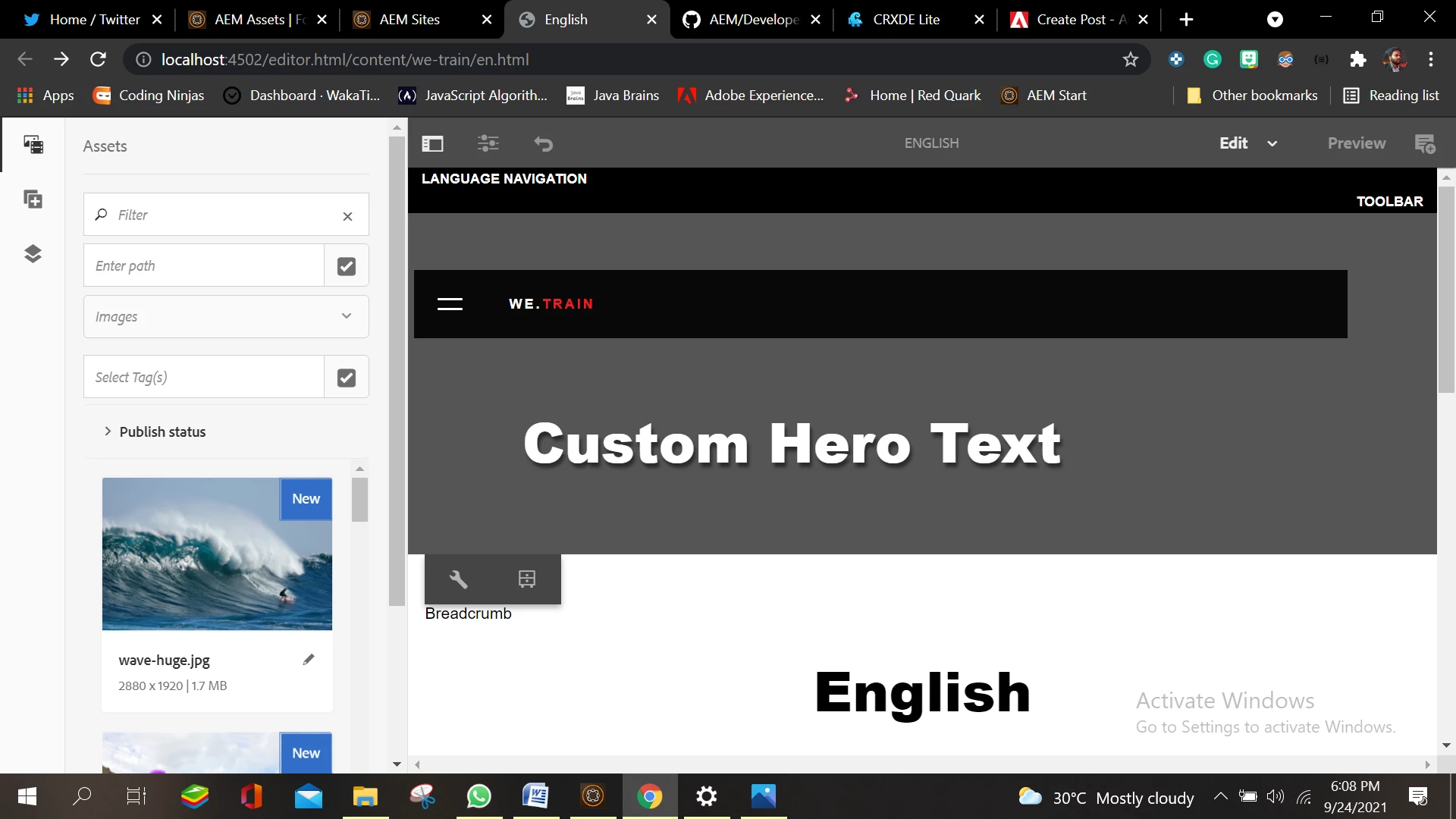
after I dragged this image I Should see it here but it does not show up here
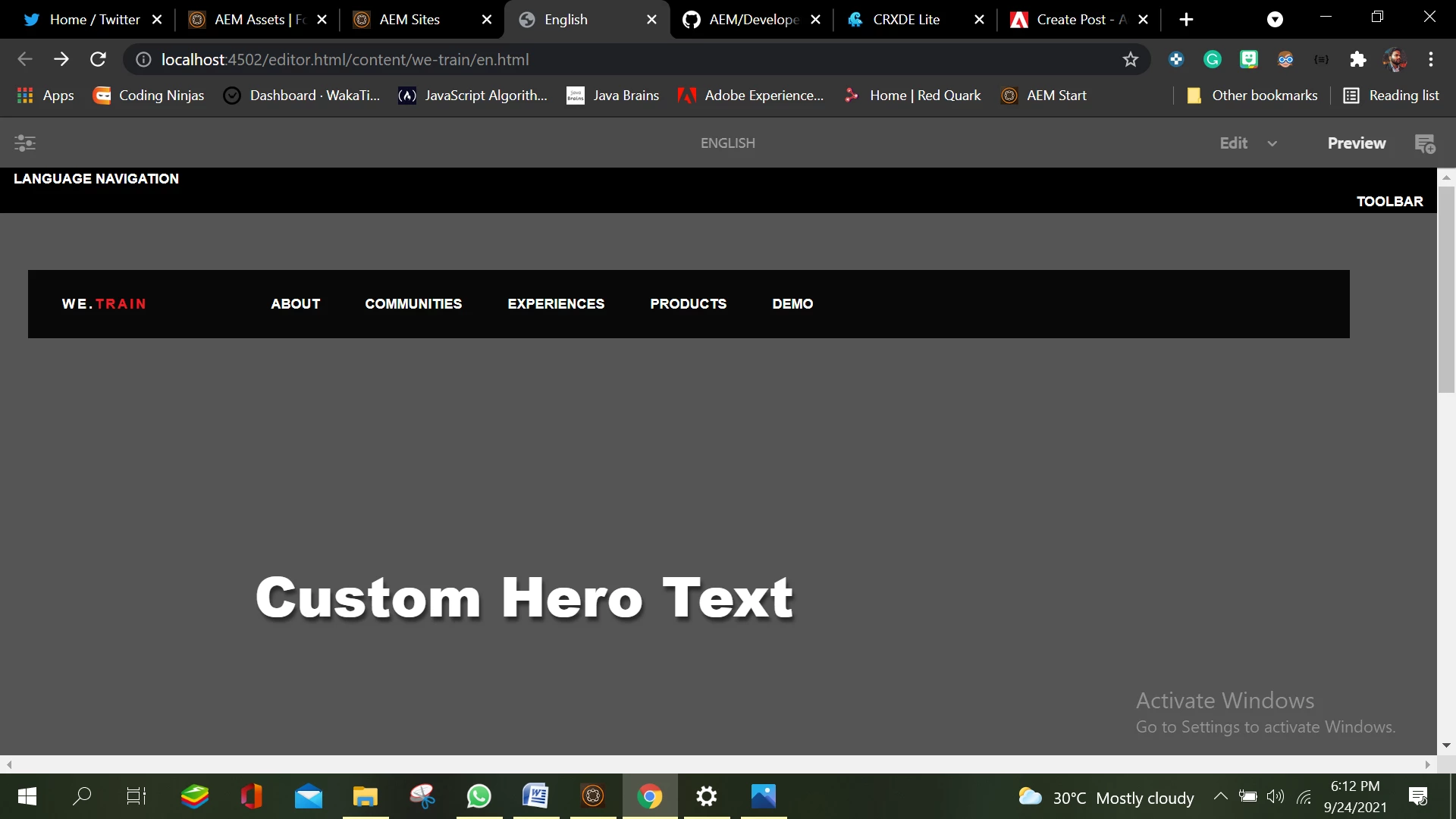
 

  and when I try to see the property of the component I see in  it 
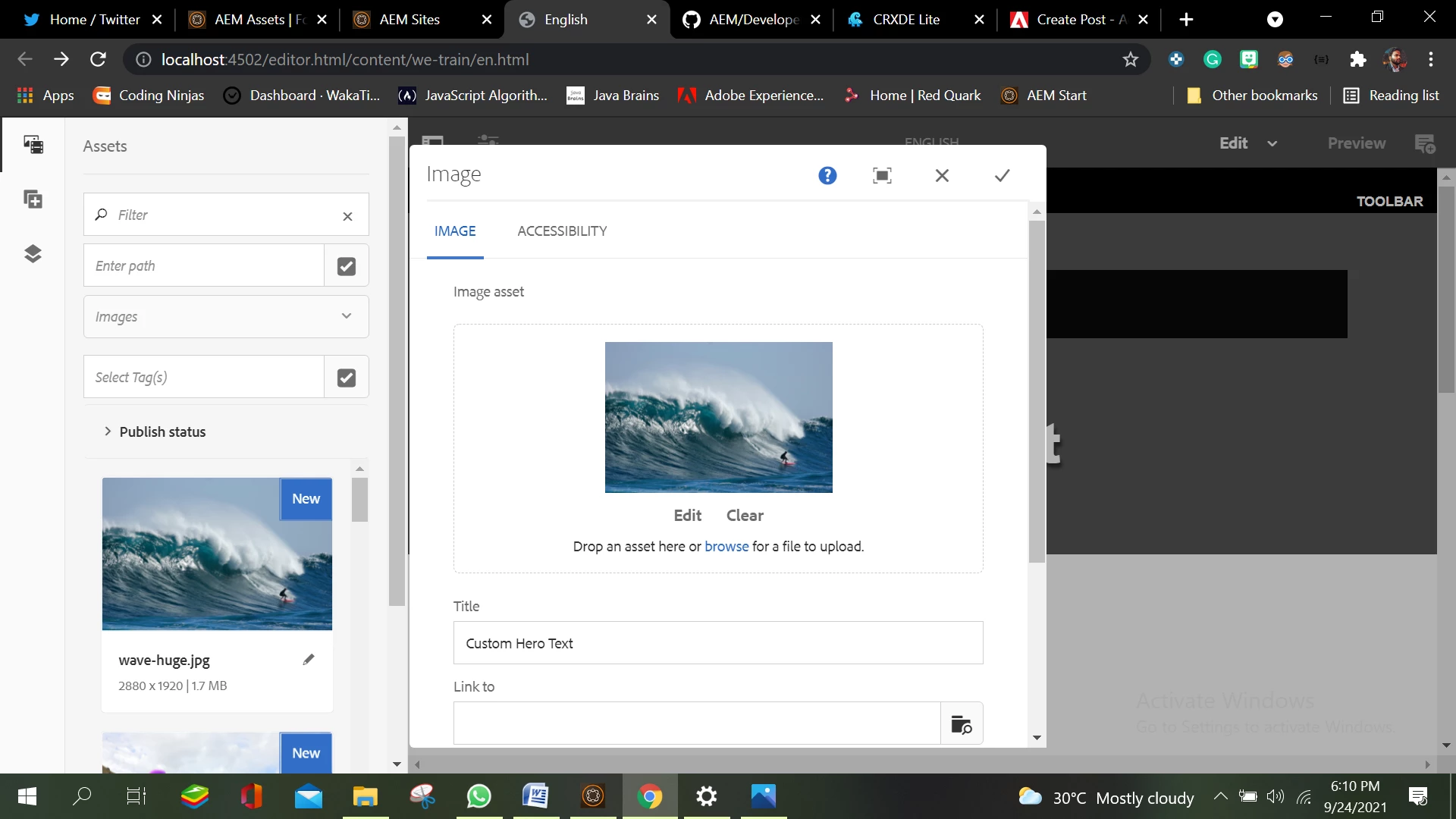
I am not able to understand what can be the reason it is not showing on the webpage 


This post is no longer active and is closed to new replies. Need help? Start a new post to ask your question.

2 replies

Vijayalakshmi_S
Level 10
September 24, 2021

Hi @duttabhishek 

cq:dropTargets part of cq:editConfig is responsible for direct drag and drop of asset from content finder to the component. 

Cross check the same for your component. 

Also,

  • try to create component that directly inherits from Core V2 Image component and use the same in your site pages or 
  • Use it in OOTB we-retail site pages or
  • Use image/hero image component of we-retail site in we-retail pages. If it is working there, try to arrive at difference with your component/ in site page. (In particular, on dropTargets edit config and on image field node of the dialog/fileupload resource)


DuttAbhishek
Level 2
September 24, 2021

I guess i have also got the same 


Vijayalakshmi_S
Level 10
September 24, 2021

Okie @duttabhishek 

Did you get a chance to check the behavior of Image/Hero Image component of we-retail in we-retail site pages. Example : Experience page of we-retail

This is to narrow down if it is happening in your site pages alone or through out the instance (for all sites pages)


Sanjay_Bangar
Community Advisor
Community Advisor
September 25, 2021

Hi @duttabhishek ,

                        First check what are the rendition is present for this image because as per the system resolution some times image is not displaying.

Can you please try to zoom in then you will understand which rendition is required to display the image.

Check the another image which is displayed properly and compare it .


Kr,

Sanjay