video file doesn't play in publish site after I publish from author to publish | Community
Skip to main content
Level 4
October 29, 2018
Solved

video file doesn't play in publish site after I publish from author to publish

  • October 29, 2018
  • 13 replies
  • 4639 views

Hello Everyone,

I published content(text, image, video) from author site to publish site.

Text and image display  in publish site successfully.

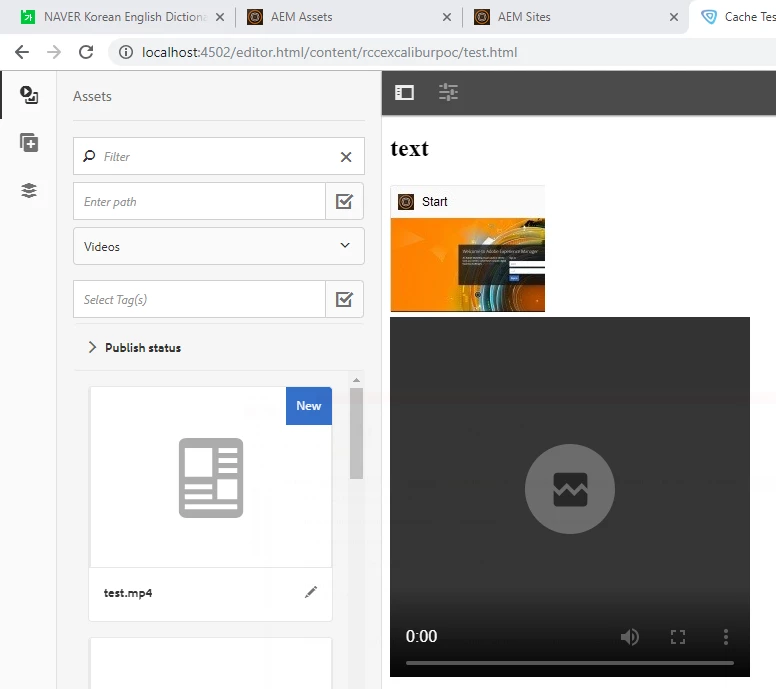
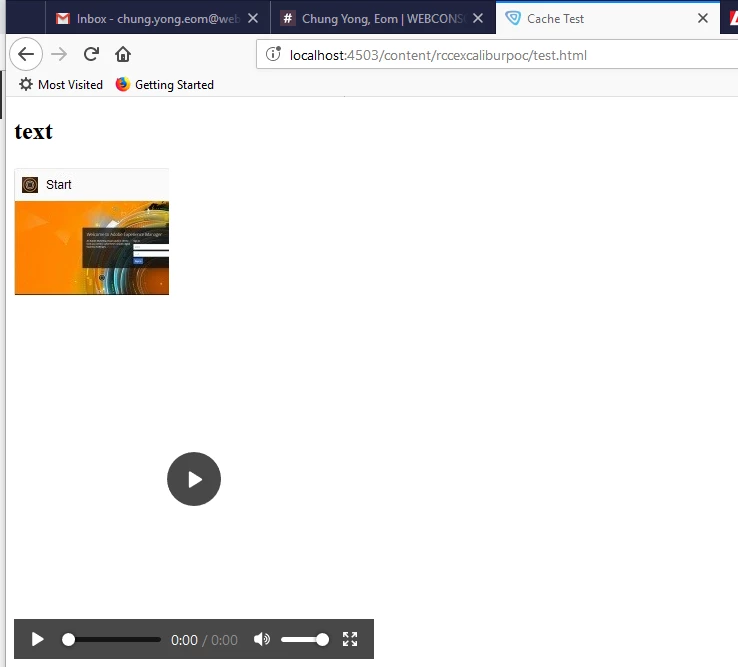
But video file(ex:test.mp4) doesn't play in publish site.

I uploaded video file(ex:test.mp4) into Assets like below one.
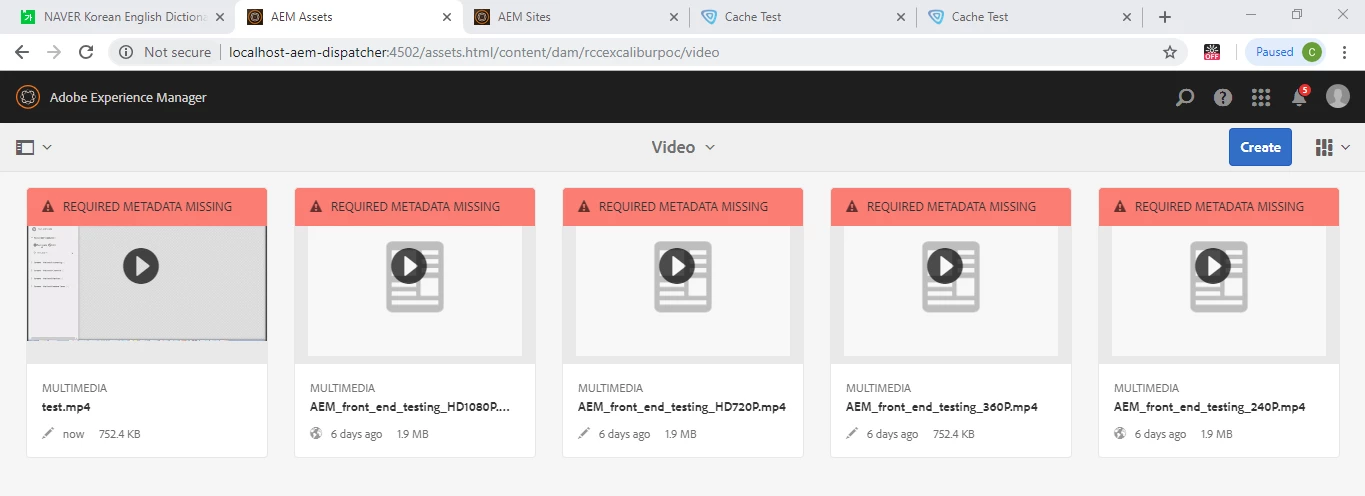
In Assets, it plays but doesn't sound.

Author url  : http://localhost:4502/editor.html/content/rccexcaliburpoc/test.html
Publish url : http://localhost:4503/content/rccexcaliburpoc/test.html
when I play the video file(ex:test.mp4) in window media play directly, it plays very well and it sounds.

I can not understand why.

How can I play the video file in publish site after I publish from author to publish?

Regards

Chung Yong.

This post is no longer active and is closed to new replies. Need help? Start a new post to ask your question.
Best answer by smacdonald2008

There is a bug for that video component.

I can reproduce that issue. That is, the video component in General does not work in AEM 6.3/6,4.

I recommend opening a support ticket so Eng fixes this. In mean time - i also recommend writing a custom video component - like the one we show in the AEM Movie component article.

Also - you can create a component using a JQuery plug-in like this one -- https://videojs.com/

I did this and it works nicely for a custom video component:

<head>

  <link href="https://vjs.zencdn.net/7.2.4/video-js.css" rel="stylesheet">

  <!-- If you'd like to support IE8 (for Video.js versions prior to v7) -->

  <script src="https://vjs.zencdn.net/ie8/ie8-version/videojs-ie8.min.js"></script>

</head>

<body>

<h3>Adobe Experience Manager Custom Vidoe Component</p>

  <video id="my-video" class="video-js" controls preload="auto" width="640" height="264"

  poster="MY_VIDEO_POSTER.jpg" data-setup="{}">

    <source src="${properties.video}" type='video/mp4'>

    <p class="vjs-no-js">

      To view this video please enable JavaScript, and consider upgrading to a web browser that

      <a href="https://videojs.com/html5-video-support/" target="_blank">supports HTML5 video</a>

    </p>

  </video>

  <script src="https://vjs.zencdn.net/7.2.4/video.js"></script>

</body>

For a dialog - simply copy the TOUCH UI dialog from the movie component to the project that uses this component.

13 replies

smacdonald2008
Level 10
November 5, 2018

See the code i attached to my answer. It produces this....

smacdonald2008
Level 10
November 5, 2018

For Support ticket - see

How do I raise a support ticket

Level 4
November 5, 2018

Thank you for your reply.