


Utilize same dialog structure in multiple components | AEM Community Blog Seeding
Utilize same dialog structure in multiple components by Heena Shirke
Abstract
Let's say multiple dialogs contain same set of fields. Rather than creating same set of nodes each time, we can create the structure only once and refer every where.

In this post we will learn how to refer a dialog in another dialog.


Steps:

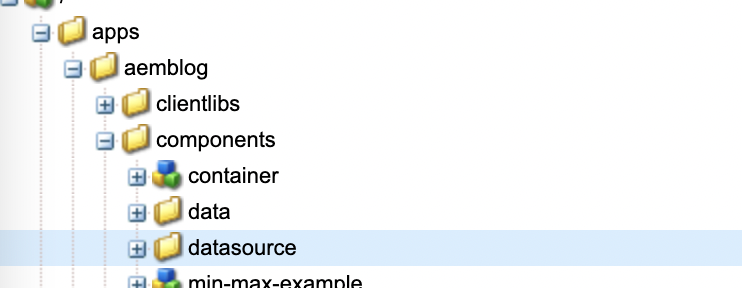
1. Let's create a sling:Folder where we will keep repetitive set of nodes. Let's name it as datasource.

2. One of the most common repetitive set of fields would be URL and Label. Let's create a container for the same.

3. Create a node called "button" under datasource node

name="./name"
fieldLabel="Name" sling:resourceType="granite/ui/components/coral/foundation/form/textfield"
jcr:primaryType = "nt:unstructured"
4. Create a node called "content" under button node

sling:resourceType = "granite/ui/components/coral/foundation/container"
jcr:primaryType = "nt:unstructured"
5. Create a node called "items" under content node

jcr:primaryType = "nt:unstructured"
6. Under items node we will create node url and label.

url:

sling:resourceType = "granite/ui/components/coral/foundation/form/pathfield"
name = "./url"
jcr:primaryType= "nt:unstructured"
fieldLabel = "URL"
Read Full Blog
Utilize same dialog structure in multiple components
Q&A
Please use this thread to ask the related questions.