
Using column and column control component | Community
Skip to main content
arjuns71585267
Level 4
February 6, 2019
Solved

Using column and column control component

  • February 6, 2019
  • 1 reply
  • 1770 views

I am confused on how to use column component and column control component in AEM 6.4 editable templates. I need to create three columns in my website and add content to each column. Can somebody help me to accomplish the same using editable templates and column control/ 3 column component.?

As per the image each time it shows start of columns when I add column component and also I am not able to add data into these column components(As per my thinking, I think we cab add data to the column component).

Can Adobe add a tutorial in creating a sample good looking website using editable template and using only such inbuilt components only?
Best answer by aanchal-sikka

The column control component is deprecated. 

You should instead use Container component from WCM core components.

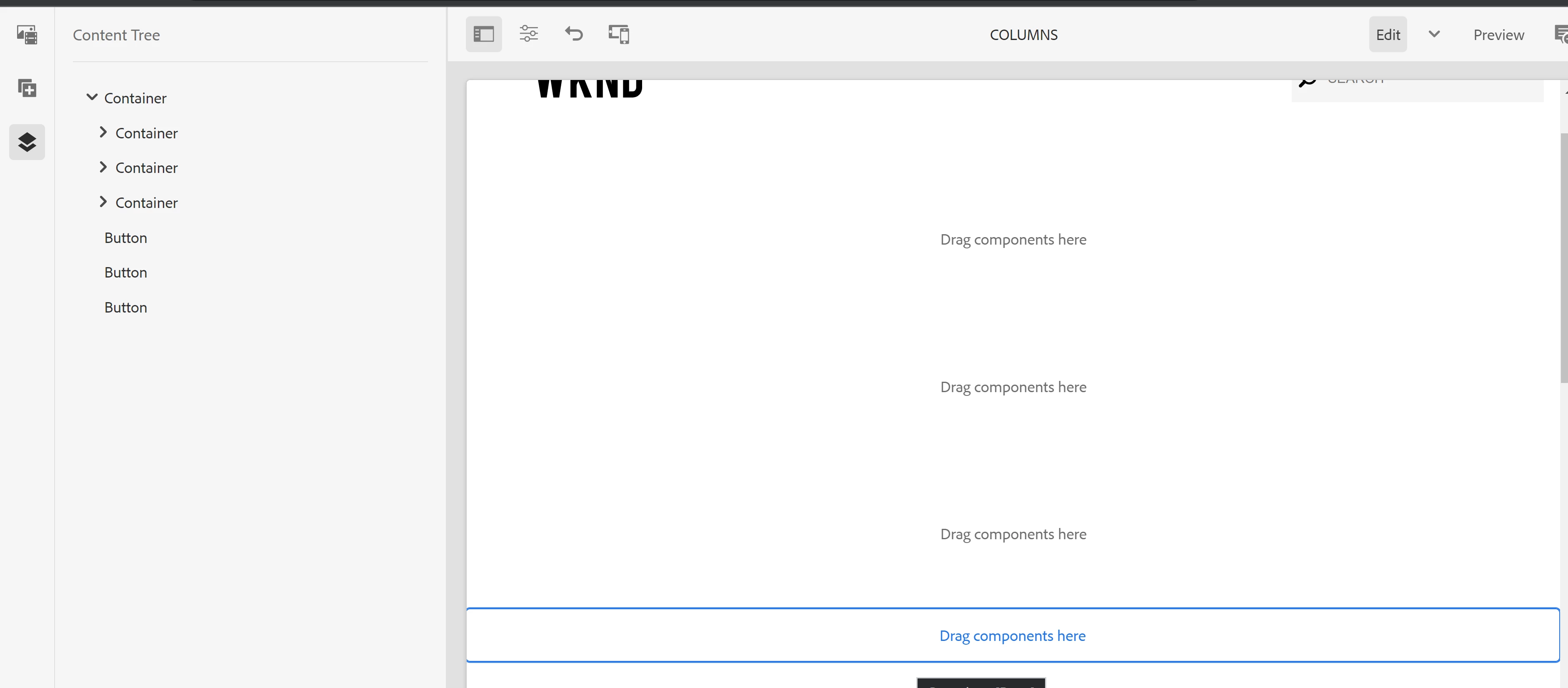
You can first drop 3 container in Edit Mode


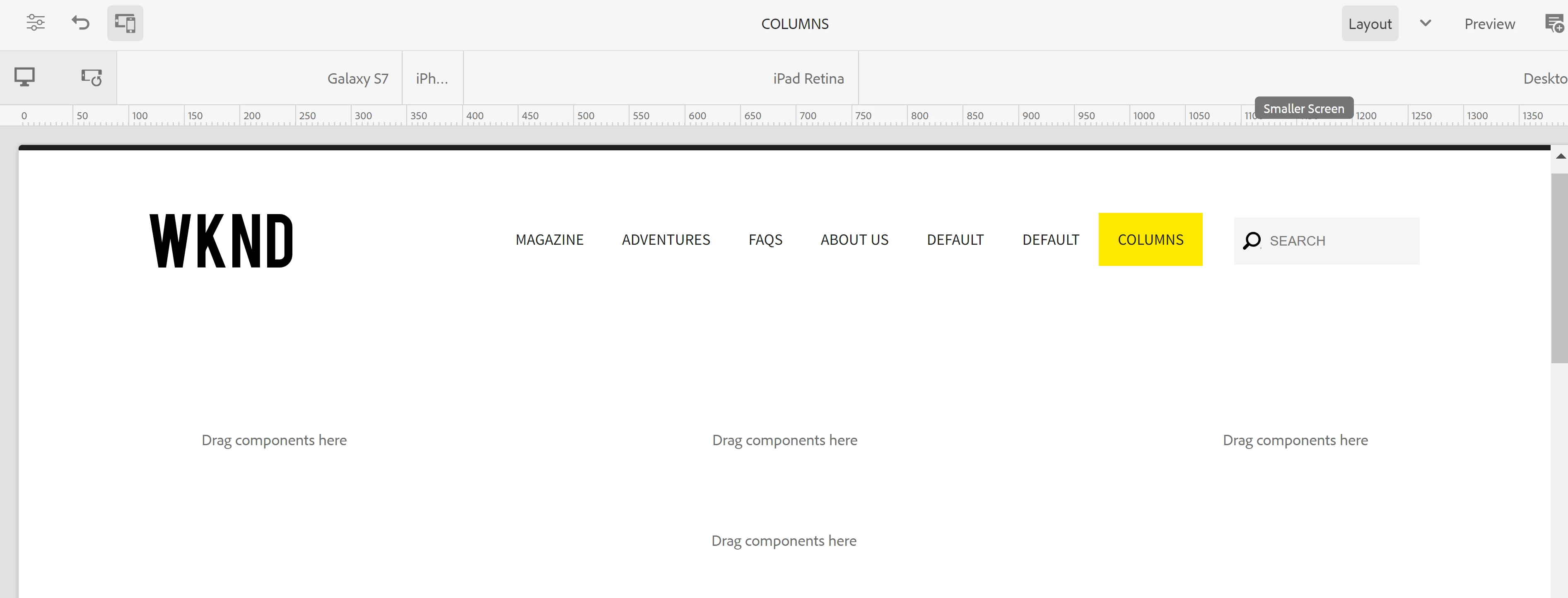
Then resize the containers in Layout Mode, to create a 3 column view.


You can now add any components to these containers (based on allowed components via policy).

1 reply

aanchal-sikka
Community Advisor
aanchal-sikkaCommunity AdvisorAccepted solution
Community Advisor
October 31, 2023

The column control component is deprecated. 

You should instead use Container component from WCM core components.

You can first drop 3 container in Edit Mode


Then resize the containers in Layout Mode, to create a 3 column view.


You can now add any components to these containers (based on allowed components via policy).

Aanchal Sikka
Level 2
July 28, 2025

Can we use layout container with style system to include the columns? if yes any example can you share.