Updating asset metadata is not reflected in the ui | Community
Skip to main content
jonasy18481676
Level 2
November 18, 2021

Updating asset metadata is not reflected in the ui

  • November 18, 2021
  • 1 reply
  • 1838 views

I'm communicating with Adobe Experience Manager, Version 6.5.6.0. I'm trying to update metadata of an existing asset.


Based on the API documentation I'm doing a PUT to :
https://dam.url.com/api/assets/.../documents/tds/test-lab9/Coca_Cola.pdf.json

With this data:

{
"class": "asset",
"properties": {
"unl:documentType": "TDS"
}
}
 
I get feedback suggesting that the update was ok:
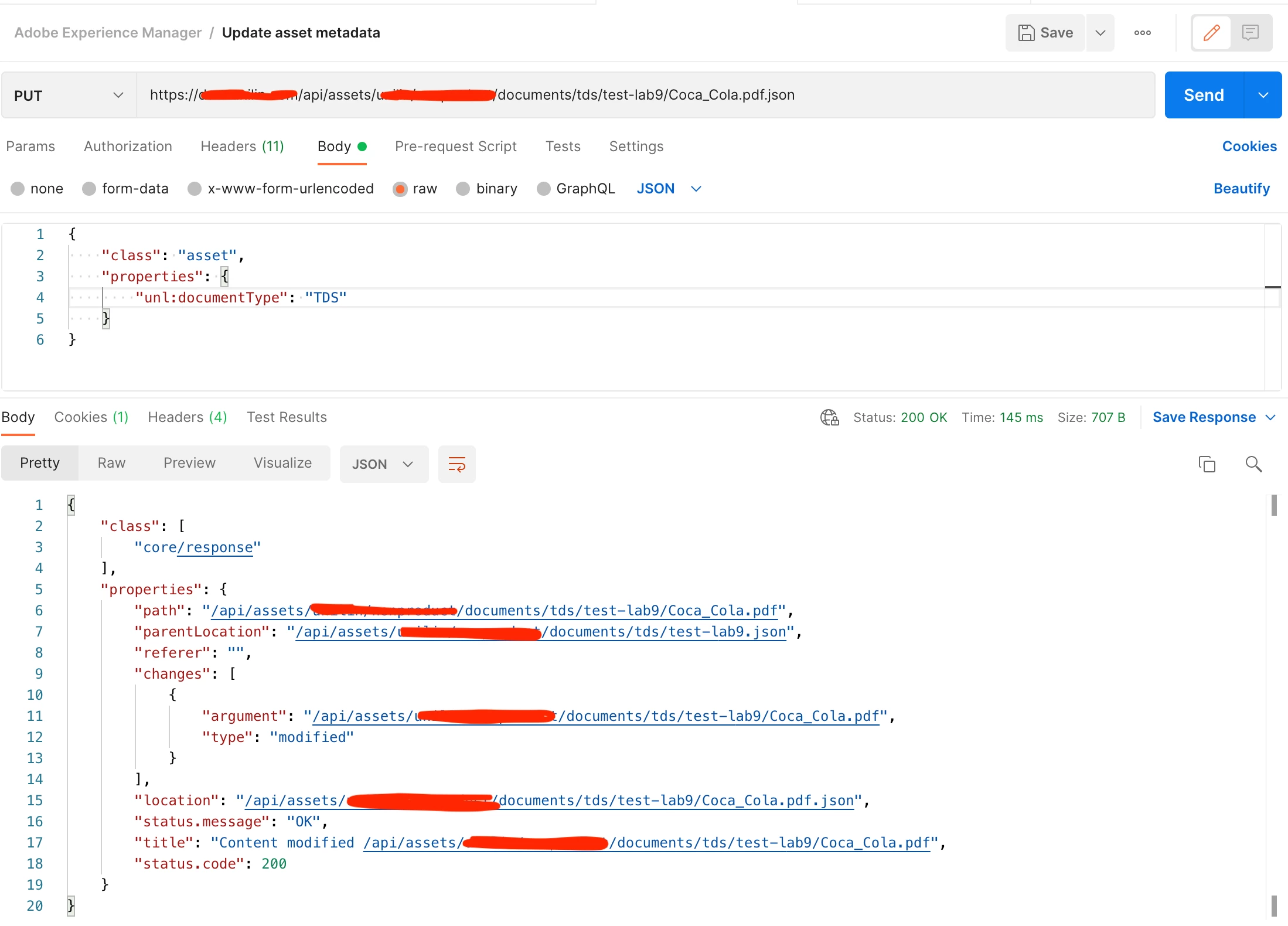


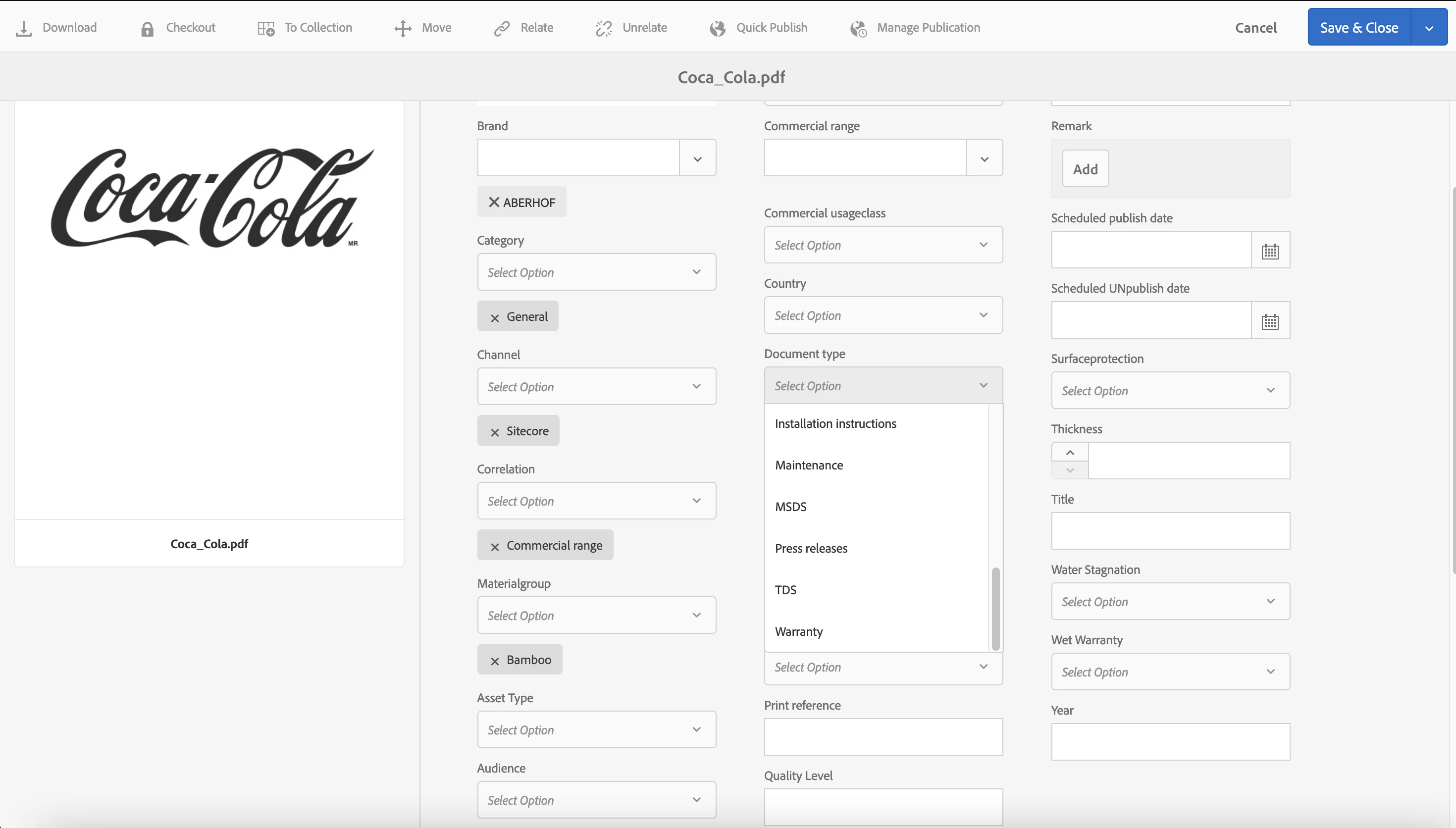
In the UI I can login with the same account and I'm able to set the Document Type to TDS just fine:


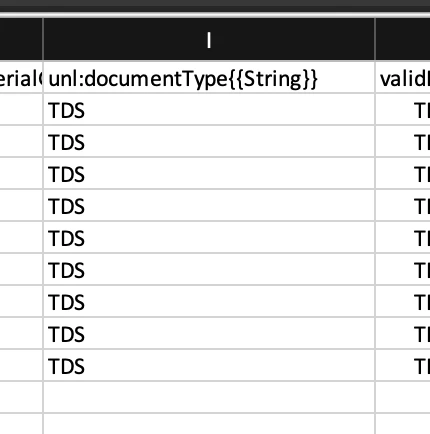
The unl prefix is correct as far as I know since it is the same one as I find in the CSV export for this field:
 
The new metadata value is not shown in the UI when refreshing the page. Am I doing something wrong?

1 reply

Hemalatha
Level 4
November 18, 2021

Hi @jonasy18481676 ,


Try to get the API response after updating meta data and print it in logs..which will give you a clear picture on what happened. Are you able to see the updated meta data inside CRX for that asset. 

jonasy18481676
Level 2
November 18, 2021

Thanks!

I checked inside CRX and I found that I need to do create my request like this:

{
"class": "asset",
"properties": {
"metadata/unl:documentType": "TDS",
}
}
Looking in CRX I see metadata fields which are defined in "metadata" and in "jcr:content". Is it possible to explain this division?
Are custom fields always in "metadata"?
Is it safe to update the metadata in both locations?
 
Hemalatha
Level 4
November 18, 2021

hi @jonasy18481676 ,


Sync metadata update between dc and jcr namespace - you have to do this sync after updating metadata using api call.
The API method updates the metadata properties in the jcr namespace. The updates made using the user interface change the metadata properties in the dc namespace. To sync the metadata values between dc and jcr namespace, you can create a workflow and configure Experience Manager to execute the workflow upon asset edit. Use an ECMA script to sync the required metadata properties. The following sample script synchronizes the title string between dc:title and jcr:title.


Check this for more details,

https://experienceleague.adobe.com/docs/experience-manager-65/assets/extending/mac-api-assets.html?lang=en#update-asset-metadata