Uninstall package from cloud AEM | Community
Skip to main content
Level 3
April 3, 2024
Solved

Uninstall package from cloud AEM

  • April 3, 2024
  • 3 replies
  • 2209 views

Hey,

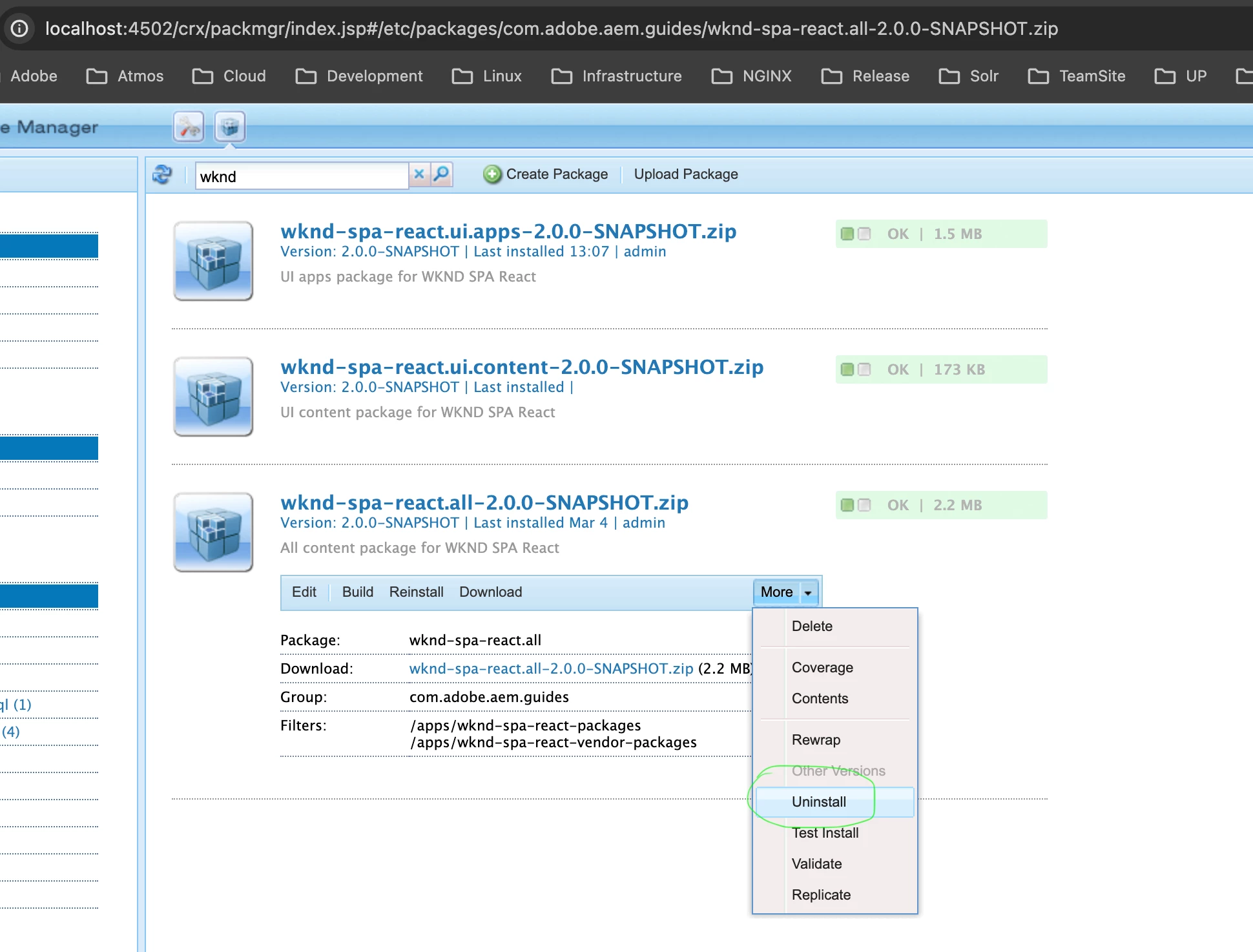
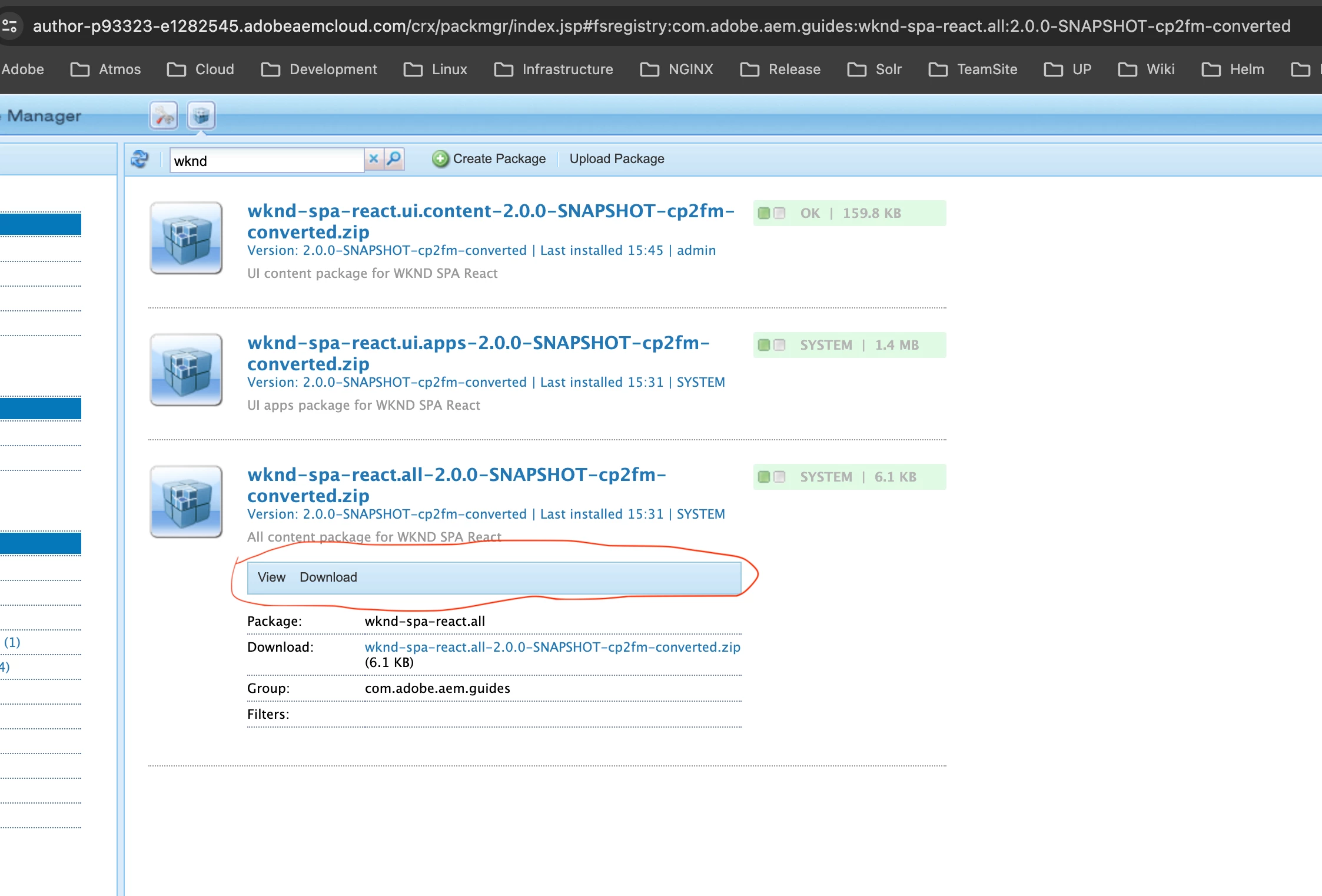
I would like to uninstall some packages (after doing some renamings in the project from the sample package names to custom ones). The "uninstall" option having on local for the same package is missing on our cloud instance.
Can you please suggest what do I miss?

Thanks,
Peter
Best answer by Asutosh_Jena_

Hi @pnagy - Immutable packages once installed on cloud, cannot be uninstalled manually or from console. If you want to uninstall the package, raise a ticket with Adobe Support and ask them to roll back the instance to a timestamp when the package was installed. This step will roll back everything till that time.


Thanks!

3 replies

Anudeep_Garnepudi
Community Advisor
Community Advisor
April 3, 2024

@pnagy  You don't have permission to install/uninstall.

AG
Asutosh_Jena_
Community Advisor
Asutosh_Jena_Community AdvisorAccepted solution
Community Advisor
April 4, 2024

Hi @pnagy - Immutable packages once installed on cloud, cannot be uninstalled manually or from console. If you want to uninstall the package, raise a ticket with Adobe Support and ask them to roll back the instance to a timestamp when the package was installed. This step will roll back everything till that time.


Thanks!

pnagyAuthor
Level 3
April 4, 2024

thanks for the replies @asutosh_jena_ , @anudeep_garnepudi , will raise a ticket once there

joerghoh
Adobe Employee
Adobe Employee
April 30, 2024

It's not possible to uninstall this package; it has been deployed, and parts of it have been incorporated in the immutable area and therefor it cannot be uninstalled. To get rid of the immutable parts it's enough to just deploy without this package being included.

But that does not mean that the mutable content will go away when you don't install the "old" package any more. If you would uninstall it now you would delete everything which is part of this package (which will delete all content which you have not renamed).


In the end it might be the easiest to manually clean up and eventually just delete the old package (not uninstall). And if that's not possible, just leave it as is 😕😕
