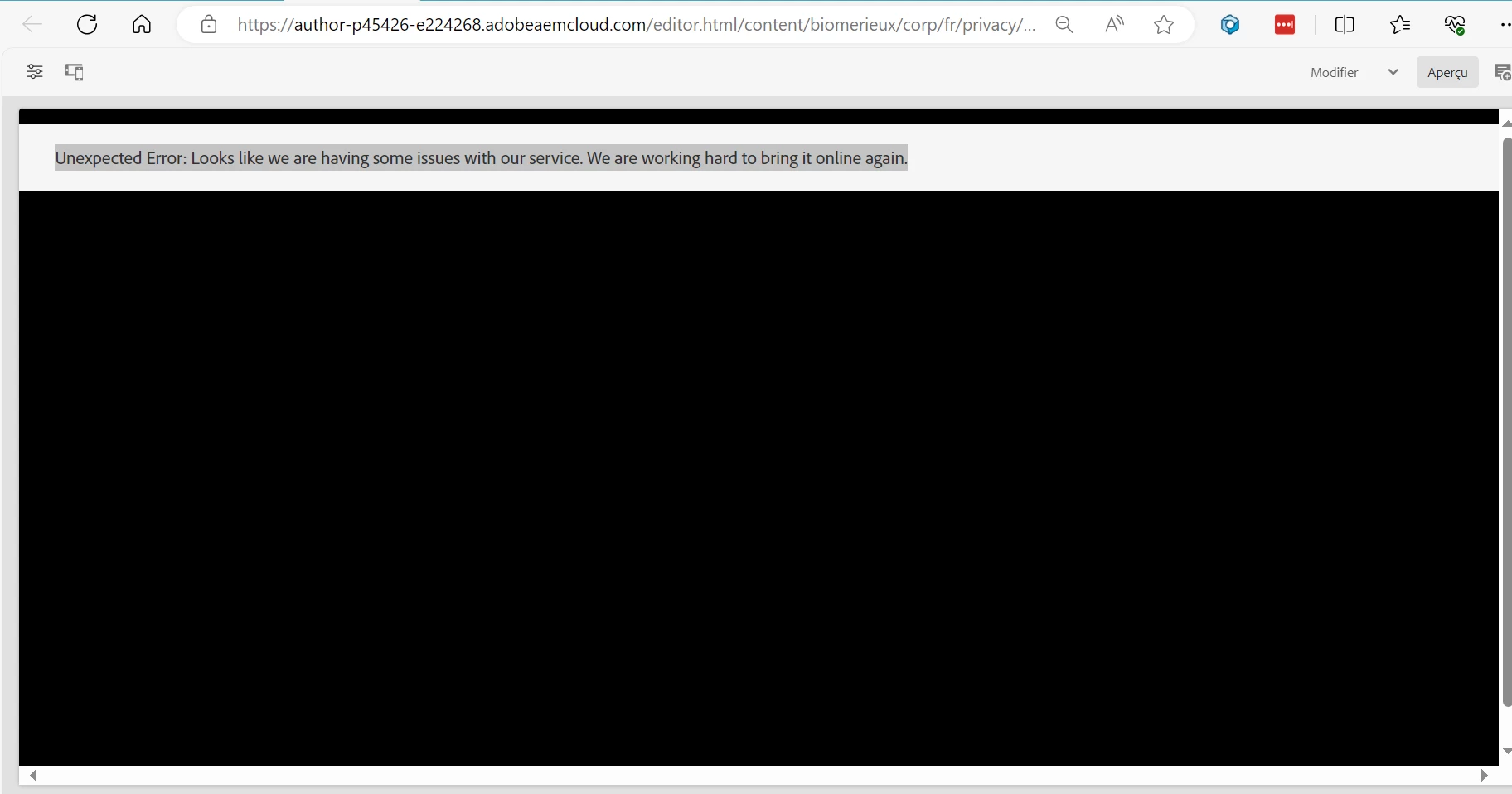
Unexpected Error: Looks like we are having some issues with our service. We are working hard to bring it online again. | Community
Skip to main content
February 22, 2024
Solved

Unexpected Error: Looks like we are having some issues with our service. We are working hard to bring it online again.

  • February 22, 2024
  • 4 replies
  • 4213 views

Hi,

two pages are showing this message on AEM after I edited the pages and published them: " Unexpected Error: Looks like we are having some issues with our service. We are working hard to bring it online again".

One page is the same as before and working but the other is an error 500 on the website.
 

This post is no longer active and is closed to new replies. Need help? Start a new post to ask your question.
Best answer by aanchal-sikka

Hello @laurefa 


You would need to check error.log of the Instance. It can be Downloaded from Cloud Manager.

This video explains how to access the CM logs https://experienceleague.adobe.com/docs/experiences-by-you/experiences-by-you/experience-manager/cloud-service/cloud-manager-best-practices/cloud-manager-using-logs.html?lang=en


Whenever you get a Service Outage on a specific Instance or a specific page, it is mostly due to error

4 replies

SureshDhulipudi
Community Advisor
Community Advisor
February 22, 2024

Did you check the error logs for more details?

LaureFAAuthor
February 22, 2024

is it what you asked ?


aanchal-sikka
Community Advisor
aanchal-sikkaCommunity AdvisorAccepted solution
Community Advisor
February 23, 2024

Hello @laurefa 


You would need to check error.log of the Instance. It can be Downloaded from Cloud Manager.

This video explains how to access the CM logs https://experienceleague.adobe.com/docs/experiences-by-you/experiences-by-you/experience-manager/cloud-service/cloud-manager-best-practices/cloud-manager-using-logs.html?lang=en


Whenever you get a Service Outage on a specific Instance or a specific page, it is mostly due to error

Aanchal Sikka
Imran Khan
Community Advisor
Community Advisor
February 23, 2024

@laurefa Best way is to check error.log just after page refresh to get it easily.

If we don't have log access, get content in local, deploy same branch what we have in PROD in local and check logs post page refresh as above screen comes only in AEMaaCS not in local may help in debug if you don't have log access.

Kamal_Kishor
Community Advisor
Community Advisor
February 24, 2024

@laurefa : Check your error log file.
I had faced similar issue and the reason for this was one of the component was throwing some error/exception.
You will see that on author/edit mode, page will show fine but when viewed as published, you see this message. Error log will tell you exactly which component is having issue and you can fix that based on log statement.

thanks.

kautuk_sahni
Community Manager
Community Manager
February 28, 2024

@laurefa Did you find the suggestions from users helpful? Please let us know if more information is required. Otherwise, please mark the answer as correct for posterity. If you have found out solution yourself, please share it with the community.

Kautuk Sahni
