
Unable to load initial content of page in edit mode
Hi All,
I have create a new project with archetype by the help of Adobe Tutorials using https://experienceleague.adobe.com/docs/experience-manager-learn/getting-started-wknd-tutorial-develop/project-archetype/project-setup.html?lang=en. I was following the same steps but for me when i open the page n edit mode it shows blank for me and even i face the same for another projects for AEM Geeks tutorials new videos.
I did inspect element in developer mode and in console i am able to see an error as -
"DevTools failed to load source map: Could not load content for chrome-extension://gighmmpiobklfepjocnamgkkbiglidom/browser-polyfill.js.map: System error: net::ERR_FILE_NOT_FOUND
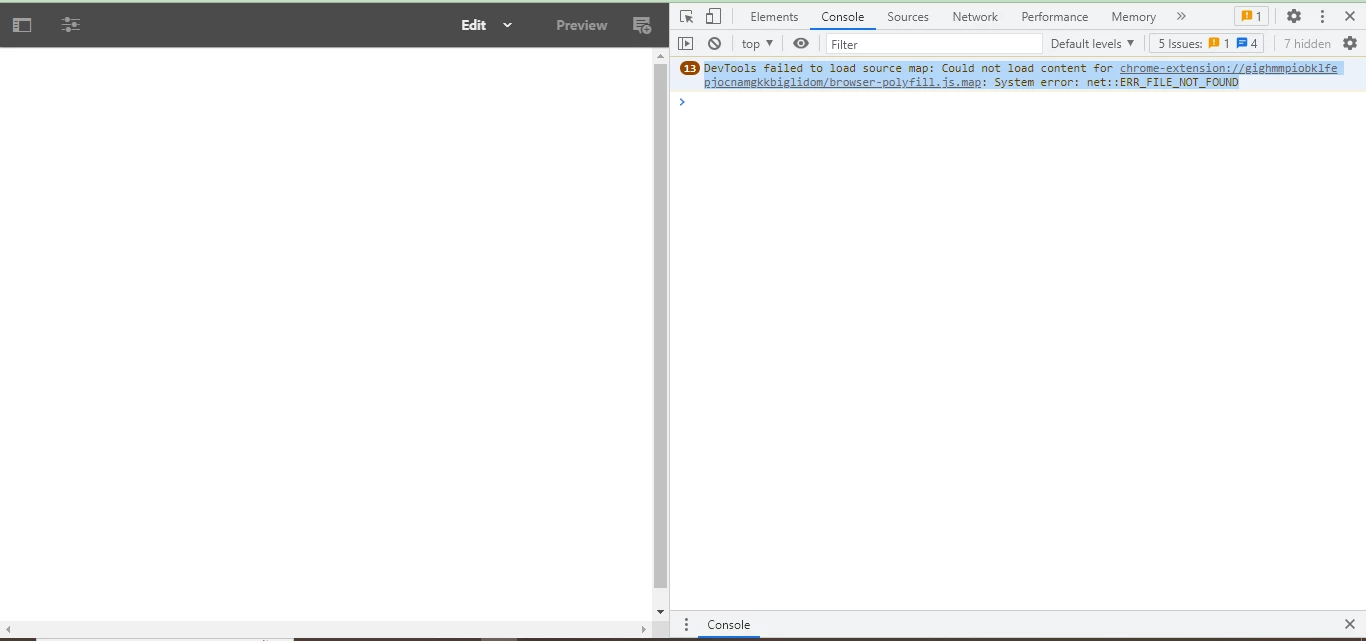
Please do the needful. In this i have already recompile the client libs reset the AEM instance, still issue is same in another browsers as well.
Please let me know if any further information or details required.
Happy to discuss on Zoom call or preferred way, if possible.
Please do the needful. Many thanks in advance.
Regards,
Sachin