Solved
Unable to edit the We.Retail template
Hi,
I am trying to update the text content on language-masters/en/about-us.html.
Steps I Followed:
- Downloaded the we.retail.ui.content-4.0.0.zip from the CRX package manager. Unzip the same on local.
- Updated the content fragment in jcr_root/content/we-retail/language-masters/en/about-us/.content.xml. As you can see in the code snippet attached below, I have updated the text from Store Location WeRetail to Store Location WeRetail1111.
- Now I zip the folder and directly upload this package to CRX package manager.
- Build the package and install the package.
- Now when I open http://localhost:4502/content/we-retail/language-masters/en/about-us.html?wcmmode=disabled, the updated text is not reflected there.
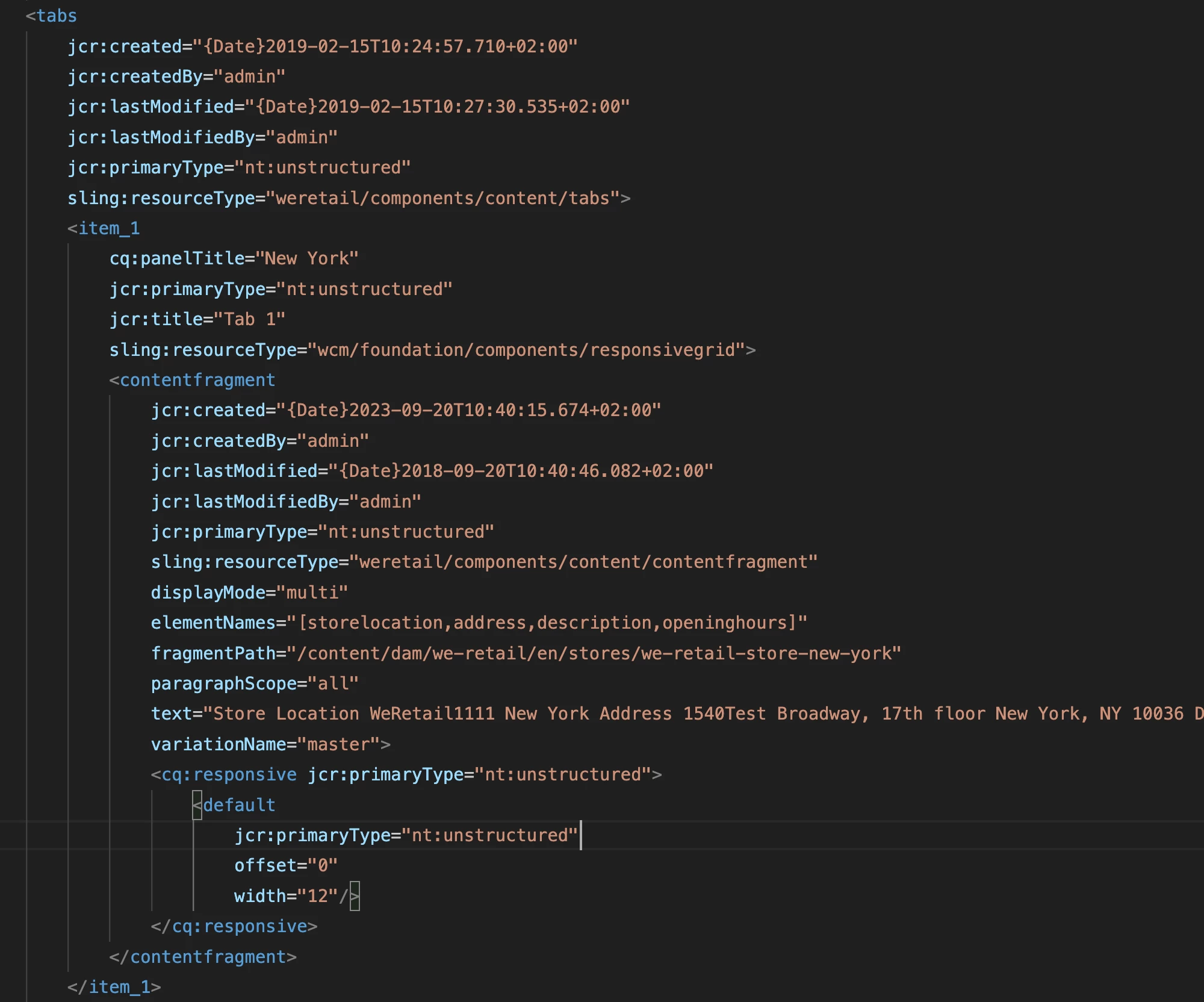
Can someone help, why is it so, how can I update the text via code for the we-retail template directly?
I also tried, downloading we.retail.all-4.0.0.zip, updating jcr_root/etc/packages/adobe/aem6/sample/we.retail.commons.content-4.0.0.zip, and then uploading this package, that too didn't helped.
