
Unable to add component on segment and experience fragment - AEM 6.4 with service pack 8
We can not add any component on segment page, the parsys does not have + button to add component and drag and drop is also not working. Tried to create a segment with new configuration and also with we.retail config, facing the same problem on both.
Note - we have not overlay any component, it is just plain Vennila Instance + SP 8
Segmentation page screen shot
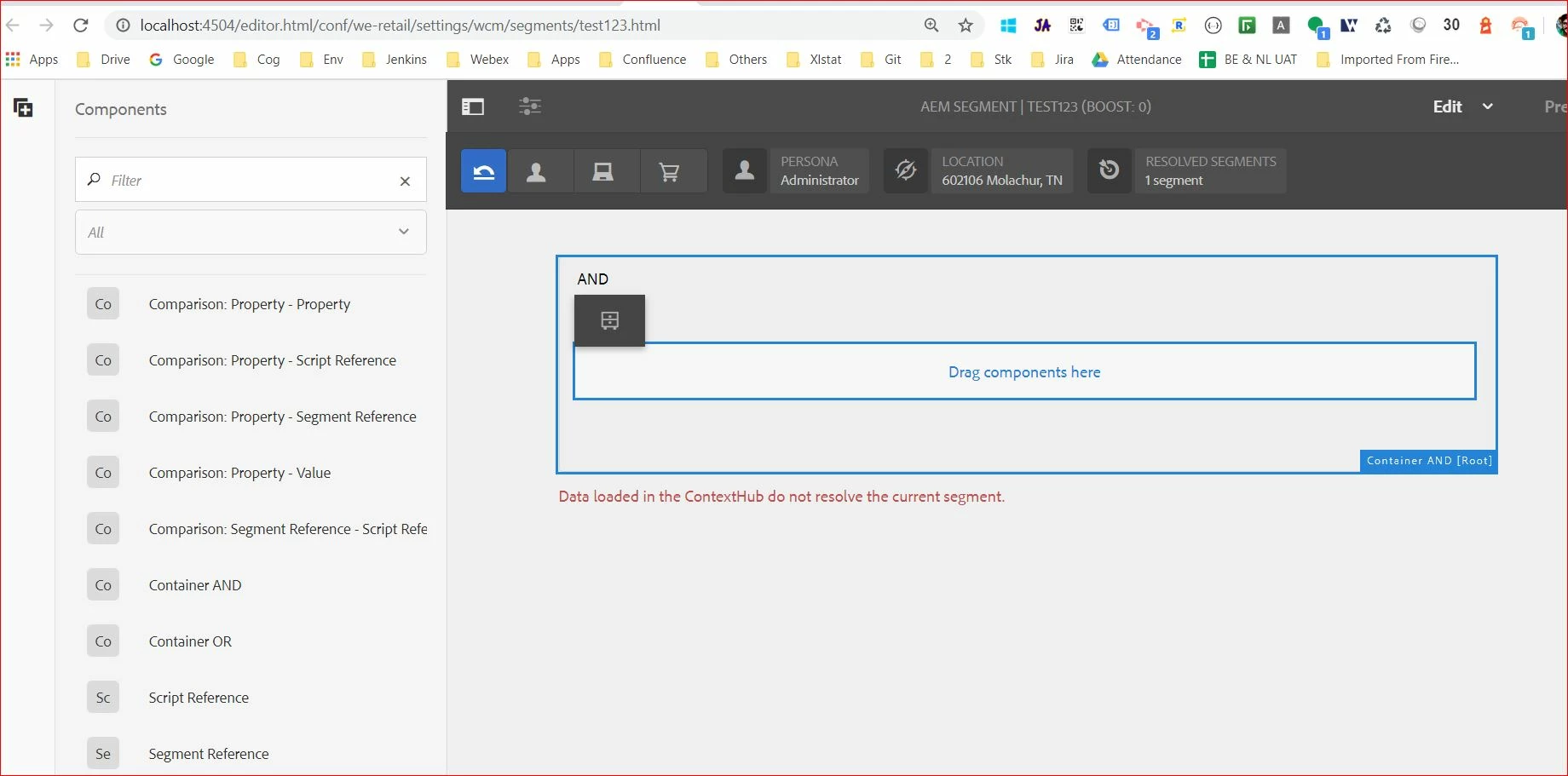
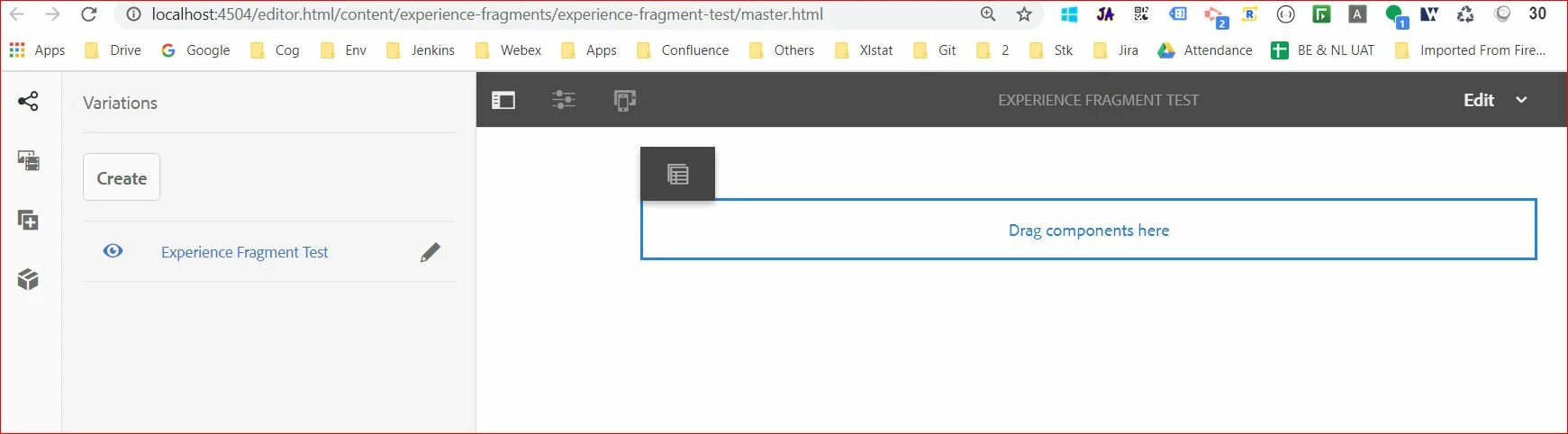
Even experience fragment also have the same problem, no + plus button and drag and drop is also not working.
Experience fragment page screen shot
Error log -
25.06.2020 18:07:21.218 *WARN* [0:0:0:0:0:0:0:1 [1593088641140] GET /editor.html/conf/we-retail/settings/wcm/segments/test123.html HTTP/1.1] org.apache.sling.caconfig.resource.impl.def.DefaultConfigurationResourceResolvingStrategy Ignoring reference to /conf/we-retail/settings from /conf/we-retail/settings - Probably misconfigured as it ends with '/settings'
The we-retail config shipped with aem and I dont see any misconfiguraion. The interesting thing is we have tried the same steps without service pack 8 where we don’t see this issue at all, able to see + button to add component on both segment and experience fragment pages. Is this known issue on service pack 8?
Note - Restarted my AEM instance after installation of service pack 8, tried restarting my entire machine as well. Tried to setup 3 AEM instances and all ended up the same problem.