


Troubleshooting the 200-Node Limit that Breaks AEM Assets Metadata Form Schema Import
Sharing a specific AEM Assets issue I ran into and its solution.
Steps to reproduce the issue:
- Goto https://experience.adobe.com/?repoId=author-pXX-eXX.adobeaemcloud.com#/@myorg/assets/importmetadataform/
- The environment should have more than 600 user groups with ACE permissions.
- Hit Import metadata
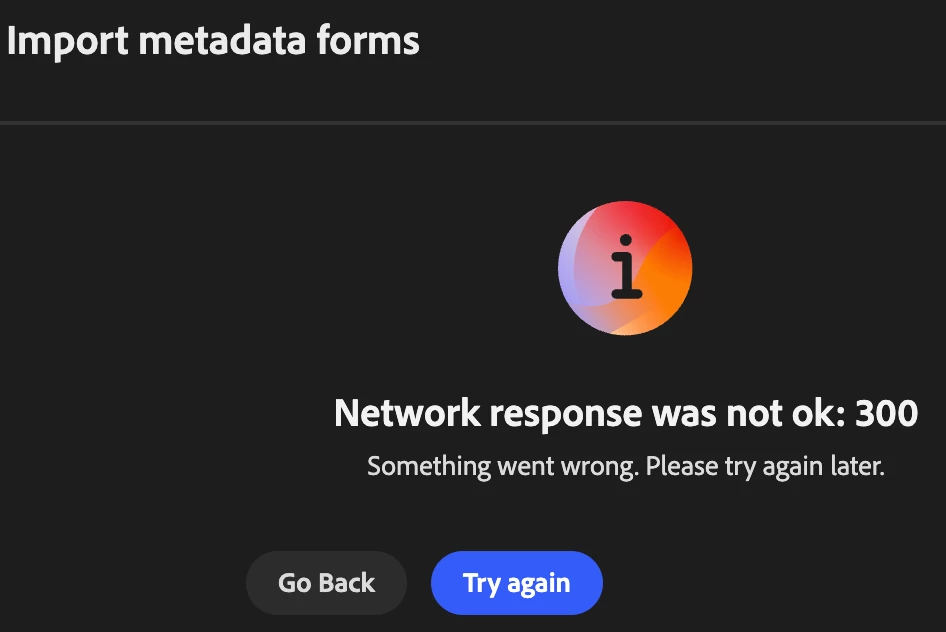
- Import will throw this error
Root cause:
Specifically https://author-pXX-eXX.adobeaemcloud.com/conf/global/settings/dam/adminui-extension/metadataschema/rep:policy.-1.json this request returns 300. While loading the import wizard, the Assets viewer tries to load complete rep:policy under metadataschema to show allowed schemas. This is an expensive operation and throws 300, if the number of nodes under /conf/global/settings/dam/adminui-extension/metadataschema/rep:policy is more than default 200 nodes
Fix:
The current bandage to fix this issue is to bump the max nodes for GetDefaultServlet to larger number. Create an osgi config under apps/myapp/osgiconfig/config.author/org.apache.sling.servlets.get.DefaultGetServlet.cfg.json and add an entry
{
  "json.maximumresults:Integer":2500
}
This will allow the rep:policy.-1.json to load 200 instead of 300 and will fix the error.