Trigger a custom page when click a new button in the asset toolbar.
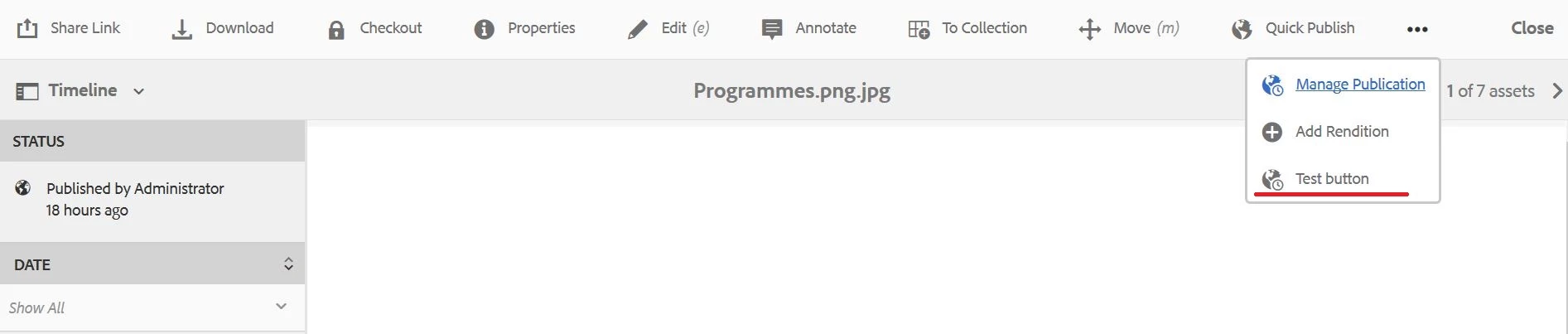
Hi everyone, I need to add a button in the asset toolbar (image below), what I'm trying to do is trigger a page like the "manage publication" button does (open a new page with options to run a workflow.), create a custom wizard.
As a test I'm tried copy the button on "/libs/wcm/core/content/sites/jcr:content/actions/selection" and copy to the path "/apps/dam/gui/content/assetdetails/jcr:content/actions/testButton" (where my button is), but is not working.
Im a little lost with this process.
I have not found documentation of this case.
Also, my other question is the right direction to create the steps (page) that will trigger the button.
Is better to create manually the page adding nodes directly to the CRXDE or should I create a site and link the page to the action button?.
Thanks in advance! 