Translations are retranslated when updating a Language Copy
I created Language Copies with machine translation for different languages. The machine translations had to be adjusted afterwards with regard to corporate language, which is why the Language Copies were reworked again manually.
Now I have added new components to a page in the Language Master and want to transfer and translate these updates to the Language Copies. If I now follow the recommended process for updating Language Copies (https://experienceleague.adobe.com/docs/experience-manager-learn/sites/multi-site-management/updating-language-copy.html?lang=en), all contents of the page are always completely retranslated and so the manual language adjustments are overwritten again with machine translation. 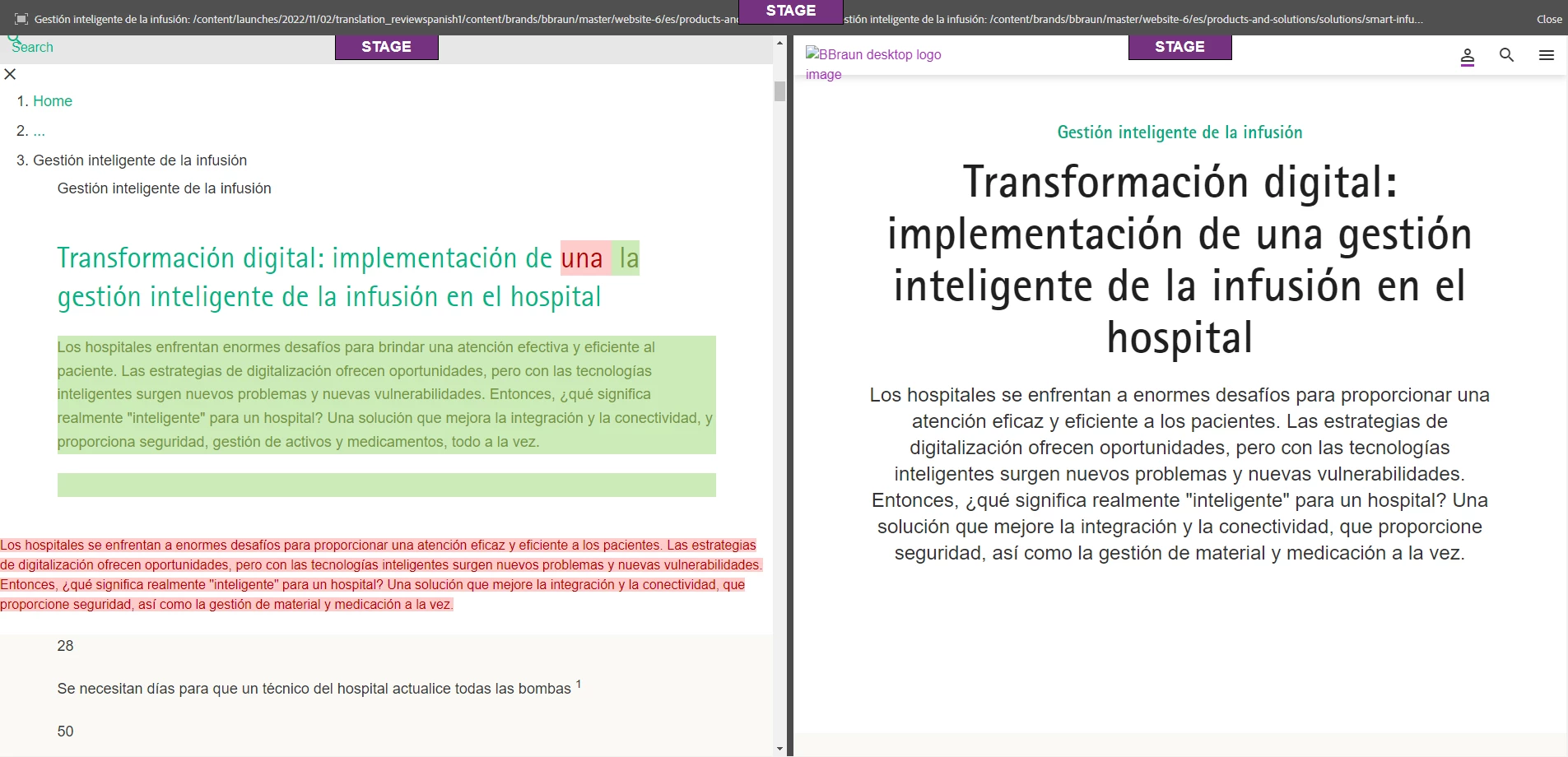
How can I make sure that only the new content of the Language Master is translated and added to the Language Copy? Or am I not using MSM the way it is intended?
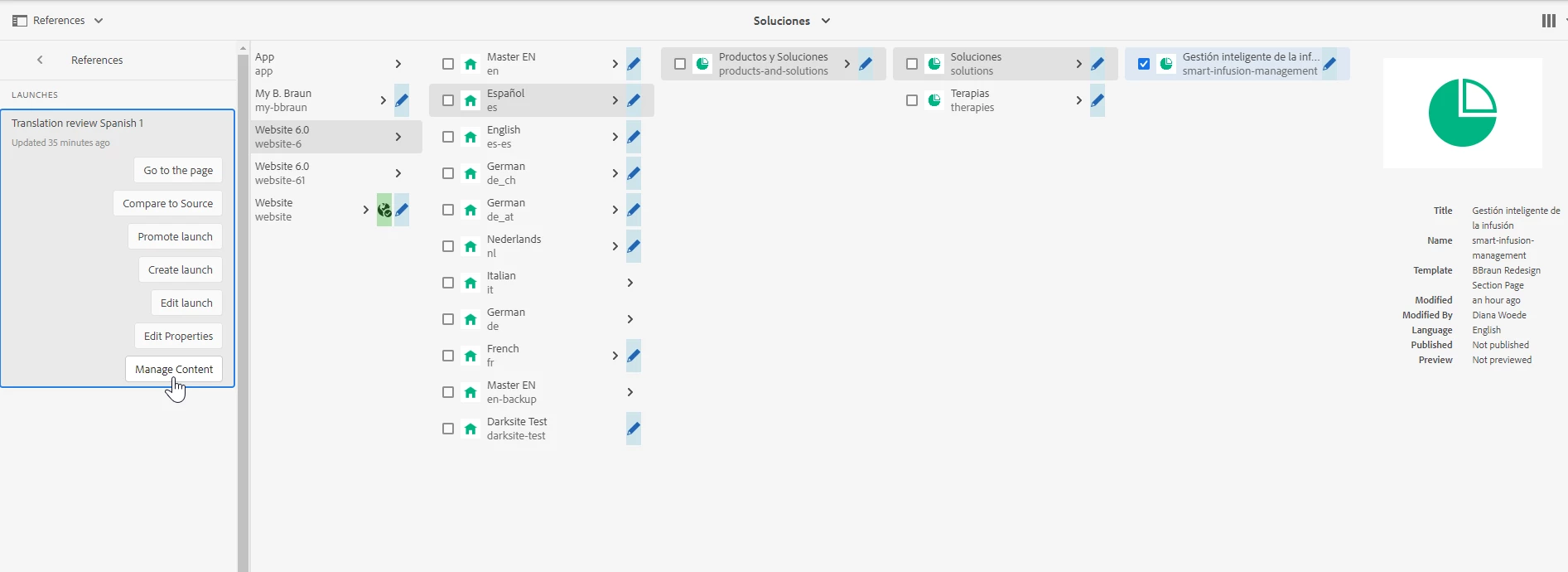
If I understand it correctly, I can use the launch function "Manage Content" to adjust the content before the launch is promoted. This would allow me to re-integrate the manual changes. Would this be the right way or are there better options here?