
SVG Image not showing up in sidepanel and component dialog preview | Community
Skip to main content
bilal_ahmad
Level 5
April 19, 2020
Solved

SVG Image not showing up in sidepanel and component dialog preview

  • April 19, 2020
  • 1 reply
  • 3110 views

Dear members,

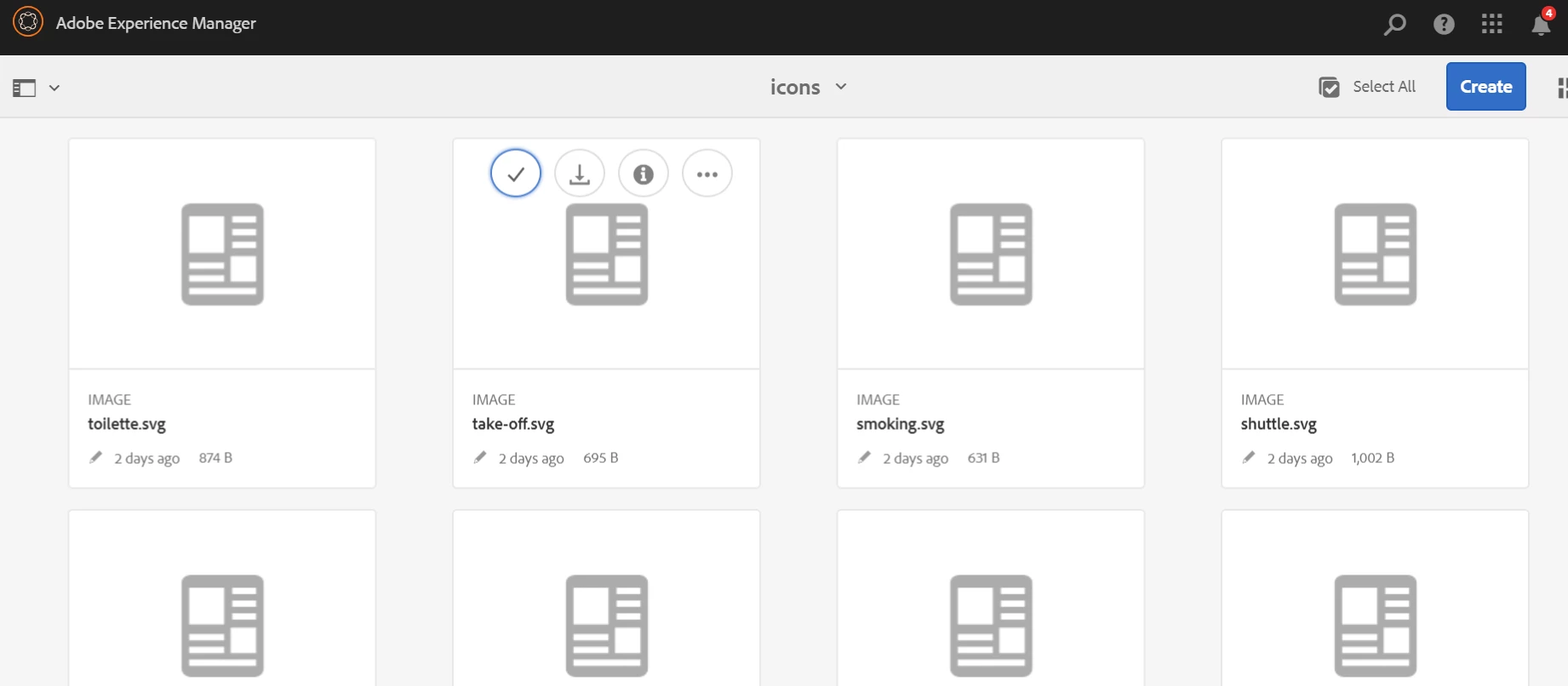
Problem#1: I have uploaded the SVG images in DAM but it's not generating the thumbnails.
 

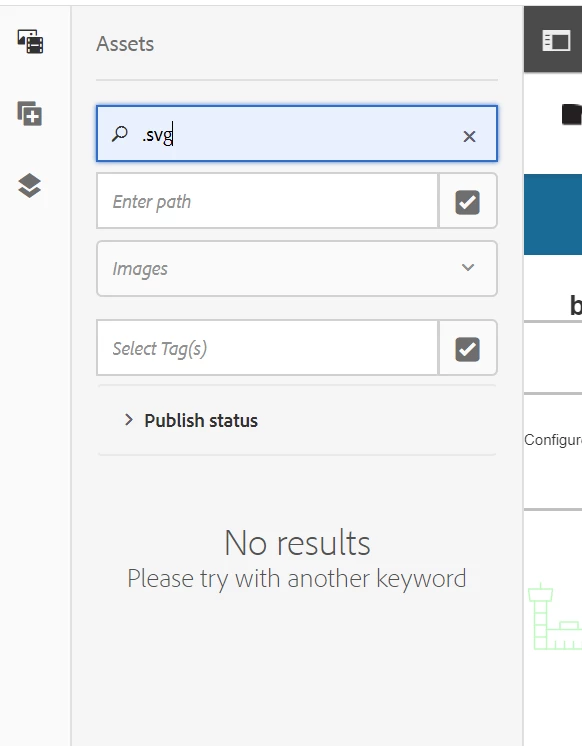
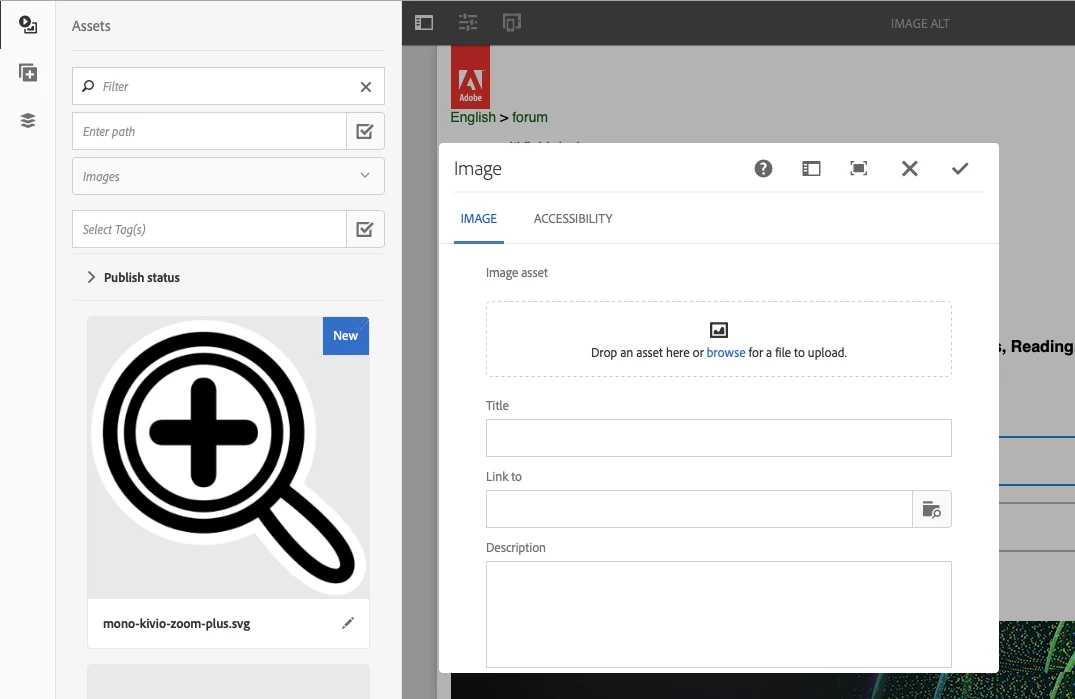
Problem#2: They don't even appear when I search them in the side-panel(in order to author it on the page):
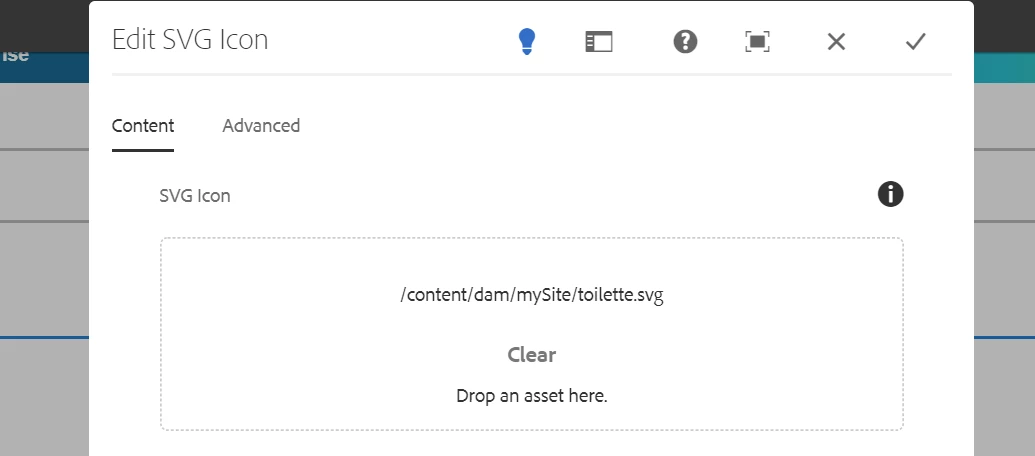
Problem#3: When I copy the svg asset path from the dam and author it(or add it in the back end[crx/de]), it appears onto the page but when I open the dialog, it doesn't preview:
 

Can anyone please help me with this? Much appreciate the help and thanks in advance.


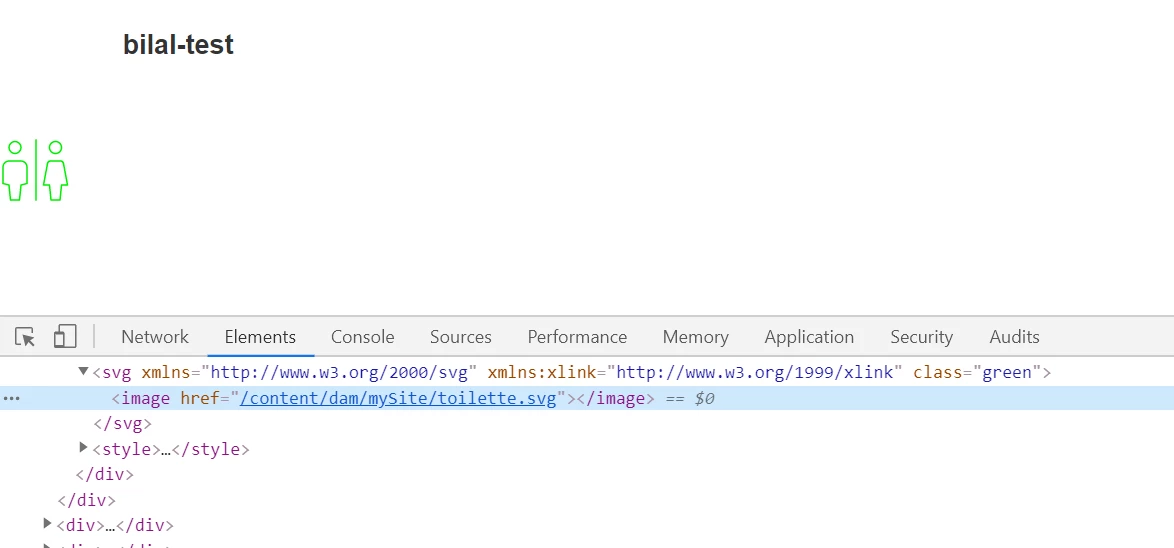
BTW, once I place the correct path, the image appears on the page:
@arunpatidar @ahmedmusallam, your valuable thoughts on this ?


Thanks, Bilal.
This post is no longer active and is closed to new replies. Need help? Start a new post to ask your question.
Best answer by arunpatidar

Check the dialog file item mime type.

                                                mimeTypes="[image/gif,image/jpeg,image/png,image/tiff,image/svg+xml]"

 check DAM assets upload workflow to check rendition nd thumbnail for svg 


I checked in 6.3, works for me


1 reply

arunpatidar
Community Advisor
arunpatidarCommunity AdvisorAccepted solution
Community Advisor
April 19, 2020

Check the dialog file item mime type.

                                                mimeTypes="[image/gif,image/jpeg,image/png,image/tiff,image/svg+xml]"

 check DAM assets upload workflow to check rendition nd thumbnail for svg 


I checked in 6.3, works for me


Arun Patidar