Style not appliying to text component | Community
Skip to main content
Level 2
November 16, 2022

Style not appliying to text component

  • November 16, 2022
  • 3 replies
  • 1316 views

Hi all, I'd like to ask for your help with this, thanks in advance for checking it.


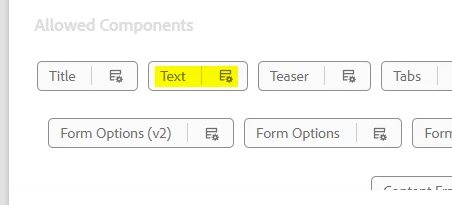
I have a text component on a template:
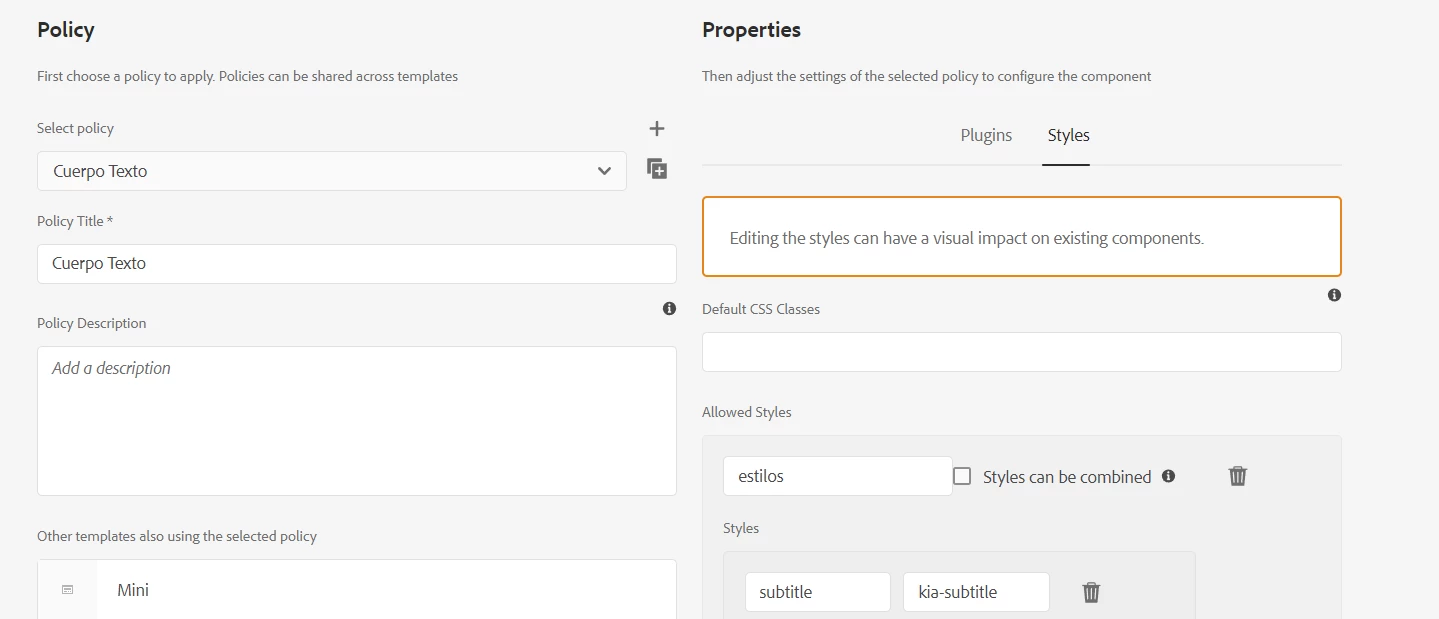
I added a style to it:
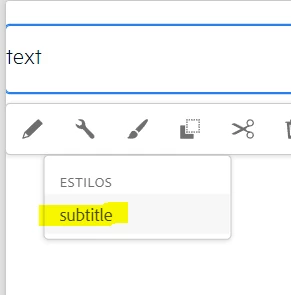
The style is showing in the style menu
 

I select the style:
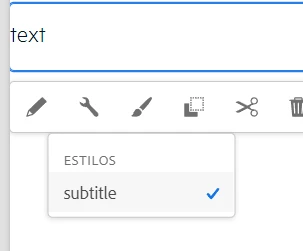
 

But after selecting and enter in the Style menu again it appears unselected and the style never applies to the component.


I tried with other components adding fake styles and those apply, the issue happens only in the Text component.


Thanks for your support.

This post is no longer active and is closed to new replies. Need help? Start a new post to ask your question.

3 replies

SantoshSai
Community Advisor
Community Advisor
November 16, 2022

Hi @pixeldvx ,

Please ensure if the applied style's id matches as the style id in the policy.

Hope that helps!

Regards,

Santosh

Santosh Sai
pixeldvxAuthor
Level 2
November 16, 2022

Hi Santosh, thanks for your reply.


It matches, but the odd thing is that if I put, for example, in a List component the style "fake" in the policies and then I select it in the authoring it works, I mean, it applies the style and adds the class in the HTML to the component, but in this case for the text component I just can't select the style on the menu because it always switch to unselected automatically.

Mani_kumar_
Community Advisor
Community Advisor
November 16, 2022

Hi @pixeldvx ,


Check this article which explains step by step to have custom styles added to the component.

https://experienceleague.adobe.com/docs/experience-manager-65/authoring/siteandpage/style-system.html?lang=en


Hope that helps!!!

pixeldvxAuthor
Level 2
November 17, 2022

Thanks for your answer Manikumar, however I already checked that, and other documentation and the bug is only with the Text component, I guess is something not related to the style itself but to the component or the platform, I don't know and don't have any clue.

nitesh_kumar-1
Adobe Employee
Adobe Employee
December 14, 2022

Hi @pixeldvx ,


Not sure which version of core components are you using, but could you check if the issue still exists with the newer release, you can find it here:- 

https://github.com/adobe/aem-core-wcm-components/releases 


Regards,

Nitesh