Level 6
Apr 21, 2022 2:10 PM UTC
Solved

Sitemap generation using scheduler

Hi,


I am using aem 6.5.11.0, my requirement is to generate sitemap using service pack11 and Im following this article to generate https://aemsimplifiedbynikhil.wordpress.com/2021/12/01/apache-sling-sitemap-for-aem-6-5-11-and-aemaacs/

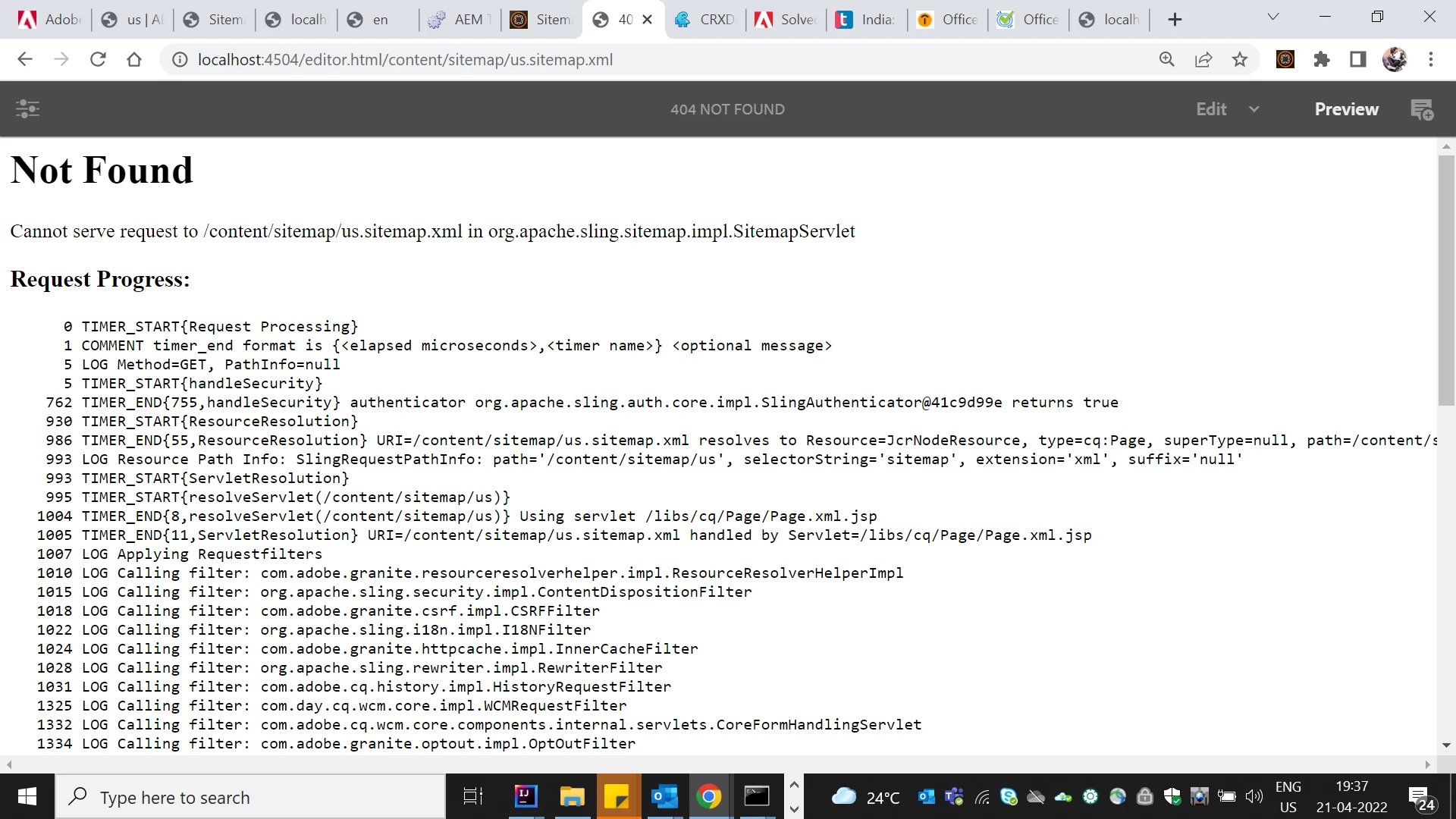
But im not adding any dispatcher configurations as mentioned in the article When I try to access sitemap.xml its throwing error, is it because of omitting dispatcher configuration part? PFA 


This post is no longer active and is closed to new replies. Need help? Start a new post to ask your question.
Anish-Sinha
Anish-SinhaAccepted solution
Adobe Employee
Apr 21, 2022 2:54 PM UTC

Hi @vani1012 ,

You don't need the dispatcher configuration to enable the sitemap on localhost. You just need to perform 2 steps.

For generating the sitemap using the scheduler, make sure you are adding the properties and scheduler expression and then restarting the instance. It should work once cron expression is executed. No additional configuration is needed.


For on demand, follow the below steps:

  1. Navigate to /system/console/configMgr and look for service "Apache Sling Sitemap – Sitemap Generator Manager" and check the property "All on-demand" as shown in the below image
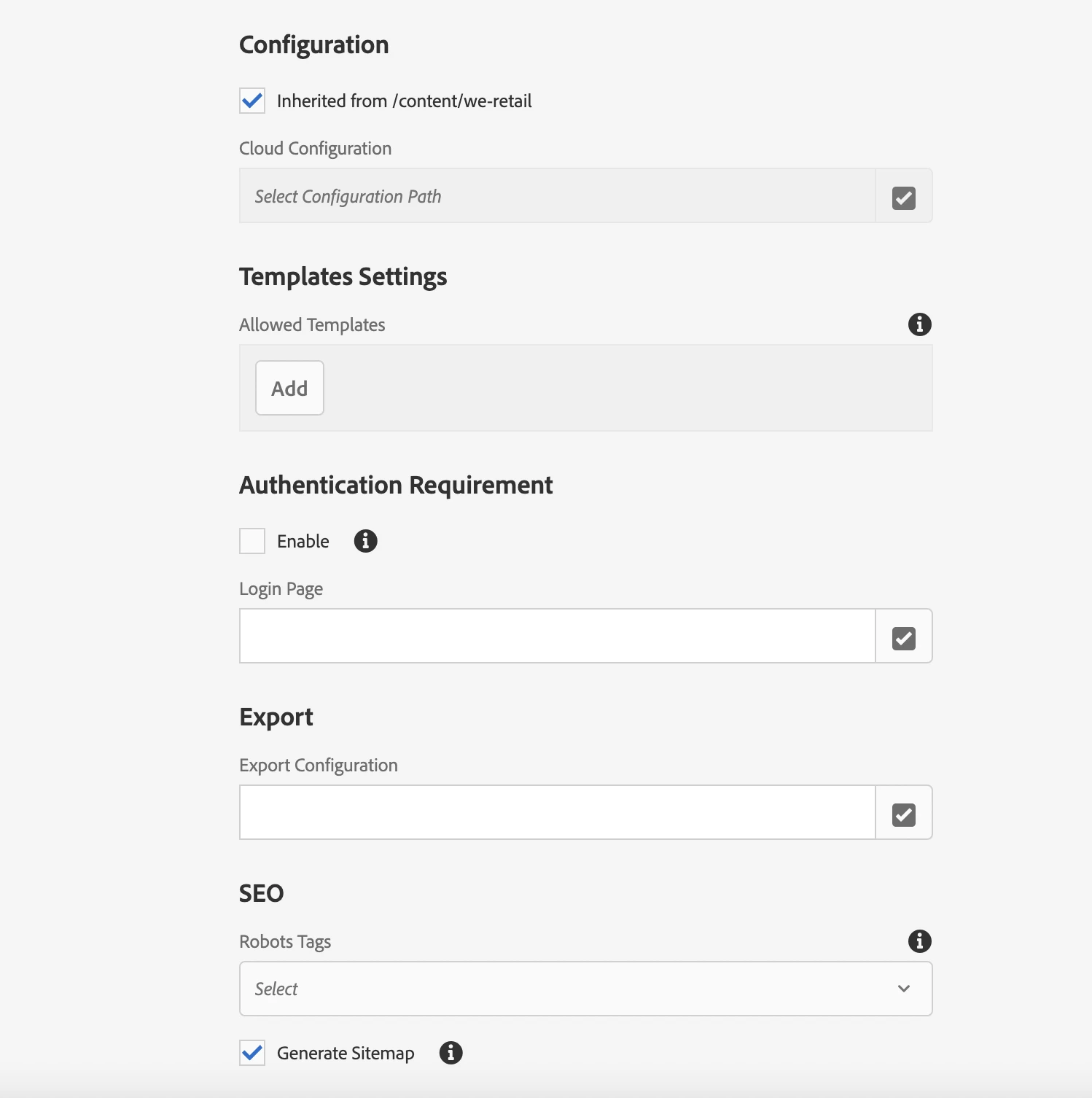
  2. Go to page properties of your parent page and in Advanced tab check "Generate Sitemap" checkbox. Screenshot below
  3. Now hit any the page or any child page where you set this checkbox true. You should see the sitemap on the page.
  4. If you still not see, try restarting you AEM instance and then check

5 replies

Anish-Sinha
Adobe Employee
Anish-SinhaAdobe EmployeeAccepted solution
Adobe Employee
Apr 21, 2022 2:54 PM UTC

Hi @vani1012 ,

You don't need the dispatcher configuration to enable the sitemap on localhost. You just need to perform 2 steps.

For generating the sitemap using the scheduler, make sure you are adding the properties and scheduler expression and then restarting the instance. It should work once cron expression is executed. No additional configuration is needed.


For on demand, follow the below steps:

  1. Navigate to /system/console/configMgr and look for service "Apache Sling Sitemap – Sitemap Generator Manager" and check the property "All on-demand" as shown in the below image
  2. Go to page properties of your parent page and in Advanced tab check "Generate Sitemap" checkbox. Screenshot below
  3. Now hit any the page or any child page where you set this checkbox true. You should see the sitemap on the page.
  4. If you still not see, try restarting you AEM instance and then check
Translate
Sanjay_Bangar
Community Advisor
Community Advisor
Apr 22, 2022 4:40 AM UTC

Hi @vani1012 ,

I think you followed correct and can you please remove edit.html from your url and try it.

localhost:4504/content/sitemap/us.sitemap.xml

For local don't required any dispatcher setup to check the sitemap.


Translate
Vani1012Author
Level 6
Apr 22, 2022 4:53 AM UTC

Hi @sanjay_bangar,


Yeah I removed edit.html from url in author instance I am getting the output correctly,but

but when I access at publish instance the us.sitemap.xml isnt even loading

Translate
Level 5
Sep 20, 2022 11:25 AM UTC

Hi, Did u find the reason why in Publish its not working. Facing same issue. 

Translate