Hi @src_aem_dev
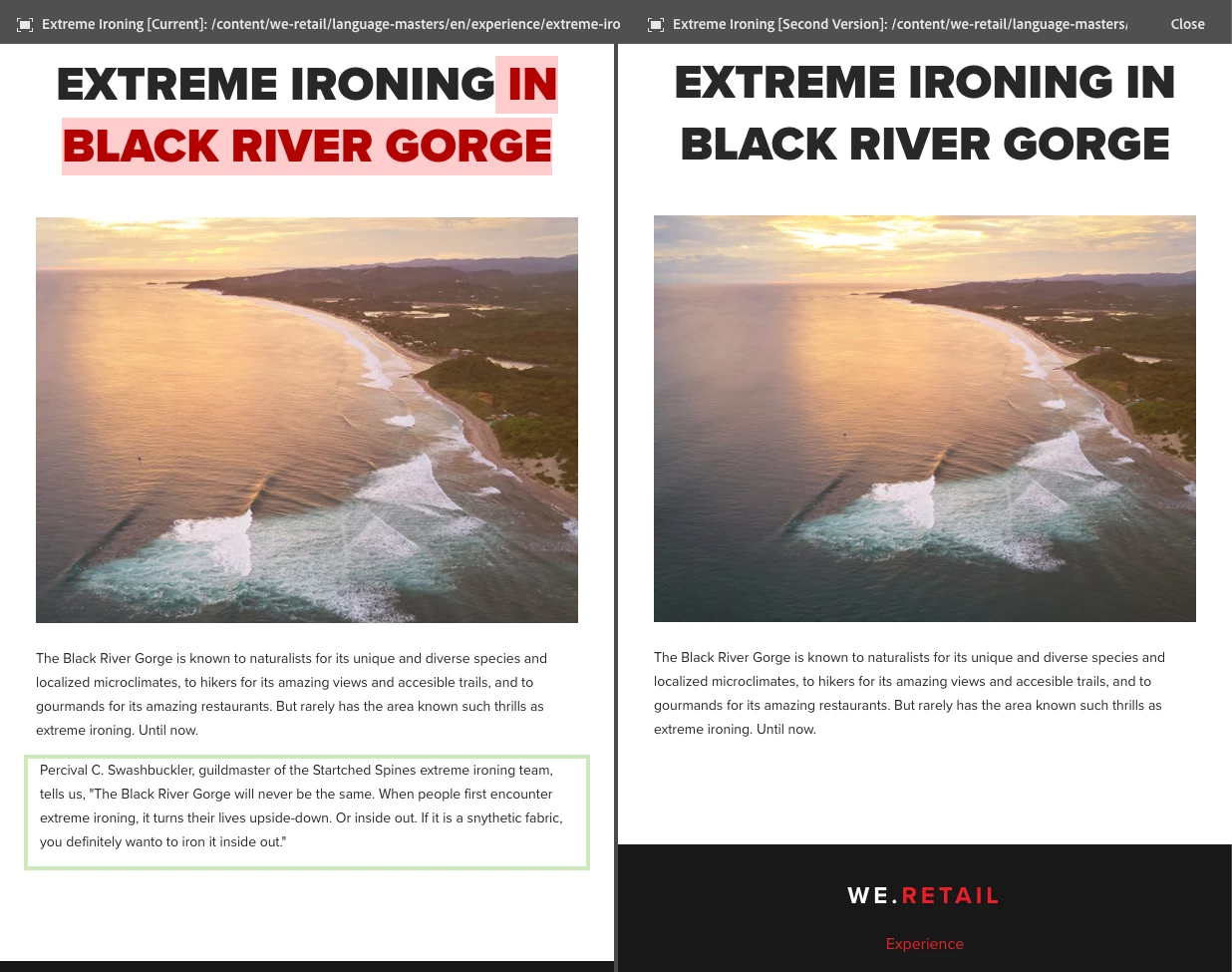
Yes, it is possible to highlight the modifications made by an author when an approval for publish is requested. This can be achieved using the "Track Changes" feature in Adobe Experience Manager (AEM).
Here are the steps you can follow to enable Track Changes and highlight modifications made by an author:
1. Open the page that has been modified by the author in AEM.
2. Click on the "Edit" button to open the page in edit mode.
3. Click on the "Track Changes" button in the top toolbar. This will enable Track Changes mode.
4. Make the necessary modifications to the page.
5. Save the changes and close the page.
6. Request approval for publish by clicking on the "Request Publication" button.
7. The approver will receive a notification and can open the page in AEM.
8. In the top toolbar, the approver can click on the "Track Changes" button to view the modifications made by the author. The modifications will be highlighted in yellow.
9. The approver can review the modifications and either approve or reject the request for publication.