Adobe Champion
August 18, 2022
해결됨

Searching multiple text using AEM omni search interface

  • August 18, 2022
  • 2 답변들
  • 957 조회

I have a requirement to search multiple text using and operator in AEM out of the box Omni search as in the below screenshot.
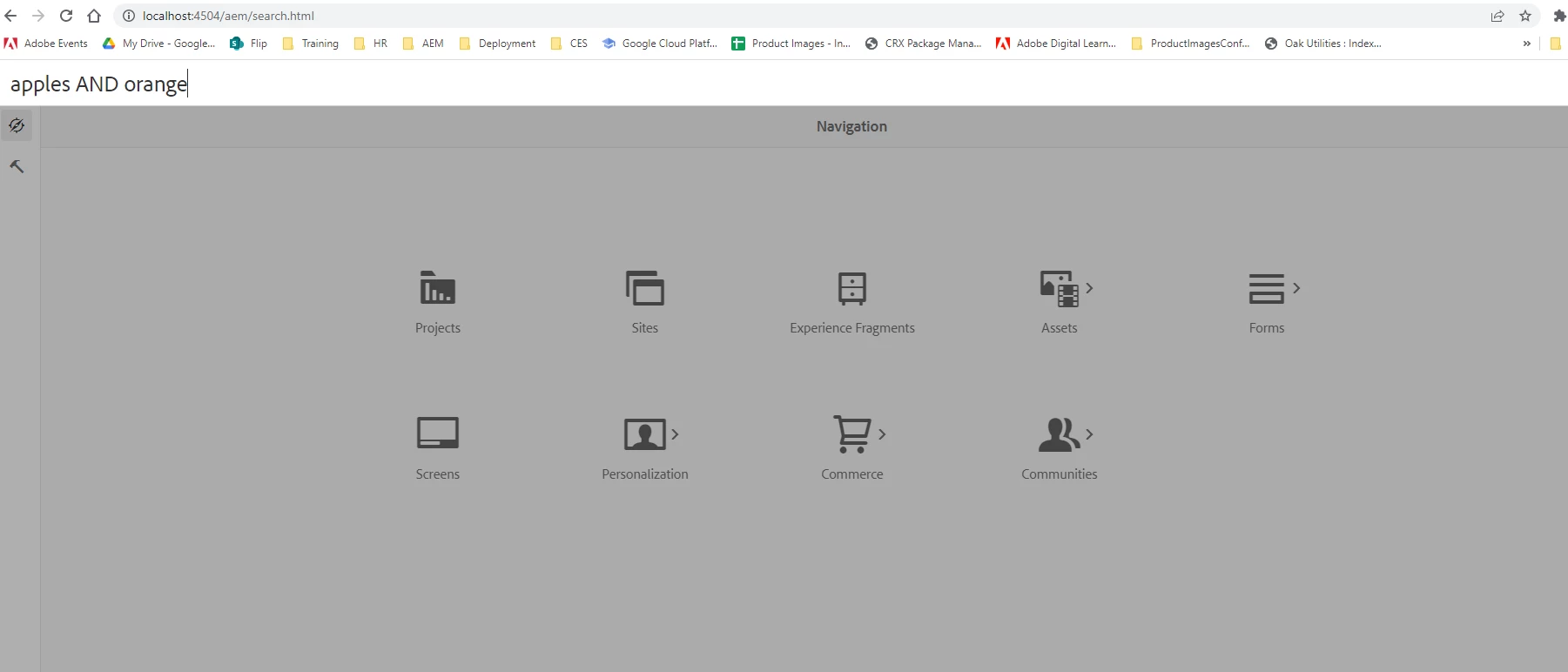
I am trying to search for apples AND oranges, but it is not giving the correct results. Does OOB search capable of doing it?

How can we search multiple  text in search interface?

이 주제는 답변이 닫혔습니다.
최고의 답변: lukasz-m

Hi @p_v_nair,

According to Adobe documentation:

So if you want to search for apple AND oranges, then your phrase should look like this:

"apple oranges"

Words should be separated by space and entire phrase should be in double quotes. In that case you will be looking for resources that contains exactly both phrases.

Please explore above documentation, as it contain many useful information how to utilize search in most efficient way.

2 답변

lukasz-m
Community Advisor
lukasz-mCommunity Advisor답변
Community Advisor
August 18, 2022

Hi @p_v_nair,

According to Adobe documentation:

So if you want to search for apple AND oranges, then your phrase should look like this:

"apple oranges"

Words should be separated by space and entire phrase should be in double quotes. In that case you will be looking for resources that contains exactly both phrases.

Please explore above documentation, as it contain many useful information how to utilize search in most efficient way.

P_V_NairAdobe Champion작성자
Adobe Champion
August 19, 2022

Thank you @lukasz-m for your reply.