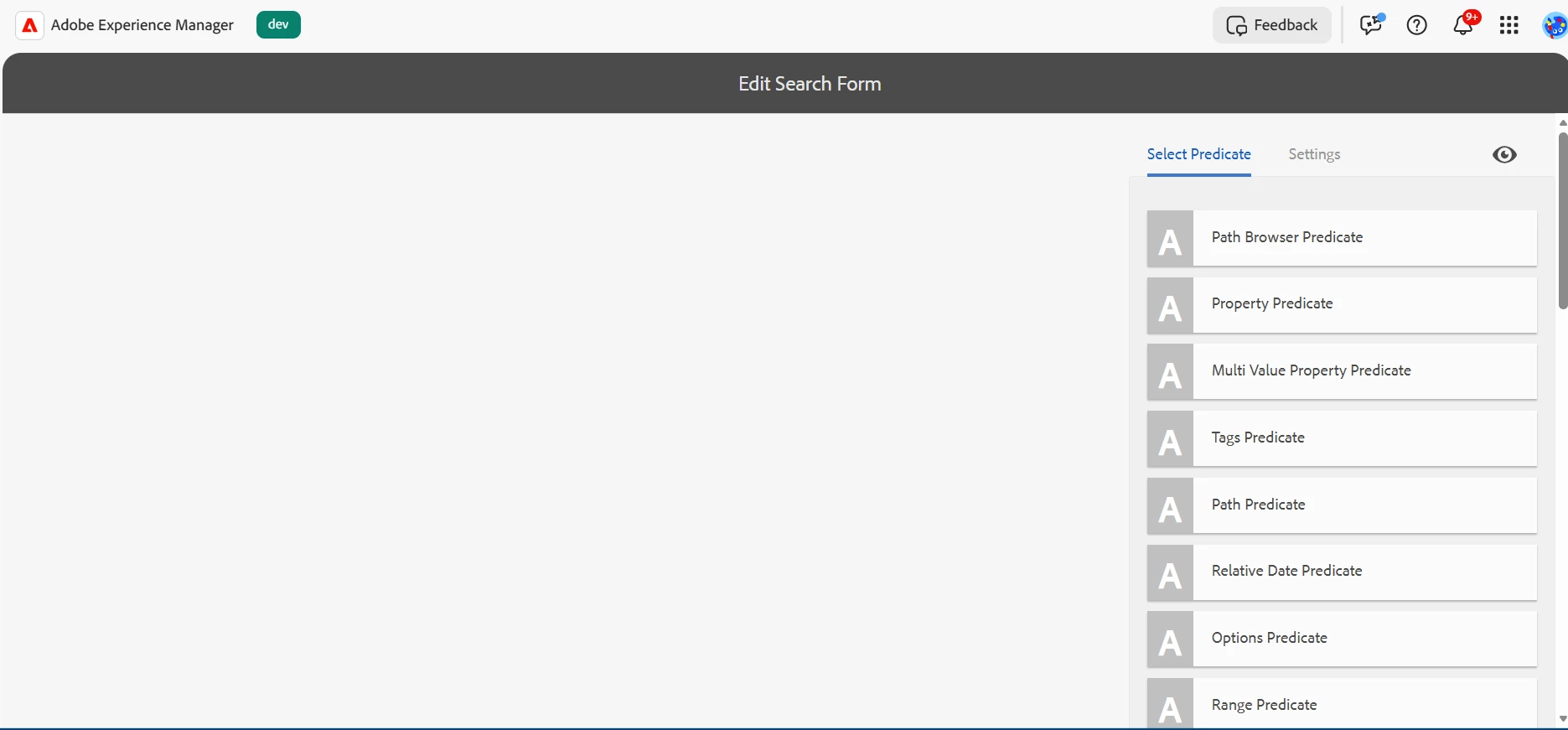
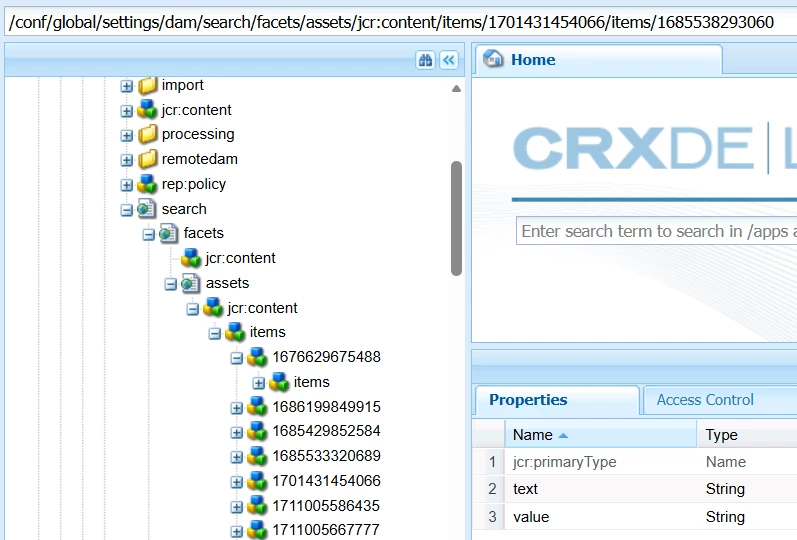
Search Facets editor is appearing empty , No properties are visible to edit. | Community
Skip to main content

3 replies

rk_pandian
Level 4
March 12, 2026

Hi ​@MujtabaKa2, maybe the user you have logged in with doesn’t have the necessary permissions to edit the facets? The required permissions are listed here: https://experienceleague.adobe.com/en/docs/experience-manager-65/content/assets/administer/search-facets#user-permissions


Regards,

Ramkumar

AmitVishwakarma
Community Advisor
Community Advisor
March 13, 2026

Hi ​@MujtabaKa2 

The editor is empty because you're opening the wrong (deprecated) UI and/or your /conf config is broken.

Fix:

  1. Do not use
  2. Use the Search Forms console instead:
  3. If it's still blank, reset the broken config:
Amit Vishwakarma - Adobe Commerce Champion 2025 | 16x Adobe certified | 4x Adobe SME
kautuk_sahni
Community Manager
Community Manager
March 16, 2026

@MujtabaKa2 Following up to see if this has been resolved. If you’ve found the answer, whether through the suggestions here or through your own troubleshooting, feel free to post the solution so others can benefit. If any reply helped along the way, marking it as accepted ensures the most useful information is easy to find. Thanks for helping close the loop!

Kautuk Sahni