Hi,
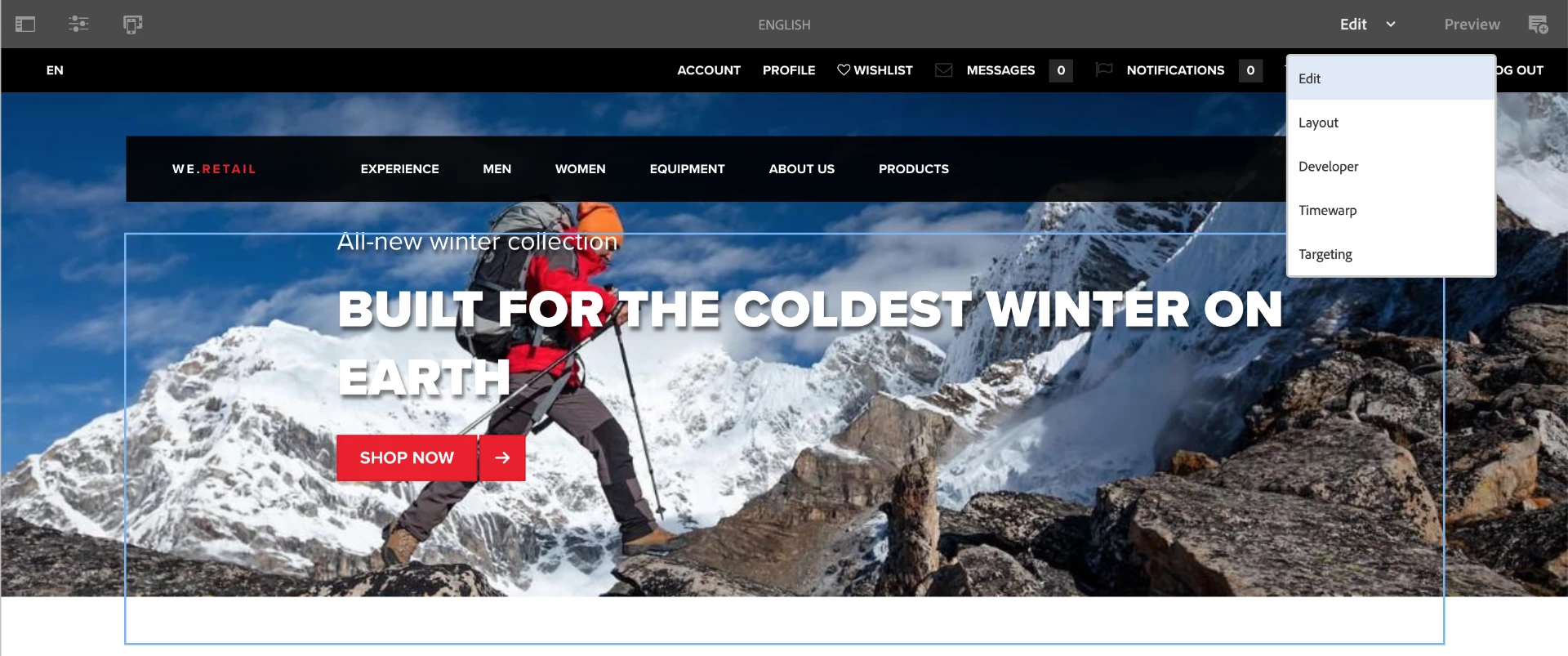
What did you do to try and activate Scaffolding mode?
Making the Scaffolding mode appear
- Go to the Classic UI: http://localhost:4502/libs/cq/core/content/welcome.html
- In the menu on the left select Tools
- In the node tree to the left select Default Page Scaffolding > Default Page Scaffolding
- Click on New... > New Page... and select the Scaffolding Template template
- Now double-click your new entry to the list in the main panel to open the editor
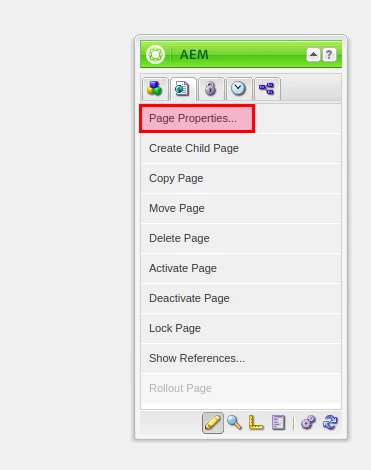
- In the AEM Pod (should be floating to the right of the screen), select Page Properties...
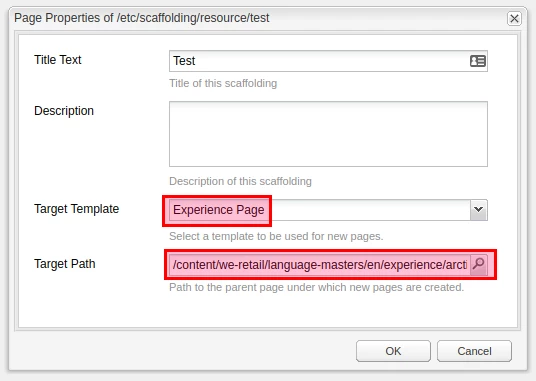
- In the dialog box, enter a Target Path pointing to the page which you want to build a scaffold from (I chose http://localhost:4502/editor.html/content/we-retail/language-masters/en/experience/arctic-surfing-in-lofoten.html for example) and a Target Template pointing to the template to use (I chose the template of my target page).
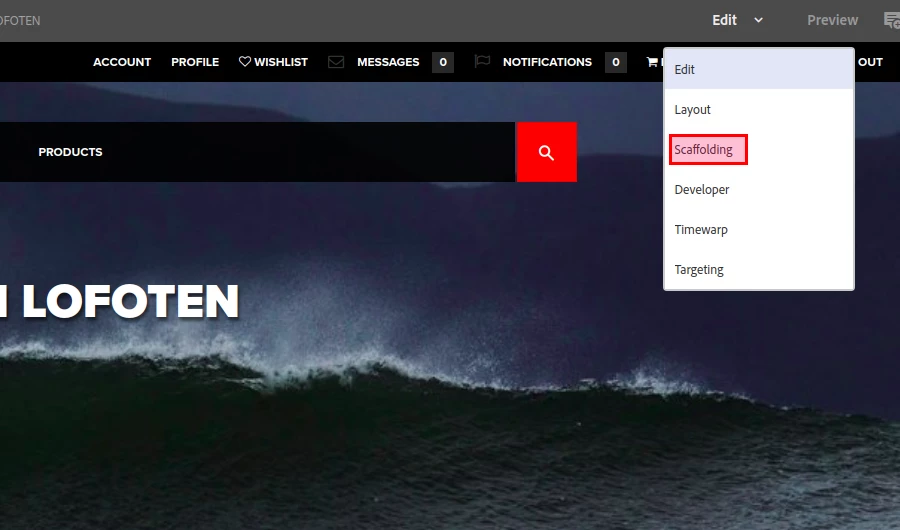
- Click OK and open your target page in the editor, you'll now see the Scaffolding option among the edit modes:
Alternatives
You may notice that the documentation for Scaffolding is present but limited for AEM 6.5, but the entries in the Classic UI Tools menu are marked as "(Deprecated)":
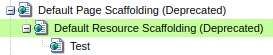
I'm not sure what the official position of Adobe is on the subject (maybe someone can tell us if they have more info), but you could consider using Content Fragments and Dynamic Templates instead, two features that are going strong in AEM 6.5.
Basically the idea would be to create a template that allows one Image and one Content Fragment component for example. Then create a Content Fragment Model which would allow users to create new Content Fragments using a simple form-based interface. They would just need to point the Content Fragment component to their Content Fragment  I'm not sure exactly what your requirement is so it's just a suggestion of course.